214733 204 Revision A
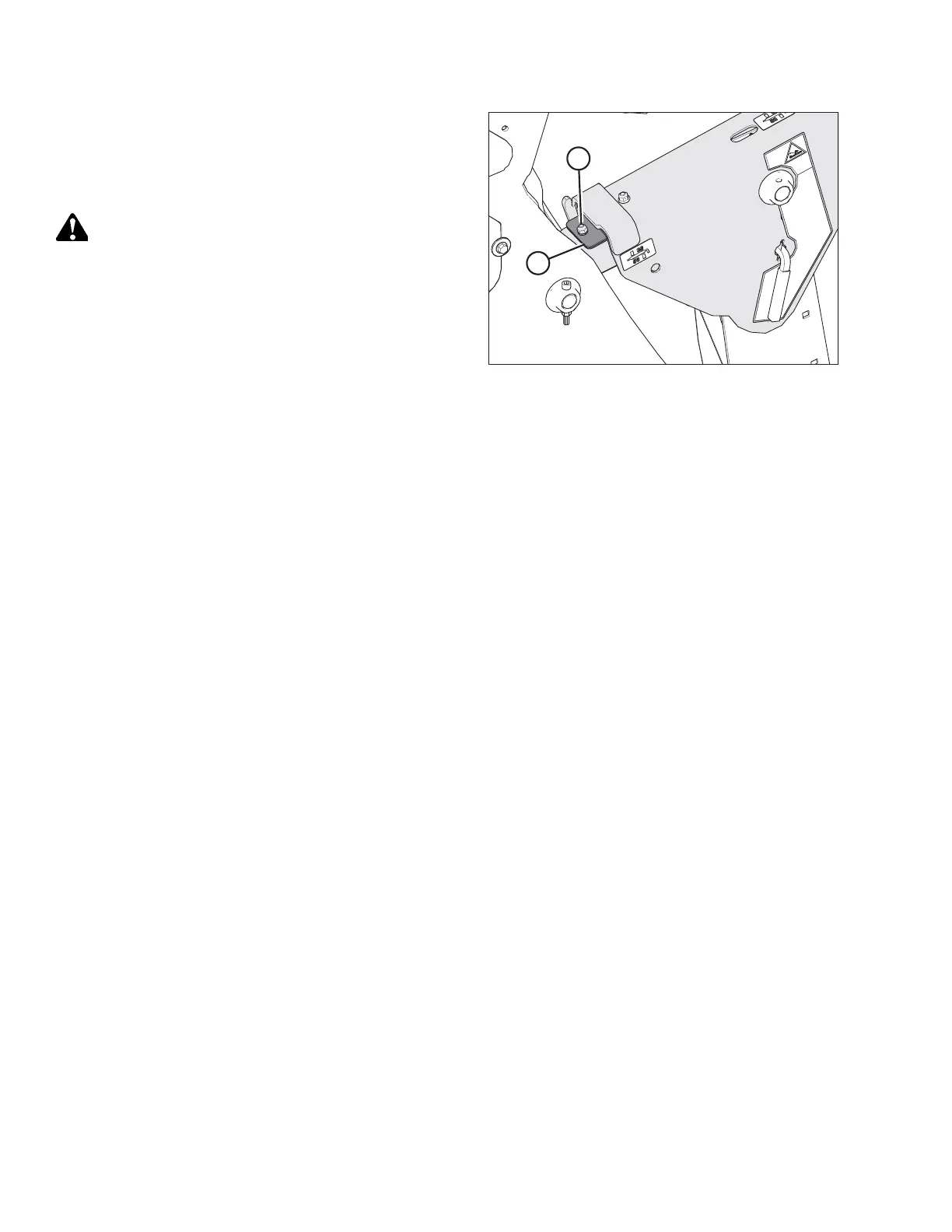
Figure 4.202: Lift Linkage Shims
12. On the side that is higher, remove nut, washer, and bolt (A)
that attaches shims (B) to the linkage.
13. Remove one or both of the shims (B) and reinstall the
hardware (A).
CAUTION
Check to be sure all bystanders have cleared the area.
14. Repeat Step 5, page 203 to Step 9, page 203 to rephase the
cylinders and check the header level.
15. If additional adjustment is required, repeat Step 10, page
203 to Step 13, page 204, and install one of the removed
shims on the opposite linkage.
16. Reset the header float. Refer to Setting the Float, page 187.
NOTE:
Additional shims are available from your Dealer.
4.7.5 Reel Speed
Reel speed is controlled with switches on the ground speed lever (GSL) in the cab. On draper headers, reel speed can run
independently, or be set relative to the ground speed of the windrower using the header index feature. Refer to your
header’s operator manual for specific windrowing guidelines and recommended speeds.
Adjusting Reel Speed
Reel speed is displayed in either rpm, mph, or km/h (depending on the global units selection). The default reel speed is 60
rpm and can be set to auto or manual mode.
• AUTO mode: Minimum reel speed and operating reel speed differential relative to ground speed are set, and reel speed
is maintained relative to ground speed. Refer to Setting Reel Speed in Auto Mode, page 205.
• MANUAL mode: Reel speed is set and is maintained regardless of ground speed. Refer to Setting Reel Speed in Manual
Mode, page 206.
NOTE:
Both speed modes work with the One-Touch-Return feature. For example, button A on the GSL can be set for MANUAL
mode and button B can be set for AUTO mode. Refer to One-Touch-Return Buttons (A, B, C), page 74 .
OPERATION



 To Next Page