214733 241 Revision A
Adjusting Disc Pressure Alarm
Adjusting the disc alarm allows the operator to set an alert to inform them that the disc is operating at a desired pressure.
A lower setting will cause the alarm to be set off more often; a higher setting will allow the alarm to be set off less
frequently. This adjustment requires the header to be in operation.
CAUTION
Check to be sure all bystanders have cleared the area.
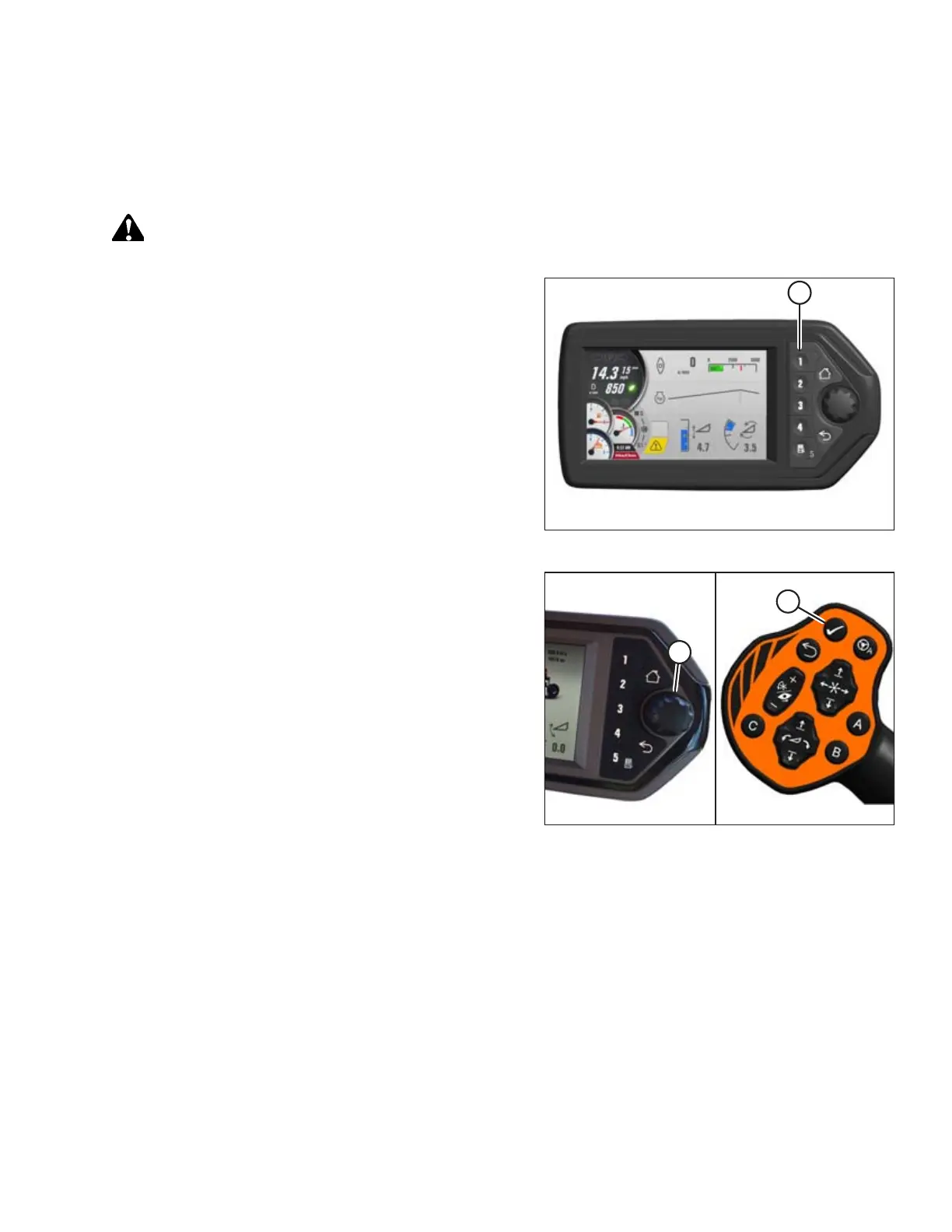
Figure 4.282: Disc Header Run Screen 1
1. If RUN SCREEN 1 is not already displayed, press soft key
1 (A) on the Harvest Performance Tracker (HPT) to display
draper RUN SCREEN 1.
Figure 4.283: HPT Scroll Knob and GSL Select Button
2. Press the scroll knob (A) on the Harvest Performance
Tracker (HPT) or the SELECT button (B) on the ground speed
lever (GSL) to display the QuickMenu system.
OPERATION



 To Next Page