214733 144 Revision A
4.4 Attaching and Detaching Headers
4.4.1 A40DX Auger Header
Attaching an A40DX Auger Header
CAUTION
To avoid bodily injury or death from unexpected startup of machine, always stop engine and remove key from ignition
before leaving operator’s seat for any reason.
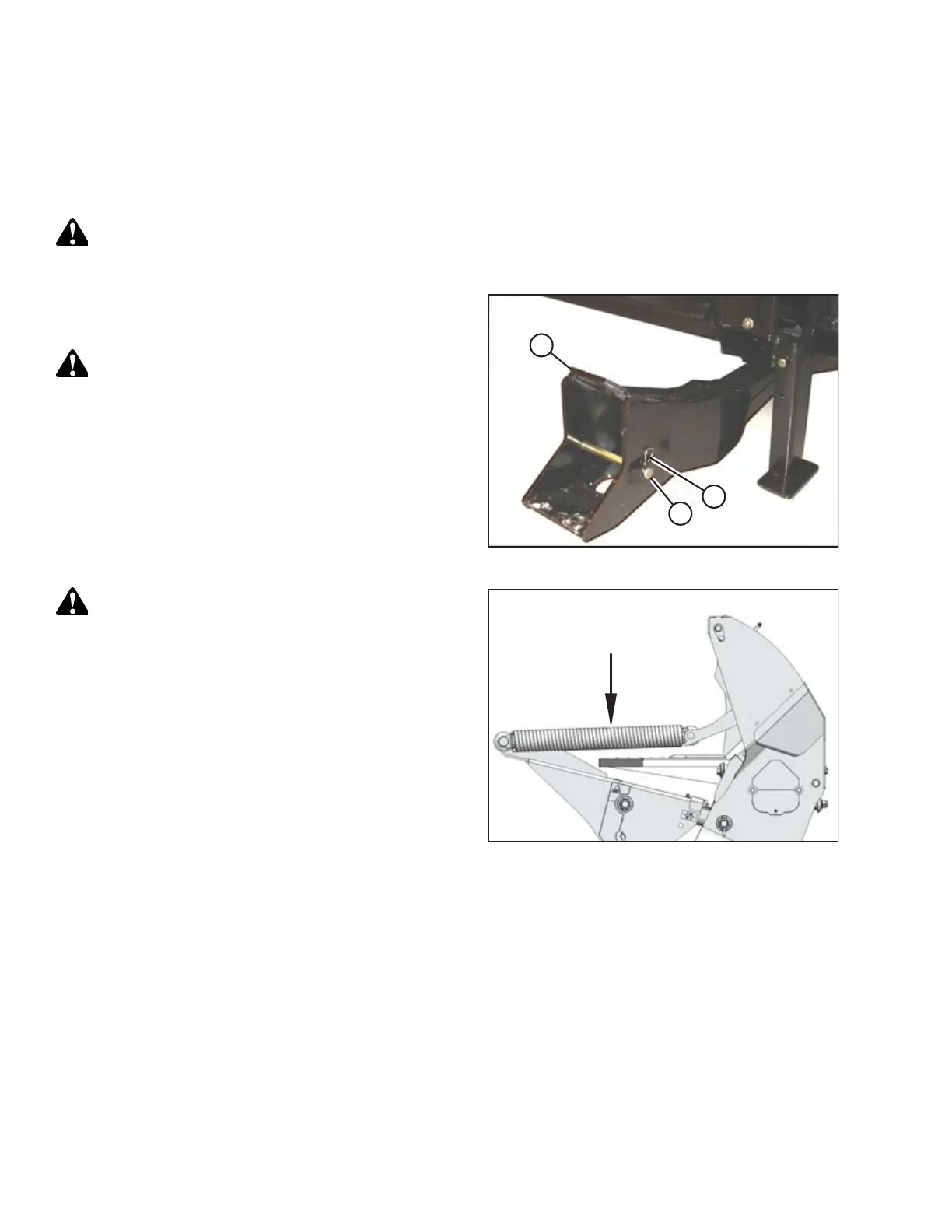
Figure 4.62: Header Support
1. Remove hairpin (A) from pin (B), and remove pin from
header supports (C) on both sides of header.
CAUTION
Check to be sure all bystanders have cleared the area.
2. Start engine.
Figure 4.63: Header Float Springs
CAUTION
When lowering header lift legs without a header or weight box
attached to the windrower, ensure the float springs tension is
fully released to prevent damage to the header lift linkages.
NOTE:
If not prompted by the Harvest Performance Tracker (HPT)
display to remove float, remove float manually by doing the
following:
OPERATION



 To Next Page