214733 198 Revision A
Locking the Swath Compressor
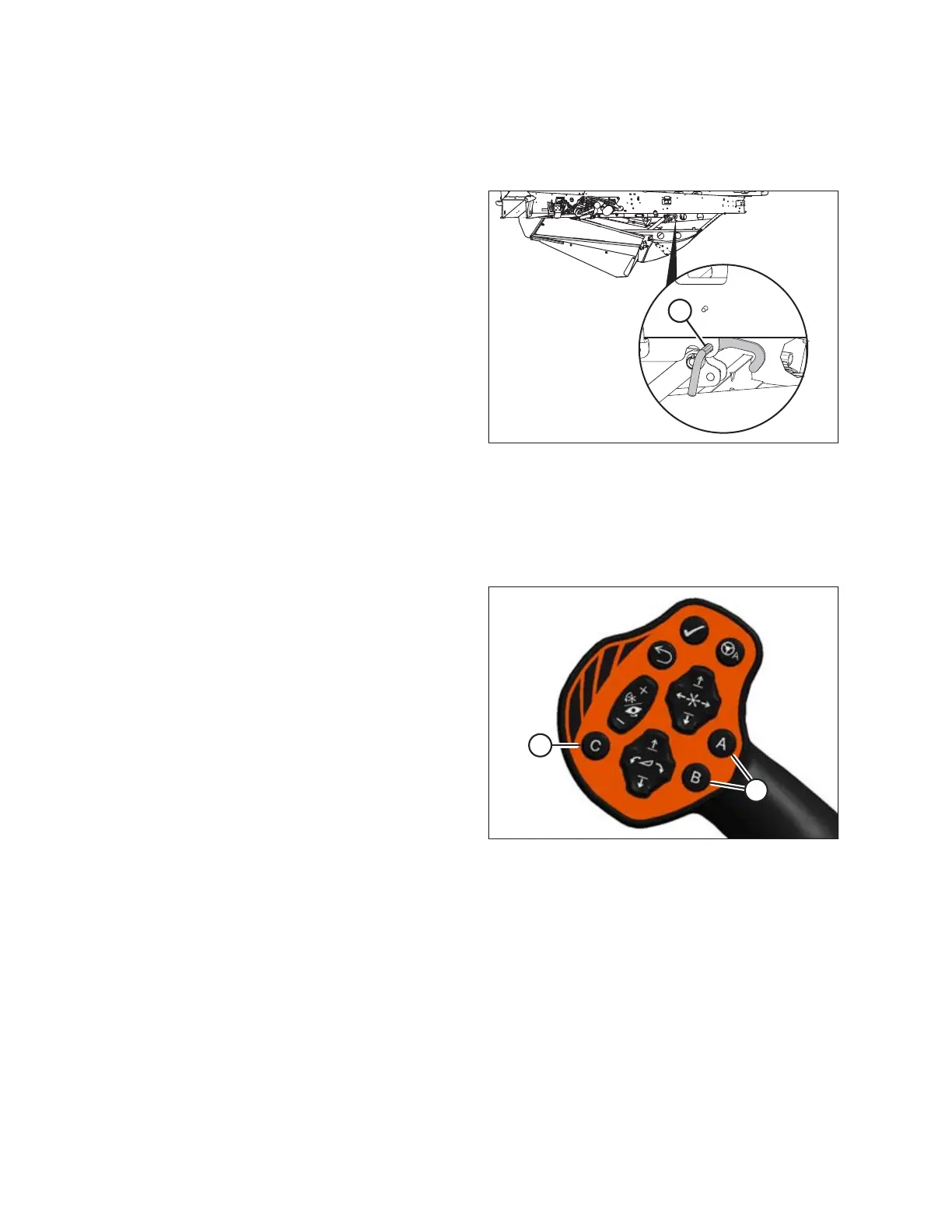
The swath compressor lock is located on the left cab-forward side of the swath compressor frame. When engaged, the lock
prevents the compressor shield from lowering.
Figure 4.190: Swath Compressor Lock
1. Turn lock handle (A) clockwise to engage the swath
compressor lock under the following conditions:
• Swath compressor is not in use
• Windrower is being serviced
• Windrower is in engine-forward mode
2. Turn handle (A) counterclockwise to disengage the lock
before operating the swath compressor.
4.6.8 One-Touch-Return
One-Touch-Return allows you to choose and apply three presets to the A, B, and C keys (A) on the ground speed
lever (GSL).
Figure 4.191: GSL
One-Touch-Return presets can be set to control variables such
as height, tilt, reel position, and speeds. Refer to One-Touch-
Return Buttons (A, B, C), page 74.
OPERATION



 To Next Page