214733 16 Revision A
1.10 Safety Signs
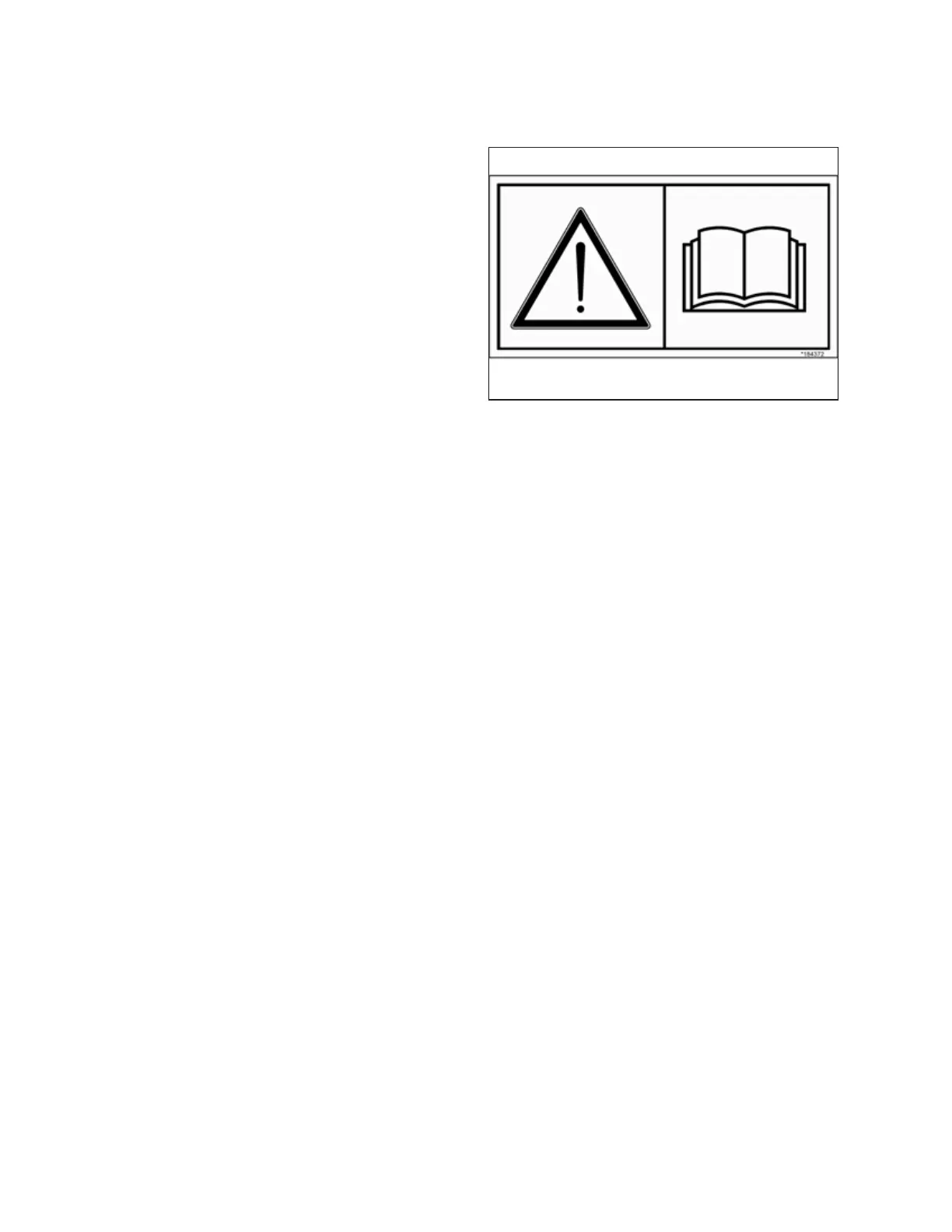
Figure 1.30: Operator’s Manual Decal
• Keep safety signs clean and legible at all times.
• Replace safety signs that are missing or illegible.
• If original part on which a safety sign was installed is
replaced, be sure repair part also bears current safety sign.
• Replacement safety signs are available from your MacDon
Dealer Parts Department.
1.10.1 Installing Safety Decals
1. Clean and dry installation area.
2. Decide on exact location before you remove decal backing paper.
3. Remove smaller portion of split backing paper.
4. Place decal in position and slowly peel back remaining paper, smoothing decal as it is applied.
5. Prick small air pockets with a pin and smooth out.
SAFETY



 To Next Page