214733 191 Revision A
Reversing the Header
When reversing, the following header functions will turn in reverse:
• D1XL Series Draper Headers: knife
• D1X Series Draper Headers: knife
• R113 and R116 SP Rotary Headers: conditioner and discs
• A40DX Auger Headers: knife, conditioner, auger and reel
• A40DX GSS Auger Headers: knife, auger and reel
Reverse the header as follows:
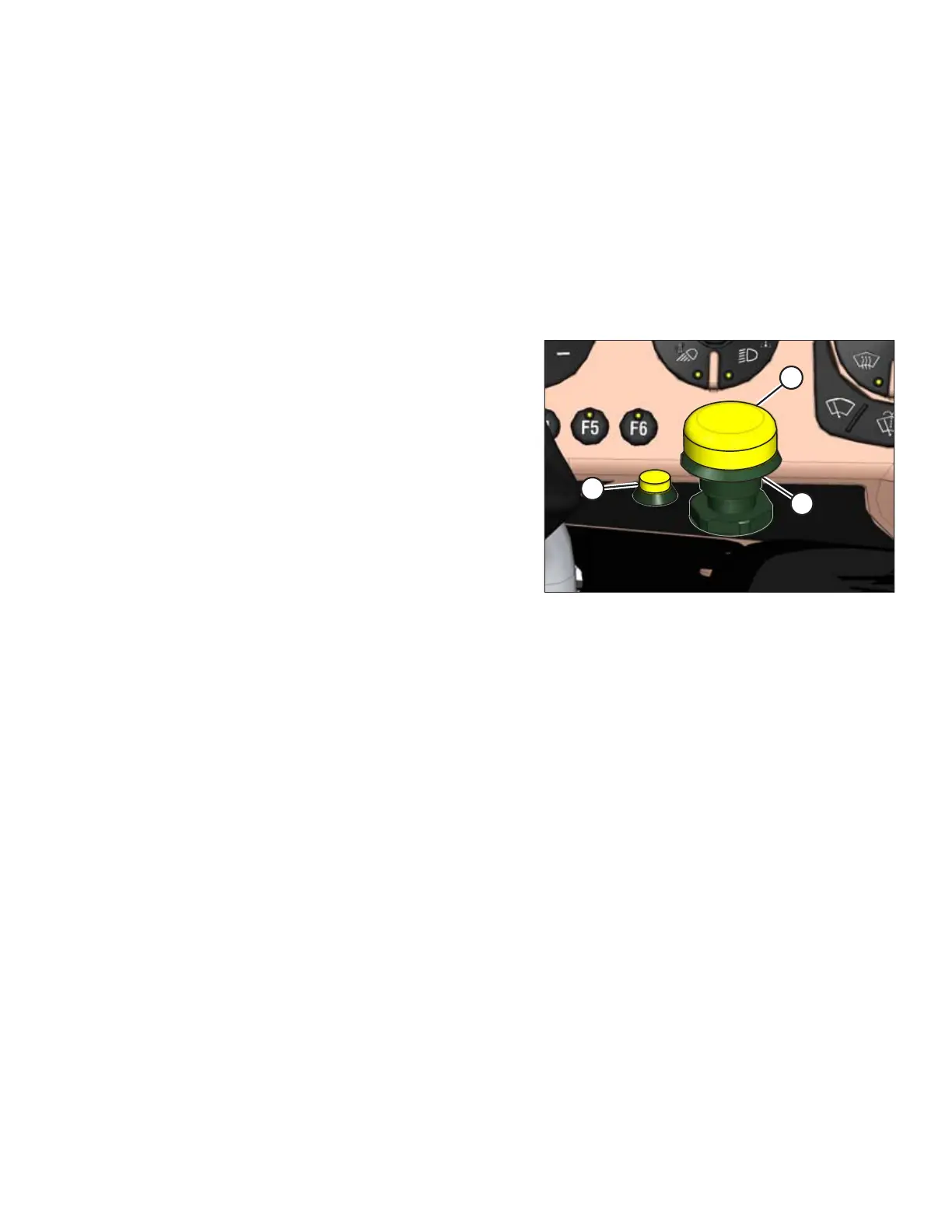
Figure 4.175: Header Drive Controls
1. Press and hold the HEADER DRIVE REVERSE button (A).
2. Press and hold the HEADER ENGAGE switch (B). Pull up on
collar (C), until switch (B) is in the ENGAGED position.
3. Release the HEADER DRIVE REVERSE button (A) to stop
the header.
4. Push down to reset the HEADER ENGAGE switch (B) to OFF.
The header can now be restarted. Refer to Engaging and
Disengaging the Header, page 190.
OPERATION



 To Next Page