214733 186 Revision A
Checking Float
WARNING
To avoid bodily injury or death from unexpected startup of the machine, always stop the engine and remove the key
from the ignition before leaving the operator’s seat for any reason.
CAUTION
Before starting the machine, check to be sure all bystanders have cleared the area.
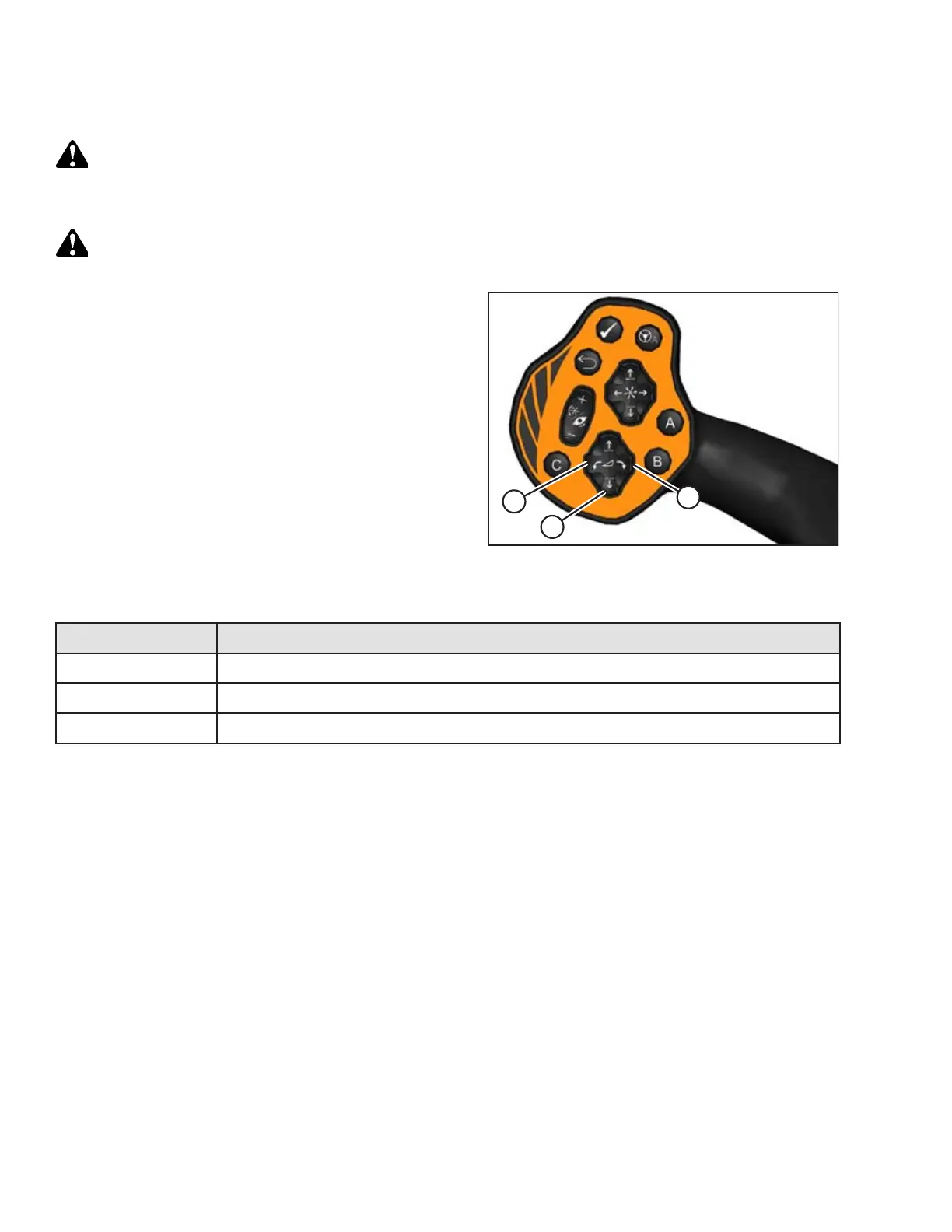
Figure 4.165: GSL
1. Start the engine.
2. Use the HEADER TILT switches (A) on the ground speed
lever (GSL) to set the center-link to the mid-range position
(5.0 on the Harvest Performance Tracker [HPT]).
3. If checking float with a draper header attached, set the reel
to the normal operating position.
4. Using the HEADER DOWN switch (B), lower header fully
with lift cylinders fully retracted.
5. Turn engine off, and remove the ignition key.
6. Grasp one end of the header and lift. The force to lift (refer
to Table 4.3, page 186) should the same at both ends.
Table 4.3 Target Header Float Values
Header Type
Force Required to Lift Header at the Ends (Lift Cylinder Fully Retracted)
Draper
335–380 N (75–85 lbf) with stabilizer/transport wheels raised (if equipped)
Auger
335–380 N (75–85 lbf)
Rotary
426–471 N (95–105 lbf)
7. Restart the engine, and adjust float as required. Refer to Setting the Float, page 187.
NOTE:
Increasing the float value on the HPT makes the header feel lighter.
OPERATION



 To Next Page