214733 324 Revision A
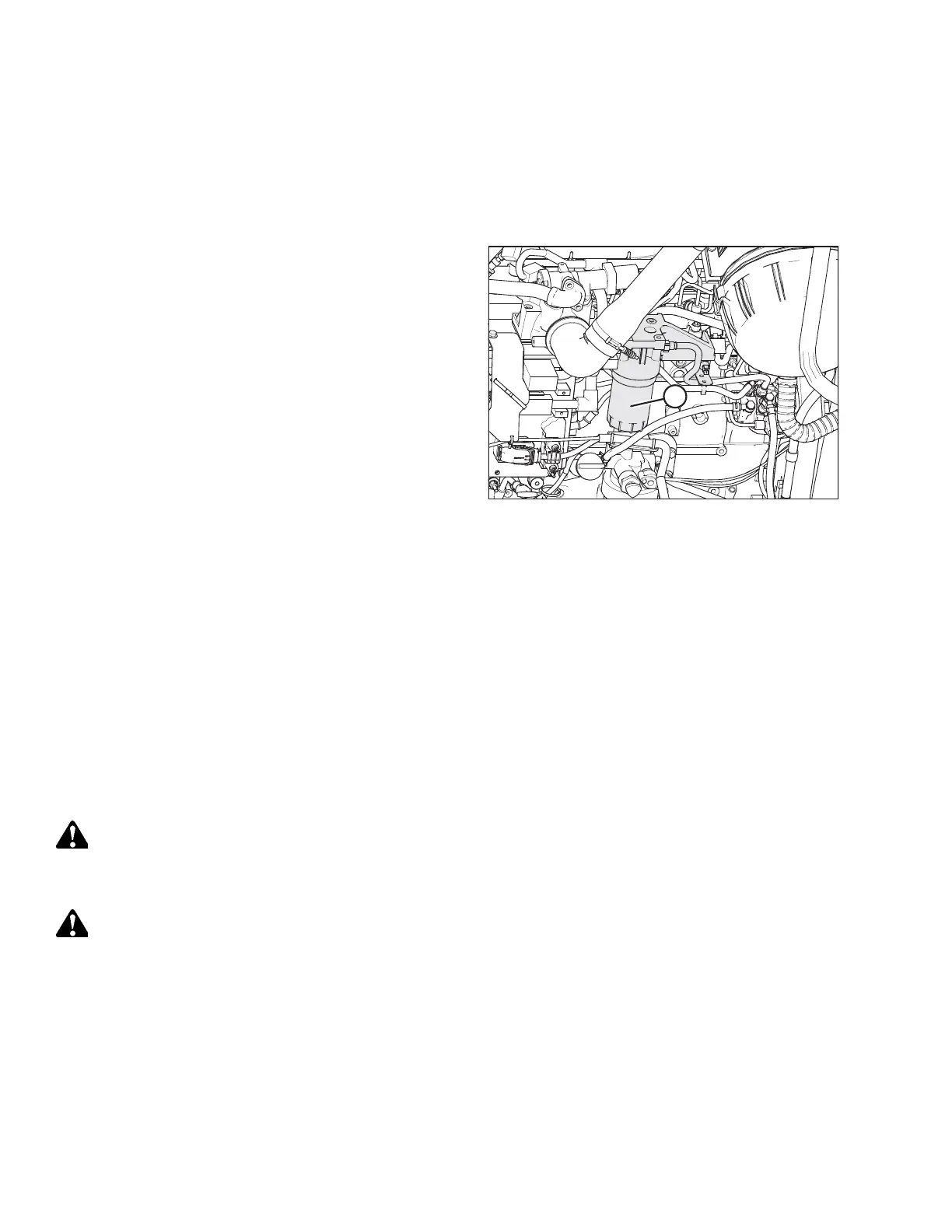
Installing Secondary Fuel Filter
IMPORTANT:
Do NOT prefill filter with fuel. Prefilling can contaminate the fuel system.
NOTE:
If replacing filter, refer to 5.1.4 Filter Part Numbers, page 251.
Figure 5.107: Fuel System
1. Screw the new secondary filter (A) onto the filter mount
until the gasket contacts the filter head.
2. Tighten the filter an additional 1/2 to 3/4 turn by hand.
IMPORTANT:
Do NOT use a filter wrench to install the filter.
Overtightening can damage the gasket and filter.
3. Prime the fuel system, refer to Priming Fuel System, page
324.
Priming Fuel System
Controlled venting of air is provided at the injection pump through the fuel drain manifold. Small amounts of air introduced
by changing filters or injection pump supply line will be vented automatically if the fuel filters are changed in accordance
with instructions.
IMPORTANT:
Do NOT bleed the fuel system. Manual priming will be required if:
• Fuel filter is replaced
• Injection pump is replaced
• High-pressure fuel lines are replaced
• Engine is run until fuel tank is empty
WARNING
To avoid bodily injury or death from unexpected startup of the machine, always stop the engine and remove the key
from the ignition before leaving the operator’s seat for any reason.
WARNING
The fuel pump high-pressure fuel lines and fuel rail contain extremely high-pressure fuel. Never loosen any fittings.
Personal injury and property damage can result.
1. Stop the engine and remove the key.
2. Open the hood. Refer to 5.3.1 Opening Hood, page 256.
MAINTENANCE AND SERVICING



 To Next Page