214733 51 Revision A
3.6 Adjusting the Steering Column and Steering Wheel
The steering column and steering wheel are adjustable for the operator’s comfort and to make it easier to get in and out of
the operator’s seat.
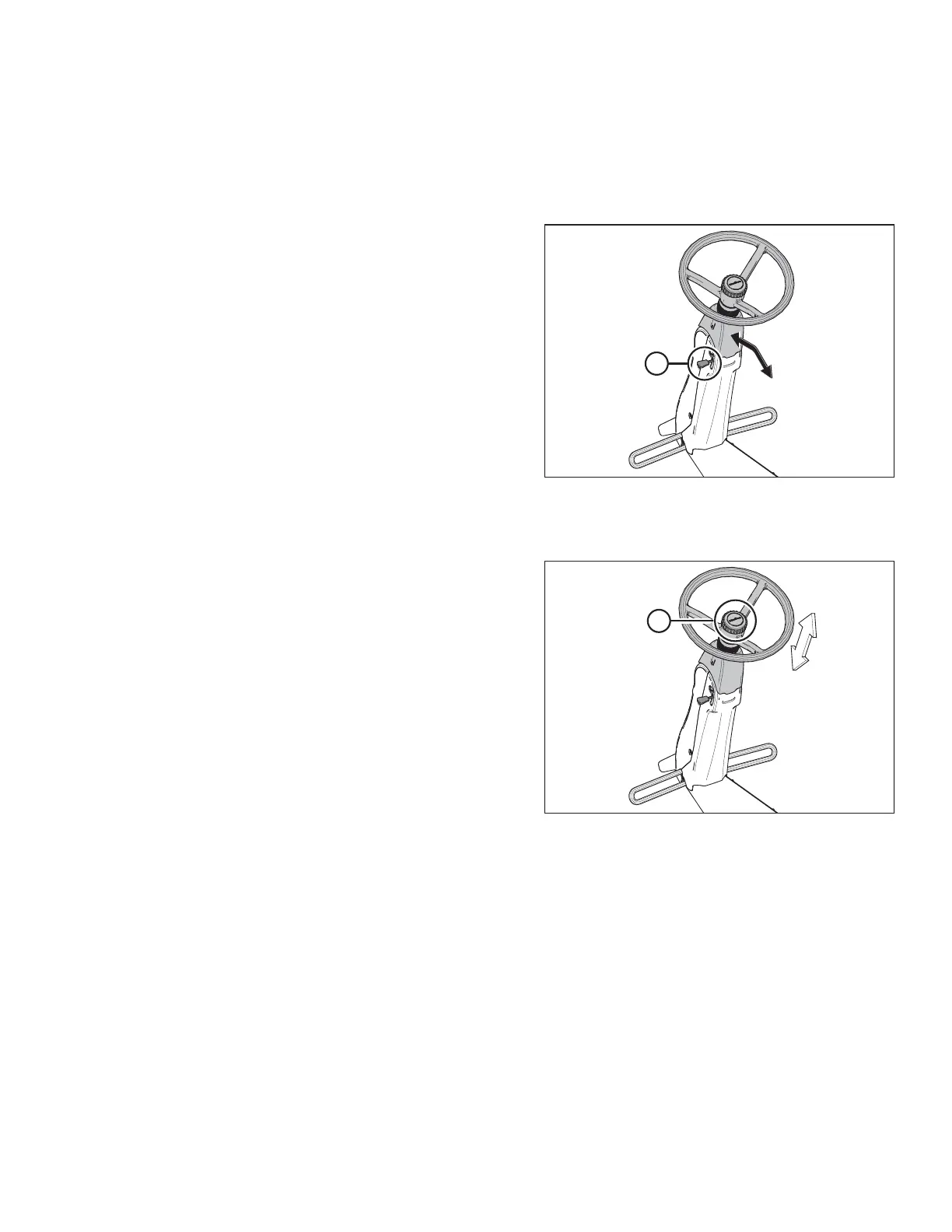
To adjust the steering column:
Figure 3.19: Steering Column
1. Hold onto the steering wheel, lift handle (A), and move
steering column forward or backward into the desired
position.
2. Release handle (A) to lock the steering column in position.
To adjust the steering wheel:
Figure 3.20: Steering Wheel
1. Hold onto the steering wheel, turn the center cap (A)
counterclockwise, and move steering wheel up or down to
desired position.
2. Turn center cap clockwise (A) to lock steering wheel in
position.
OPERATOR’S STATION



 To Next Page