214733 311 Revision A
Replacing Engine Oil Filter
NOTE:
Replace oil filter each time engine oil is changed.
1. Open the hood. Refer to 5.3.1 Opening Hood, page 256.
2. Place oil pan below filter.
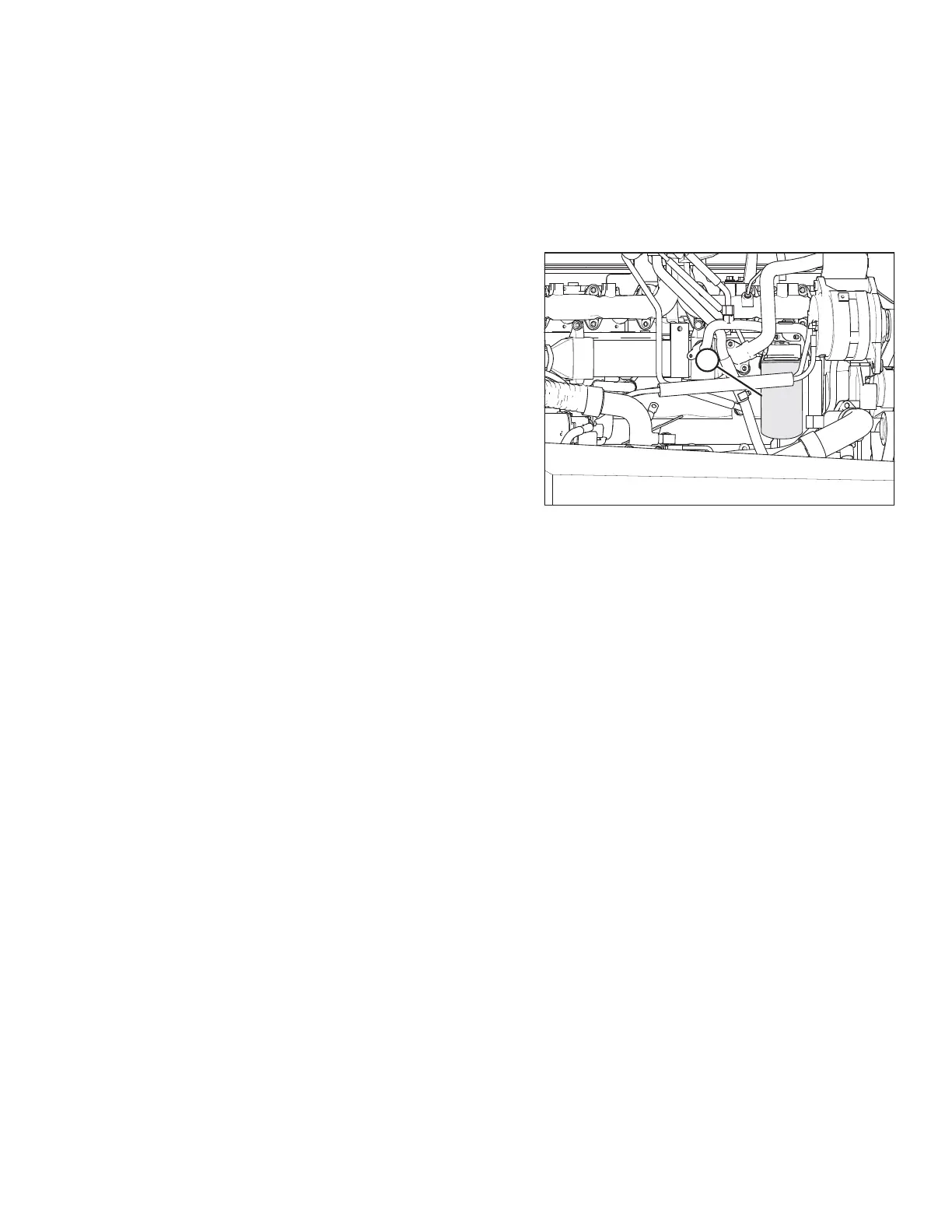
Figure 5.87: Engine Oil Filter
3. Clean around the filter head (A) and remove filter.
NOTE:
Check that gasket is removed from filter head.
4. Clean gasket mating surface.
5. Apply a thin film of clean oil to the gasket on the new filter.
Refer to 5.1.4 Filter Part Numbers, page 251 for
recommended oil filter.
6. Screw the new filter onto the filter mount until the gasket
contacts the filter head.
7. Tighten the filter an additional 1/2 to 3/4 turn by hand.
IMPORTANT:
Do NOT use a filter wrench to install the oil filter.
Overtightening can damage the gasket and filter.
8. Properly dispose of used oil filter.
MAINTENANCE AND SERVICING



 To Next Page