214733 63 Revision A
3.12 Radio
The M1170 Windrower comes equipped with an AM/FM/CD/USB/Bluetooth
®
radio. The following procedures describe
how to activate and pair Bluetooth
®
devices with the radio.
3.12.1 AM/FM/CD/USB Radio with Bluetooth
®®
Wireless Technology
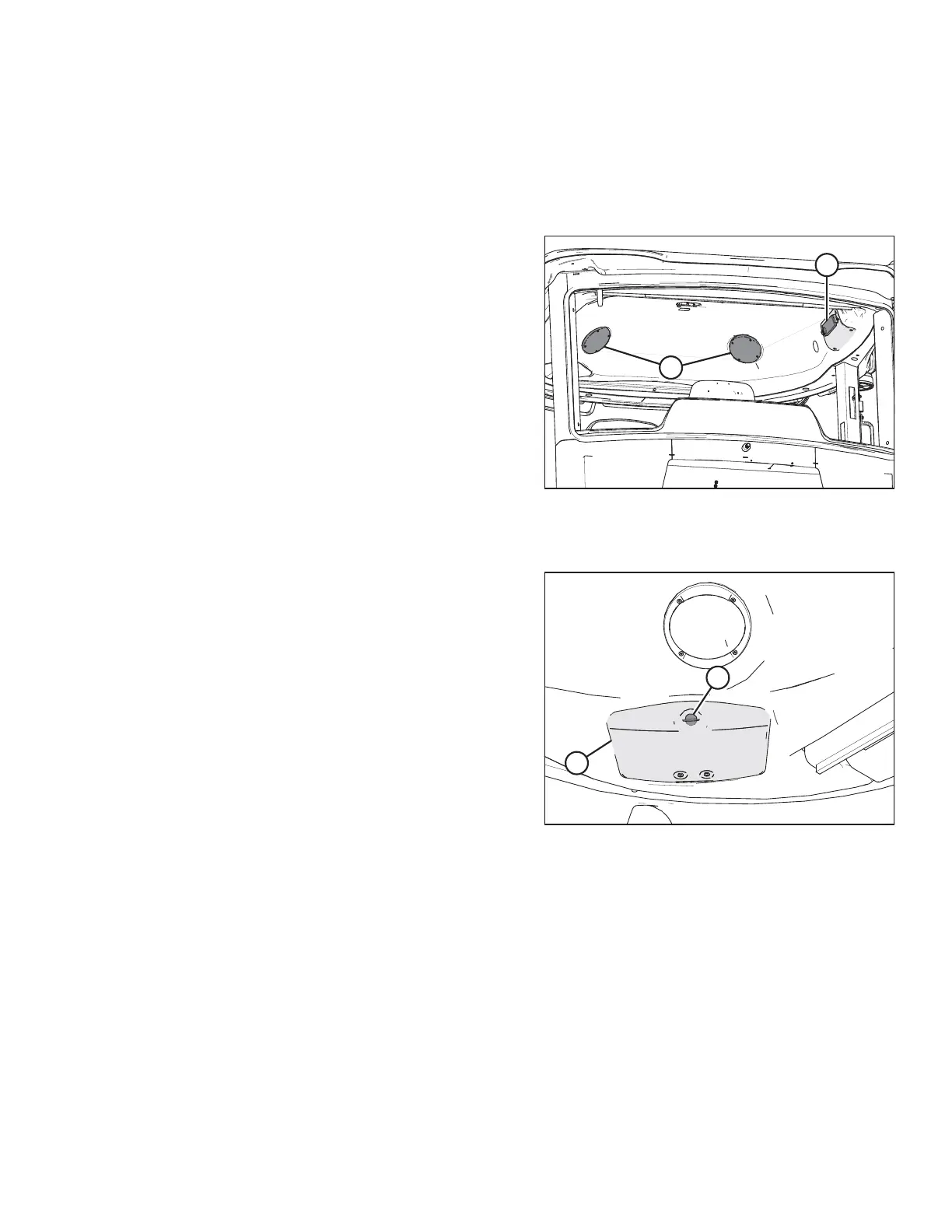
Figure 3.43: Radio and Speakers
A radio (A) and two speakers (B) are factory-installed in the cab
headliner. The radio operates in AM, FM, CD, and USB modes. It
also supports Bluetooth
®
wireless technology audio streaming
and hands-free calling. Refer to the operating instructions
supplied with the radio.
To locate the operating instructions for the radio, follow this procedure.
Figure 3.44: Relay Module Cover
1. Turn the latch (A) to unlock the relay module cover (B).
2. Retrieve the operating instructions for the radio from the
relay module cover (B) access panel in the cab roof liner.
OPERATOR’S STATION



 To Next Page