214733 225 Revision A
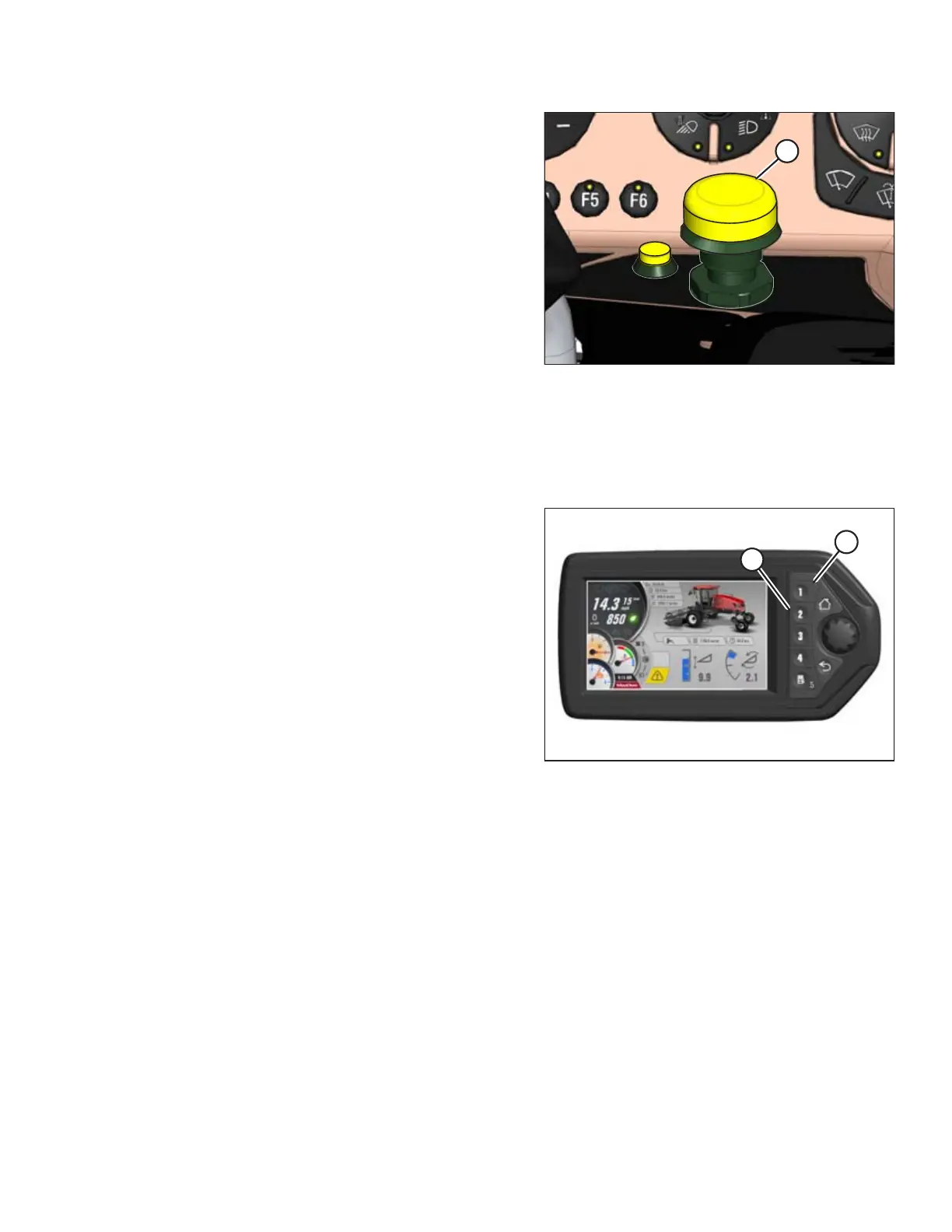
Figure 4.249: Header Engage Switch
4. After deck(s) have stopped moving, disengage header with
HEADER ENGAGE switch (A).
5. Refer to Setting the Float, page 187 to adjust the float
setting for the selected deck position.
6. Repeat steps for the other deck positions.
4.7.9 Draper Header Run Screens
Two draper header specific run screens are viewable when operating the windrower with a draper header attached. The
screens are accessed by pressing the applicable soft keys on the Harvest Performance Tracker (HPT).
Figure 4.250: Harvest Performance Tracker
1. Press soft key 1 (A) to access RUN SCREEN 1.
2. Press soft key 2 (B) to access RUN SCREEN 2.
OPERATION



 To Next Page