214733 242 Revision A
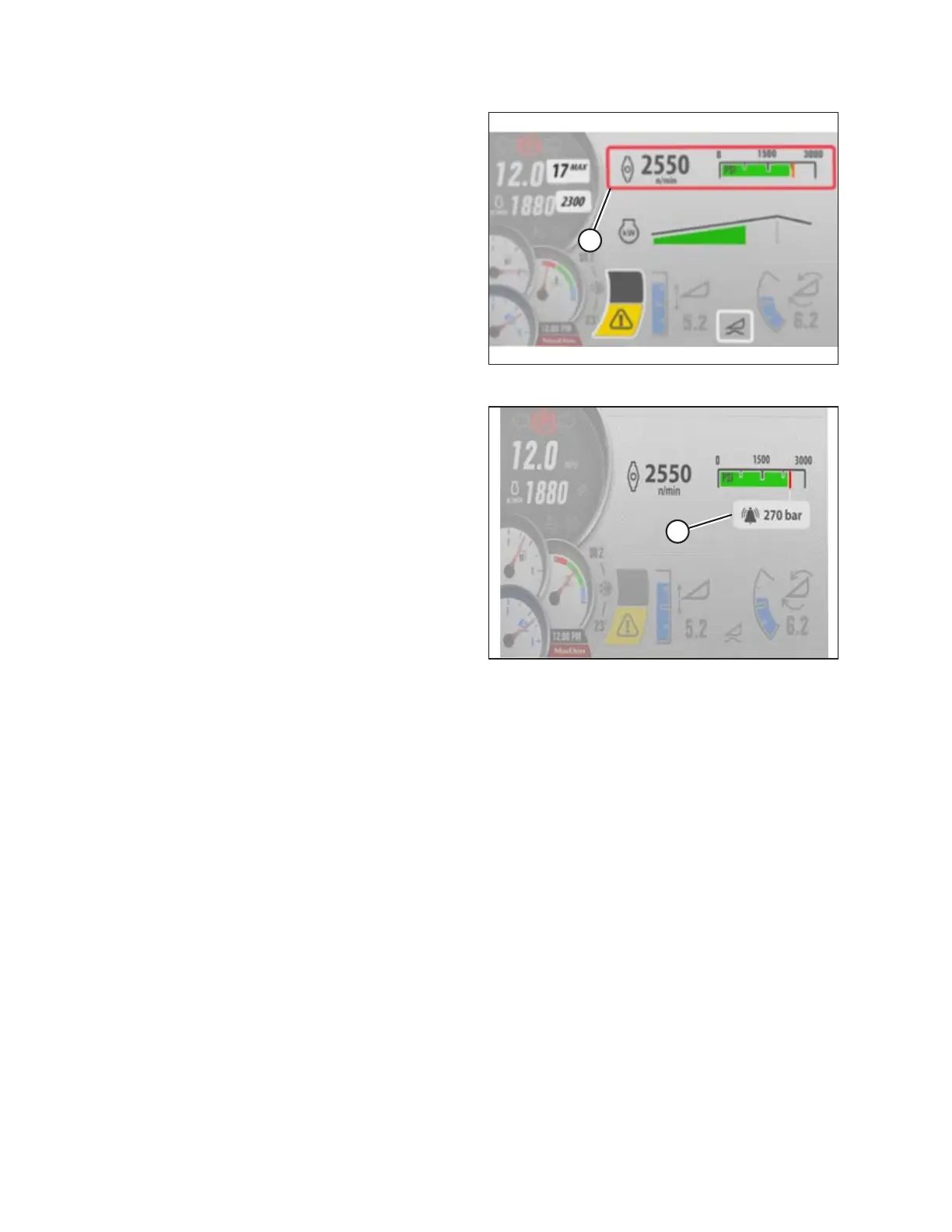
Figure 4.284: Disc Header QuickMenu Screen
3. Scroll to the DISC SPEED setting (A) on the QuickMenu
screen, and select it.
Figure 4.285: Disc Pressure Screen
4. Scroll to the DISC PRESSURE ALARM setting (A), and
select it.
5. Scroll to the desired alarm set-point or scroll past the
highest setting to turn the alarm OFF. The digital value is
replaced by three dashed lines, indicating that it is possible
to adjust the alarm set-point value.
6. Adjust disc alarm pressure set-point to desired value.
Factory setting is 310 bar (4500 psi).
OPERATION



 To Next Page