214733 237 Revision A
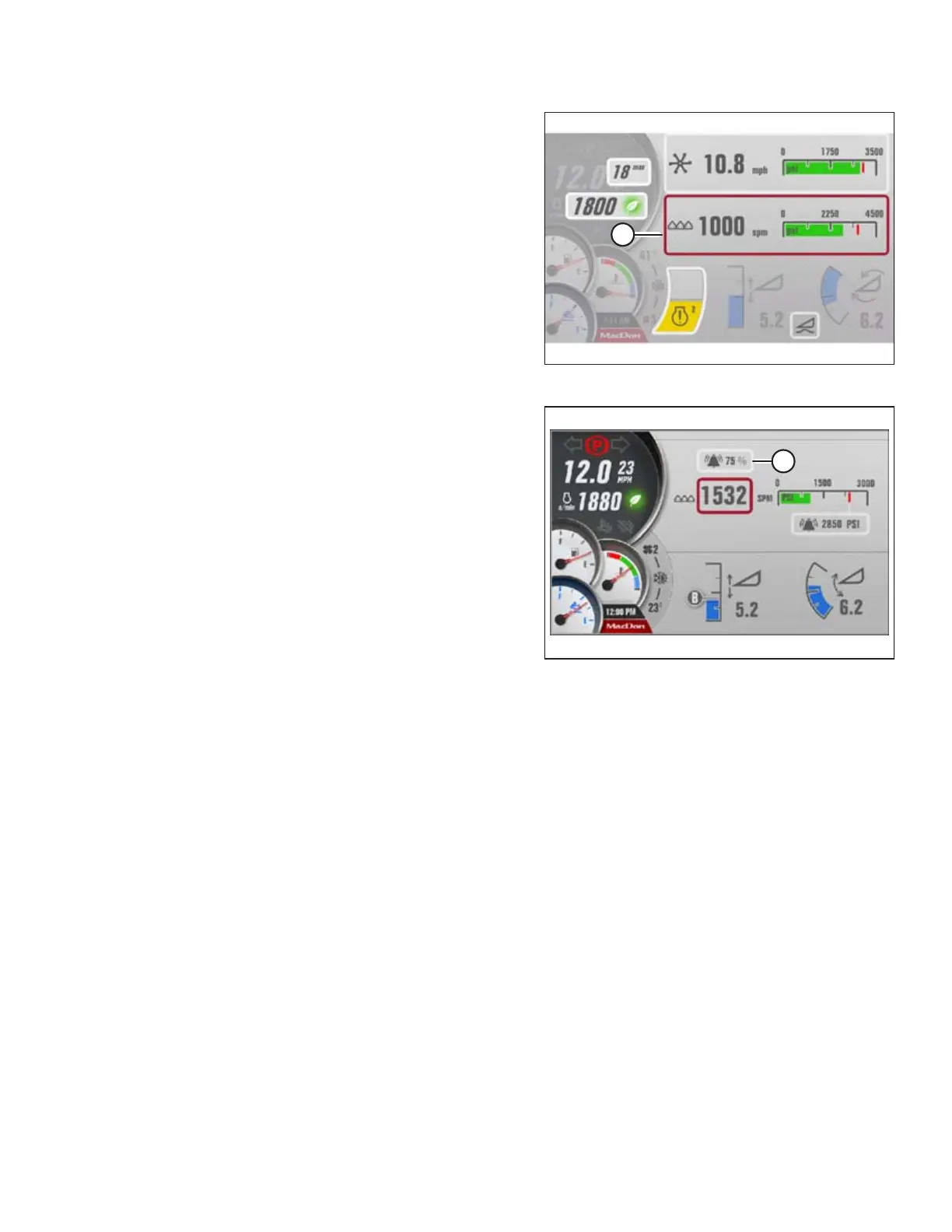
Figure 4.276: Auger Header QuickMenu Screen
3. Scroll to the KNIFE setting (A) on the QuickMenu screen,
and select it.
Figure 4.277: Knife Screen
4. Scroll to and select the KNIFE SPEED ALARM setting (A),
displayed as a % of the preset knife speed.
5. Adjust knife speed alarm % as desired. Default is 70% and
range is 50–90%.
OPERATION



 To Next Page