SAFETY
1.10 Safety Signs
• Keep safety signs clean and legible at all times.
• Replace safety signs that are missing or
become illegible.
• If original parts on which a safety sign was installed are
replaced, b e sure the repair part also bears the current
safety sign.
• Safety signs are available from your Dealer
Parts Department.
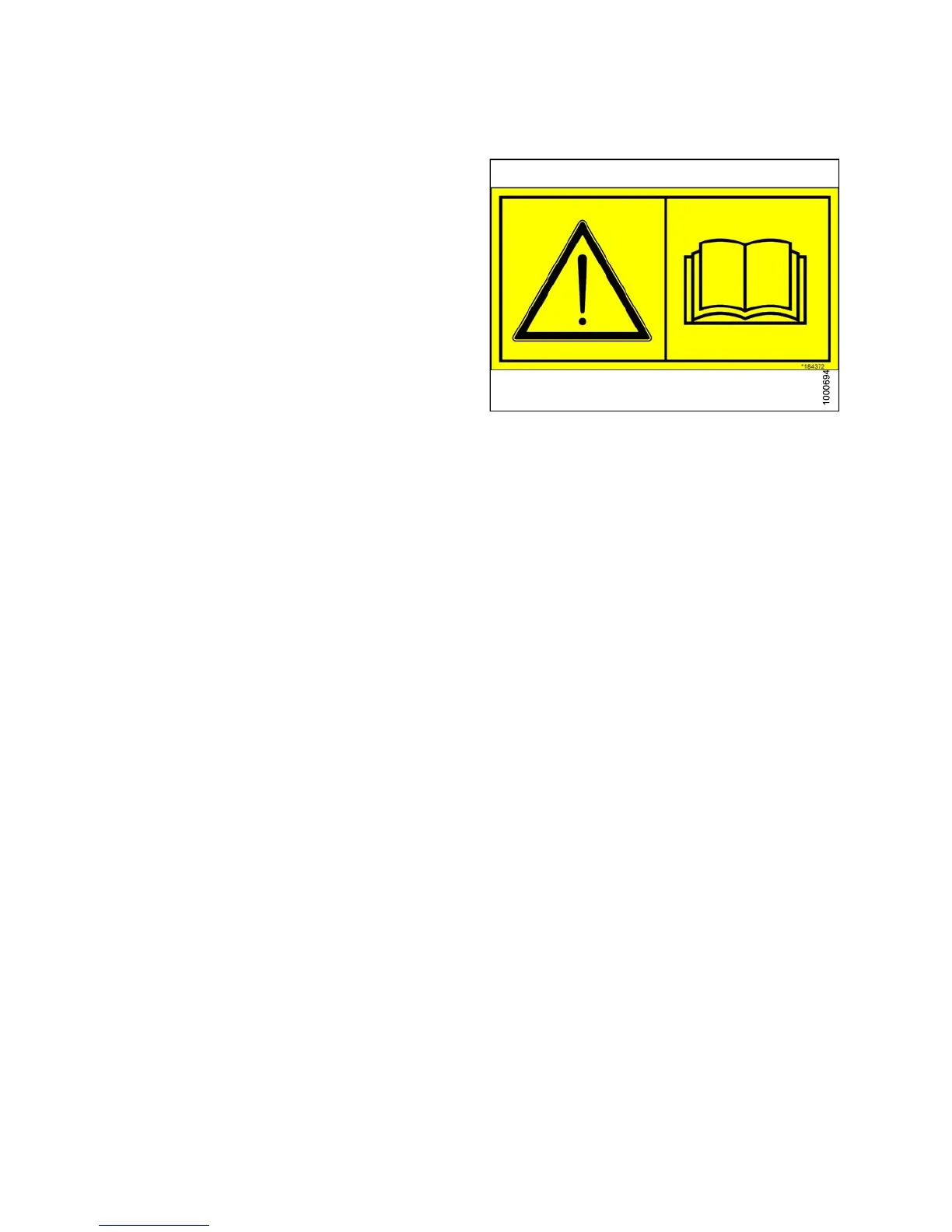
Figure 1.19: Operator’s Manual Decal
1.10.1 Installing Safety Decals
1. Clean and
dry the installation area.
2. Decide on
the exact location before you remove the decal backing paper.
3. Remove th
e s maller portion of the split backing paper.
4. Place th
e s ign in p osition a nd slow ly p ee l back the rem aining paper, smoo thing the sign as it is applied.
5. Prick sm
all air pockets with a pin and smooth out.
147649
1
2
Revision A



 To Next Page