MAINTENANCE AND SERVICING
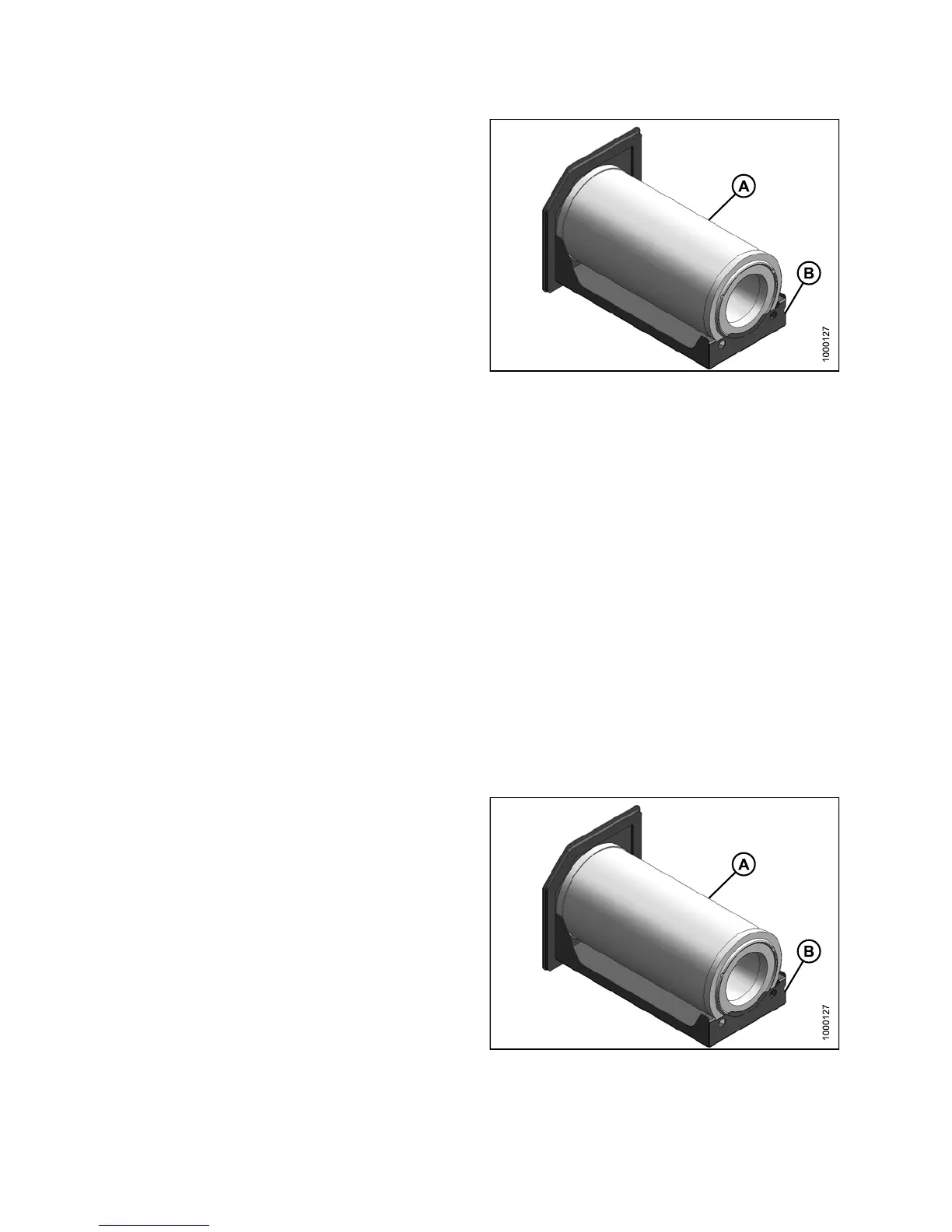
3. Remove filter (A) from tray (B).
Figure 5.36: Fresh Air Filter
Inspecting And Cleaning Fresh Air Filter Element
1. Tap th e sid
es of the filter element gently to loosen dirt. Do NOT tap element against a hard surface.
2. Using a dry
element cleaner gun, clean element with compressed air.
IMPORTAN
T:
Air pre ss
ure must NOT exceed 60 psi (414 kPa). Do NOT direct air against outside of element, a s
dirt migh
t be forced through to inside.
3. Hold the
air nozzle next to the filter element’s inner surface and move up and down pleats.
4. Repeat p
revious steps to remove additional dirt as required.
5. Hold a br
ight light inside the element and check carefully for holes. Discard any element that shows the
slighte
st hole.
6. Check o
uter screen for dents. Vibration would quickly wear a hole in the filter.
7. Check fi
lter gasket for cracks, tears, or other signs of damage. If gasket is damaged or missing, replace element.
Instal
ling Fre sh Air Filter
Refer
to 8.2.4 Filter Part Numbers, page 467 for part
numbe
r.
1. Clean
tray (B) and interior of filter housing.
2. Plac
e filter (A) onto tray (B).
Figure 5.37: Fresh Air Filter
147649 326 Revision A



 To Next Page