MAINTENANCE AND SERVICING
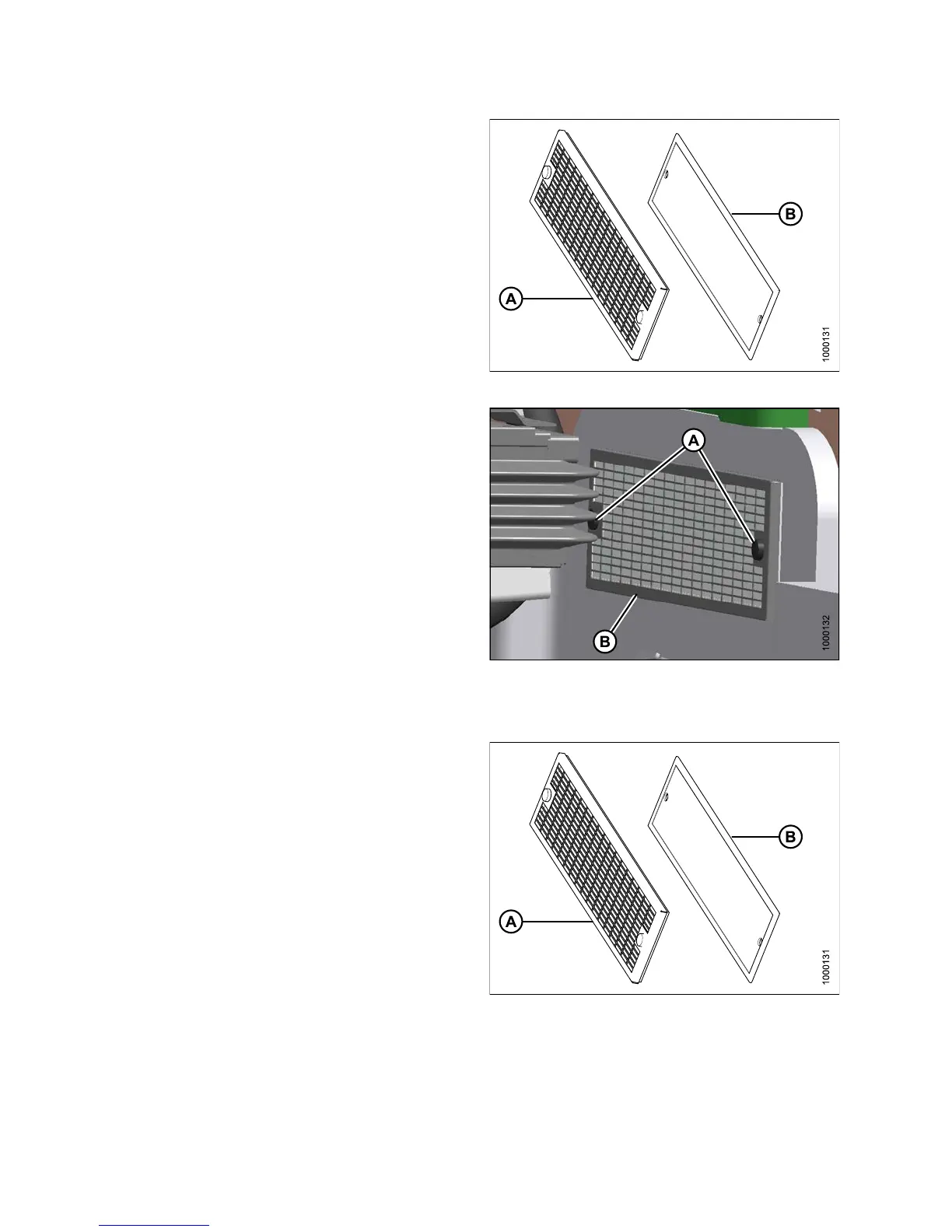
2. Separate the filter (B) from the cover (A).
3. Clean or replace the filter. If cleaning filter, refer to
Cleaning Return Air Cleaner, page 328.
4. Assemble the cleaner (B) and cover (A), and position
on cab wall over opening.
Figure 5.40: Return Air Filter
5. Secure filter assembly (B) to cab wall with knobs (A).
Figure 5.41: Return Air Filter
Cleaning Return Air Cleaner
Clean t he electrostatic filter as follows:
1. Mix a solution of warm water and detergent in a
suitable container so that the filter (B) can soak for a
few m inutes.
2. Agitate to flush out the dirt.
3. Rinse with clean water, and then dry with
compressed air.
4. Inspect filter for damage, separation, and holes.
Replace if damaged.
Figu
re 5.42 : R eturn Air Filter
147649 328 Revision A



 To Next Page