Installation and Commissioning
GARD 8000 SYS RFL Electronics
November 28, 2017 4-40 973.334.3100
4.6.2.8 RESETTING SOE (SEQUENCE OF EVENTS) RECORDS
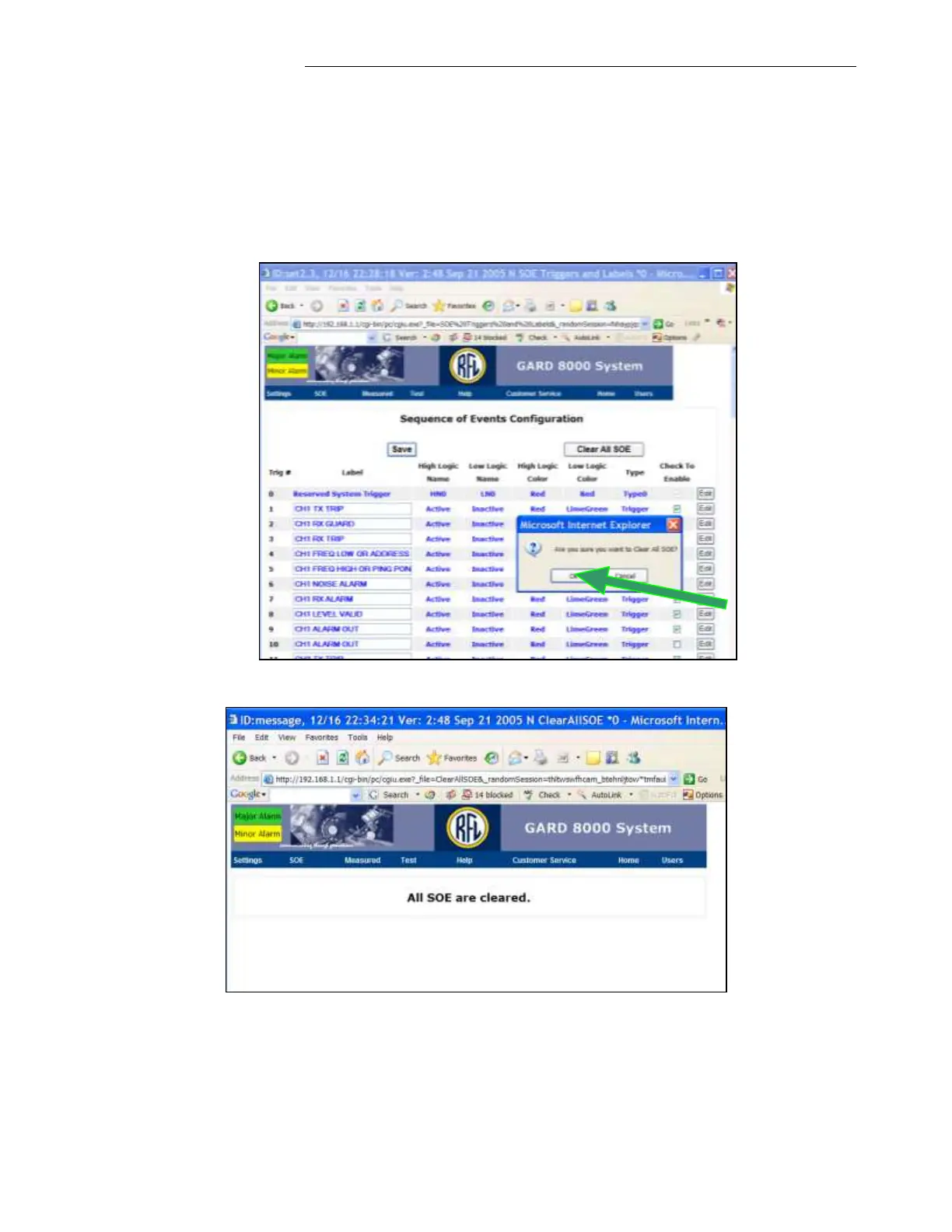
1. Before testing a local-end tripping, reset the SOE log.
2. From the Main Page, click on ‘Settings’, select ‘System Labels and Triggers’ and then select
‘SOE Triggers and Labels’.
3. Click on ‘Clear All SOE’ and then click ‘OK’ at the security window as shown on the
following webpage. A page will be displayed similar to the second webpage below.



 To Next Page