Installation and Commissioning
GARD 8000 SYS RFL Electronics
November 28, 2017 4-39 973.334.3100
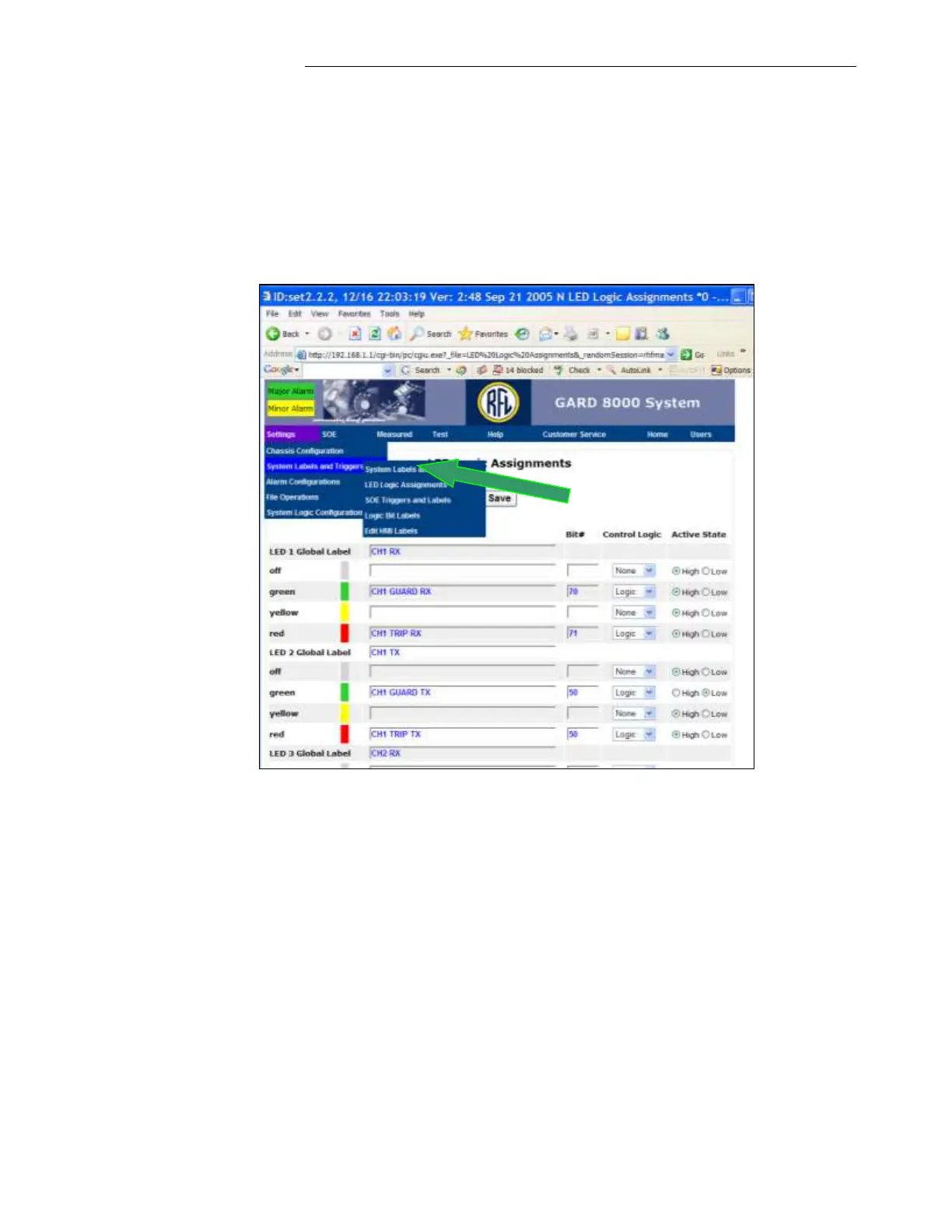
4. At the same time verify a correct condition of the front panel LEDs. The programming of the
front panel LEDs can be viewed in the ‘LED Logic Assignments’ shown below.
5. To display the ‘LED Logic Assignments’, go to the Home page and click on ‘Settings’, select
‘System Labels and Triggers’, then select ‘LED Logic Assignments’
Note: Most of the Web Pages are supported by “Help” option. Select “Help” while a
particular web page is displayed.



 To Next Page