Installation and Commissioning
GARD 8000 SYS RFL Electronics
November 28, 2017 4-38 973.334.3100
4.6.2.7 TESTING A LOCAL END
1. A local loopback on the GARD8000 Audio system can be enabled either through the
software loopback or connecting jumper wires between the TX and RX terminals (for 4wire
configuration) on the Audio Comms Interface Module.
2. To enable a local loopback using the software click on the ‘Test’ menu, select ‘System Test’
and then click on the ‘Audio Tone’ module.
3. At the ‘Audio Protection Screen’ select an ‘Internal Loopback’ and then click on ‘Run Test’.
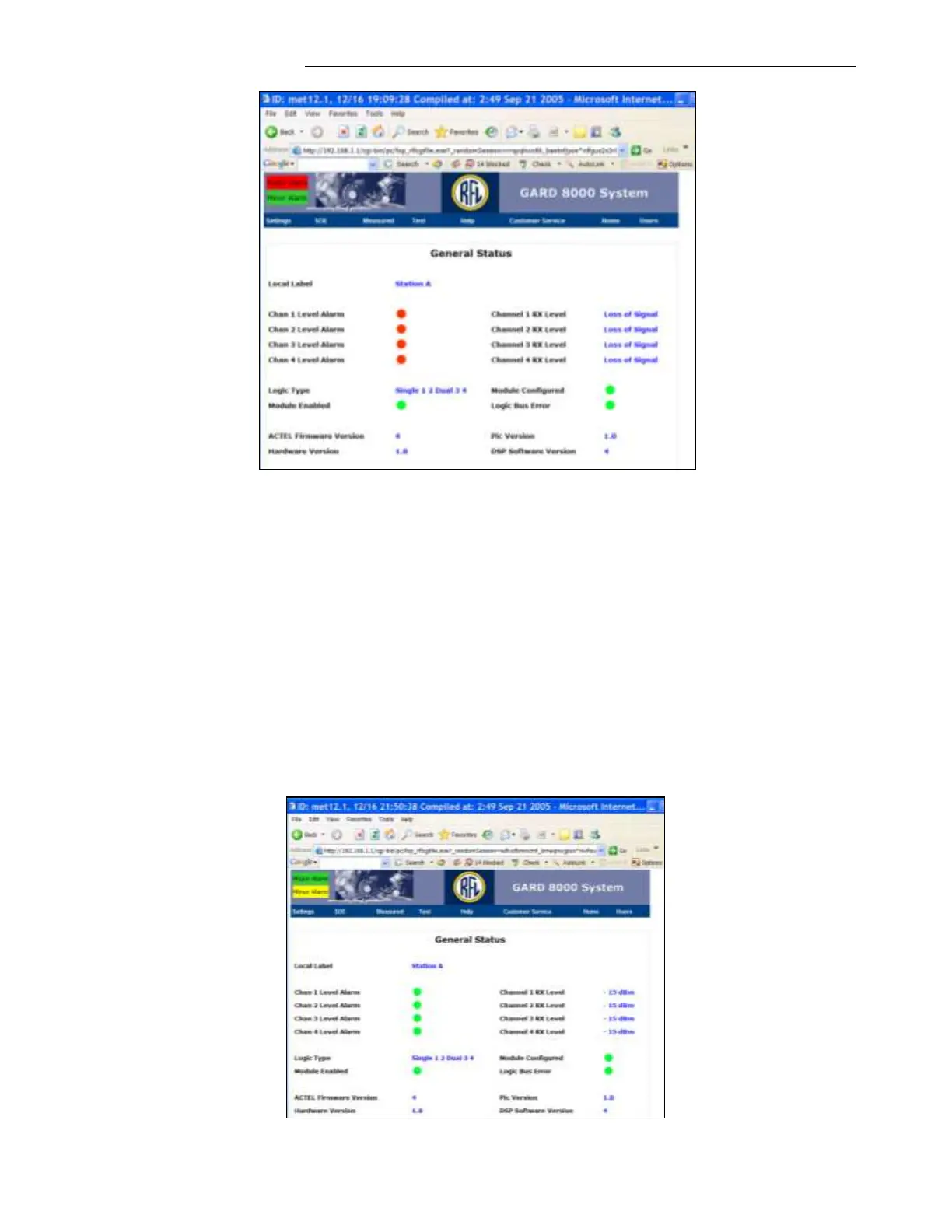
Repeat the steps in 4.6.2.6 above to verify the General Status after a software loopback is
enabled.
A Minor Alarm indicating the software enabled is in ‘Internal Loopback’ will be displayed as
shown in the following webpage.



 To Next Page