Chassis Configuration Settings
GARD 8000 SYS RFL Electronics
April 1, 2012 7-104 973.334.3100
System Manual PDF (.PDF File)
This is the system manual for the GARD unit. It may be saved to a PC and viewed with Adobe
Acrobat Reader. Note because of size limitations all graphics are stripped from the manual.
Distance Relay Manual PDF (.PDF File)
This is the manual for the GARD Distance Relay Module. It may be saved to a PC and viewed with
Adobe Acrobat Reader. Note because of size limitations all graphics are stripped from the manual.
The following files are reserved for RFL use only. They are not typically used in the field.
System Last Post Error EDN File
System Last Error Ioremapping File
System Last Error Timers File
System Last Error Hmibits File
System Logic Firmware (.HEX File)
Extracted Configuration
This file contains setting information for every module in a GARD chassis; it can be used to compare
settings between GARD chassis’s. When extracted a zip file named ce.zip is displayed. Unzip this file
and a directory named ce_rs is displayed, its file structure is shown below. RFL recommends the use
of the utility “Beyond Compare.” Using this utility will automate the comparison process
dramatically.
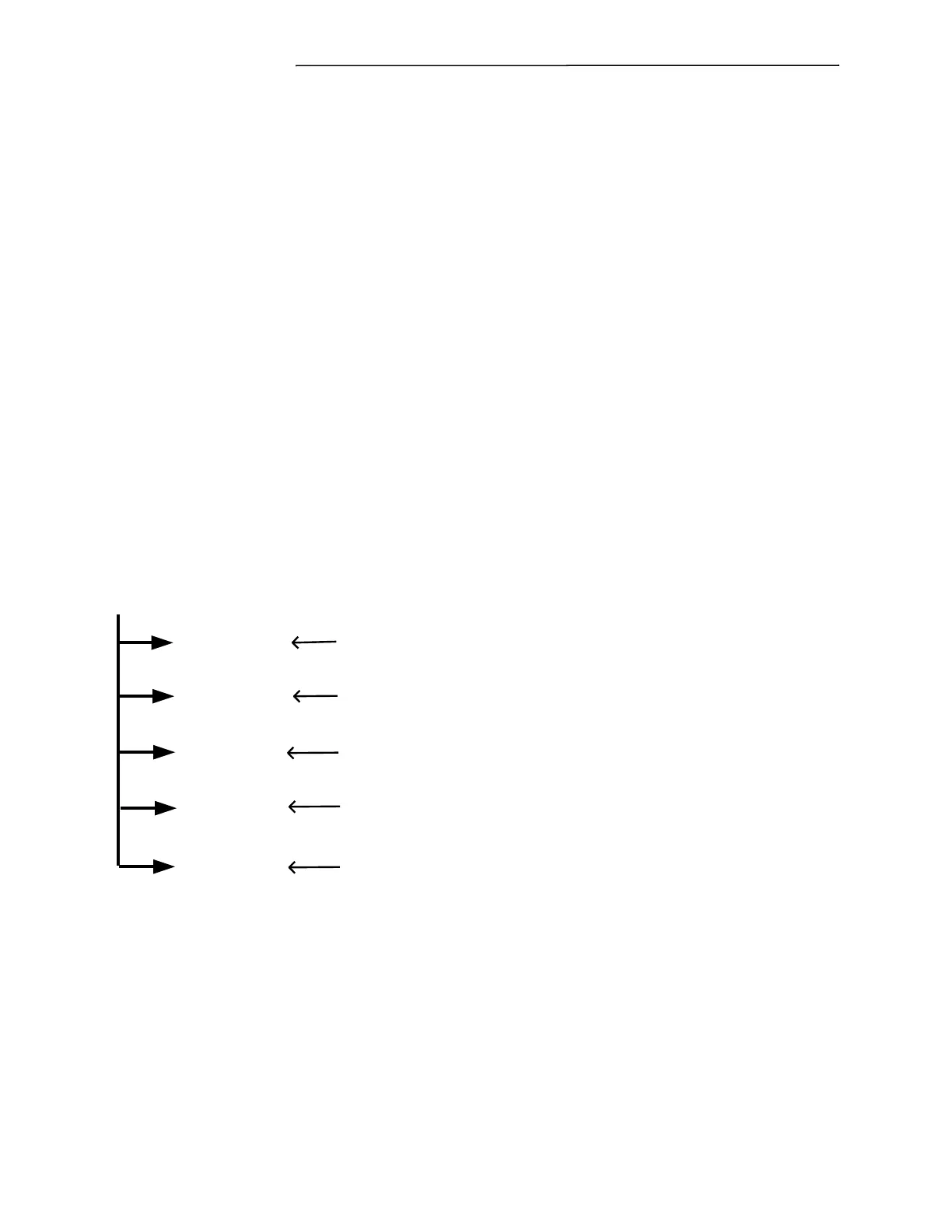
ce_rs
rfl_CDR1_cfg.txt
rfl_CDR2_cfg.txt
rfl_DR1_cfg.txt
rfl_DR2_cfg.txt
rfl_TPR_cfg.txt
This is the first Current Diff. Relay found and contains the settings for
that relay, not to be confused with the Slot Number (the physical location
within the chassis) which is contained within the file.
Current Diff Relay
{
Distance Relay
{
This is the second Current Diff. Relay found, this file contains the settings
for that relay, there may be additional (or less) relays depending on your
Chassis Configuration
This is the first Distance Relay found.
This is the second Distance Relay found, there may be additional (or less)
relays depending on your Chassis Configuration.
Teleprotection Relay
{
This file contains all other settings within the system, this includes PLC
and Audio Tone settings.
It is important to create a folder on your PC for each GARD chassis that has files extracted. Unless the
GARD’s have different folders the second GARD will overwrite the first. Note that this extracted
information does not contain Logic Files (files from the logic engine). The extracted files are Tab
Delimited Text Files and are best displayed in Excel. Excel will display a number of prompts to the
user; select which settings are appropriate. Below is a description of a typical extracted file.
The first four lines are heading information describing the relay; this is followed by the settings
information in columns from left to right, see below.
Actual Settings Table:



 To Next Page