Installation and Commissioning
GARD 8000 SYS RFL Electronics
November 28, 2017 4-26 973.334.3100
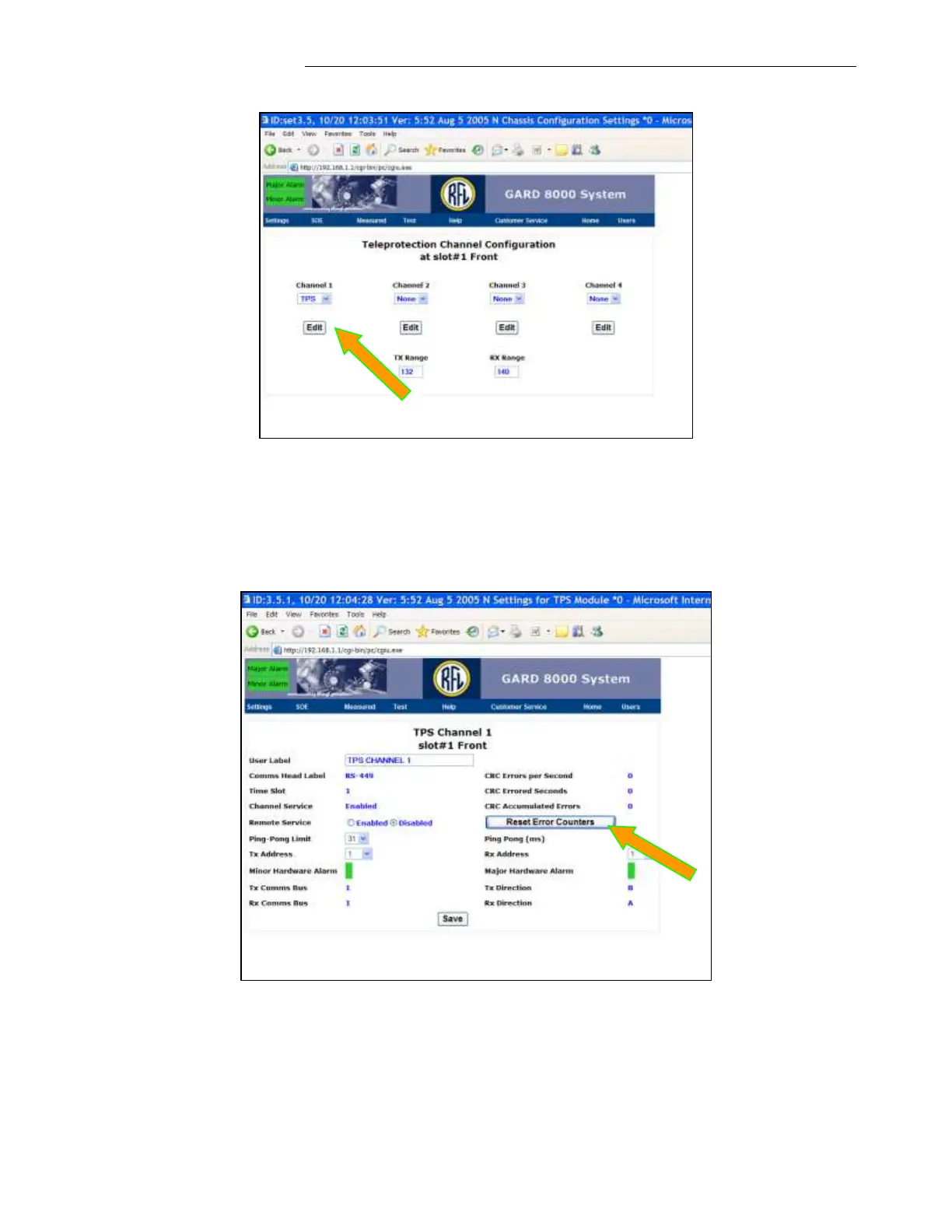
7. In ‘TPS Channel 1’, click on ‘Reset Error Counters’. This screen provides monitoring of the
TPS channel. The status page is a snapshot of the diagnostic counters and it needs to be
updated during the monitoring process.
Note: Most of the Web Pages are supported by “Help” option. Select “Help” while a
particular web page is displayed.



 To Next Page