Installation and Commissioning
GARD 8000 SYS RFL Electronics
November 28, 2017 4-25 973.334.3100
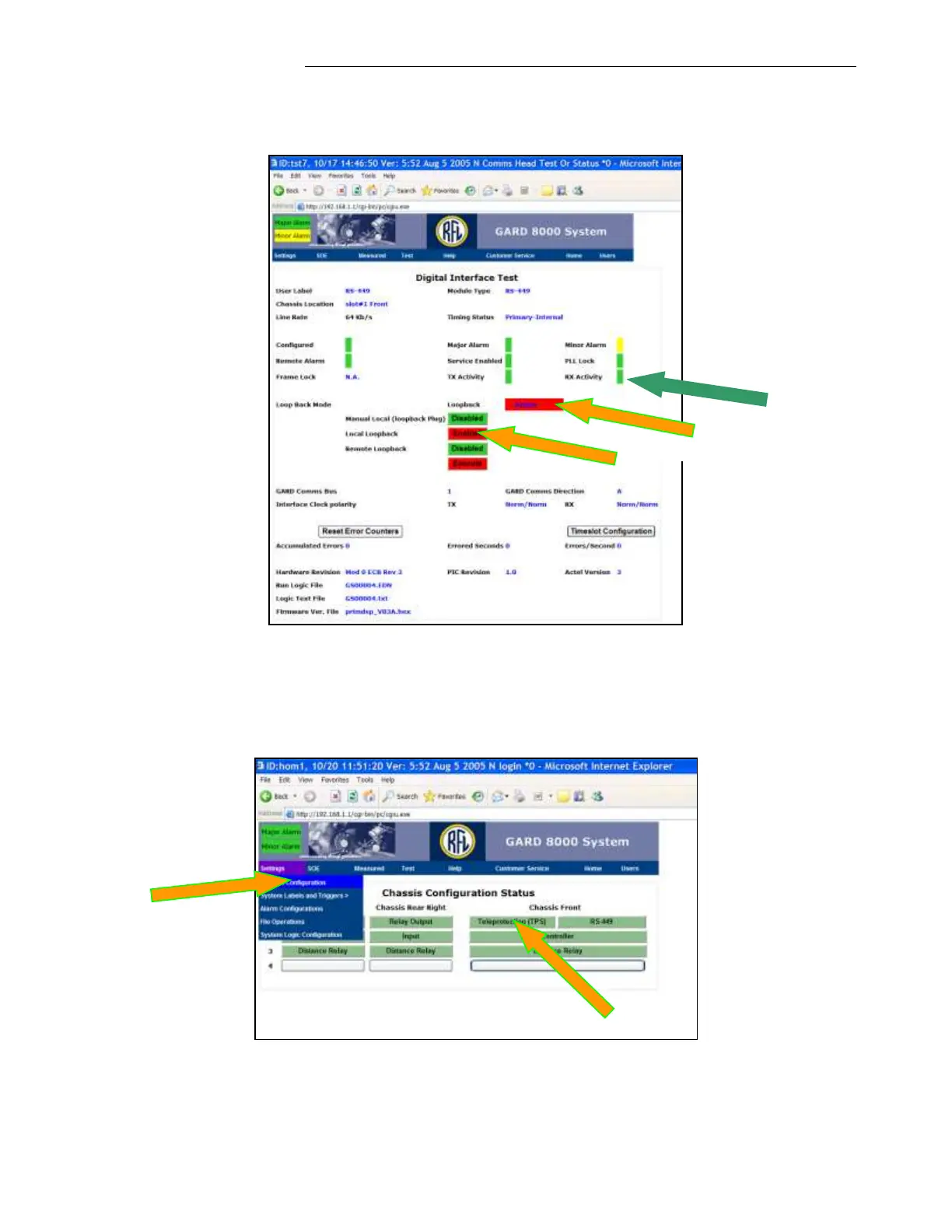
4. After enabling a Local Loopback, the RX Activity should be green as depicted below.
5. While a software Local Loopback is enabled, click on ‘Settings’, select Chassis Configuration
and then click on ‘Teleprotection (TPS)’.
6. In the ‘Teleprotection Channel Configuration’ click on ‘Edit’ for a channel being used.



 To Next Page