Installation and Commissioning
GARD 8000 SYS RFL Electronics
November 28, 2017 4-34 973.334.3100
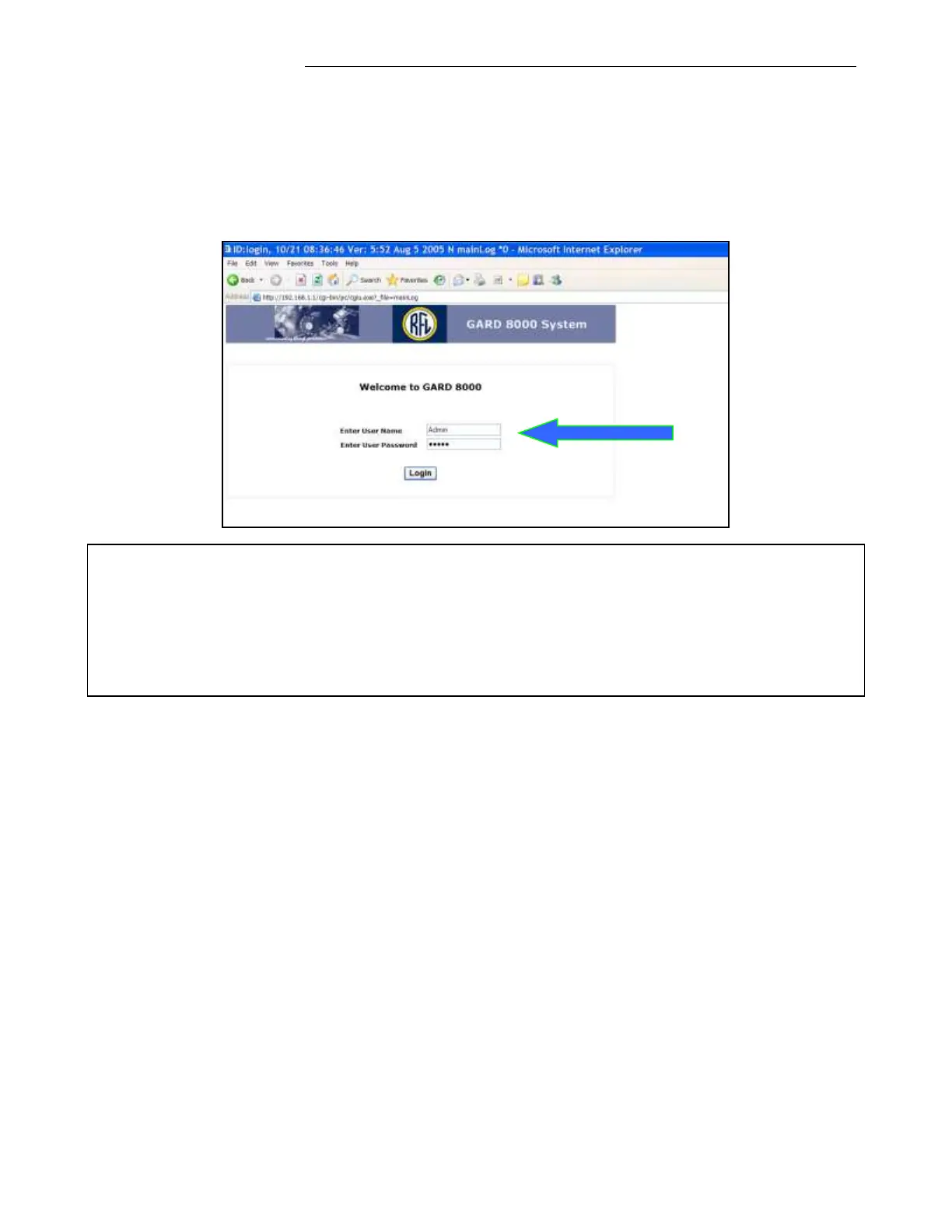
Communicating with the GARD 8000-Administrator Login
Upon successful login to the GARD 8000 unit the following page will be displayed. Unless the
Administrator ‘Admin’ User Name and Password were changed by the IT dept. or changed at
RFL due to a special request the default Administrative User Name and Passwords are
programmed for: Admin. Both User Name and Password are case sensitive.
Note
There is no ‘backdoor’ for the Admin password. The default password is ‘Admin’ but when
changed, the actual password has to be used. Please contact the factory for password recovery
procedure.
Only the Admin can access the administrator page. Any number of users can be added by the
administrator, with individual access levels.



 To Next Page