Installation and GNSS set up 4 Installation
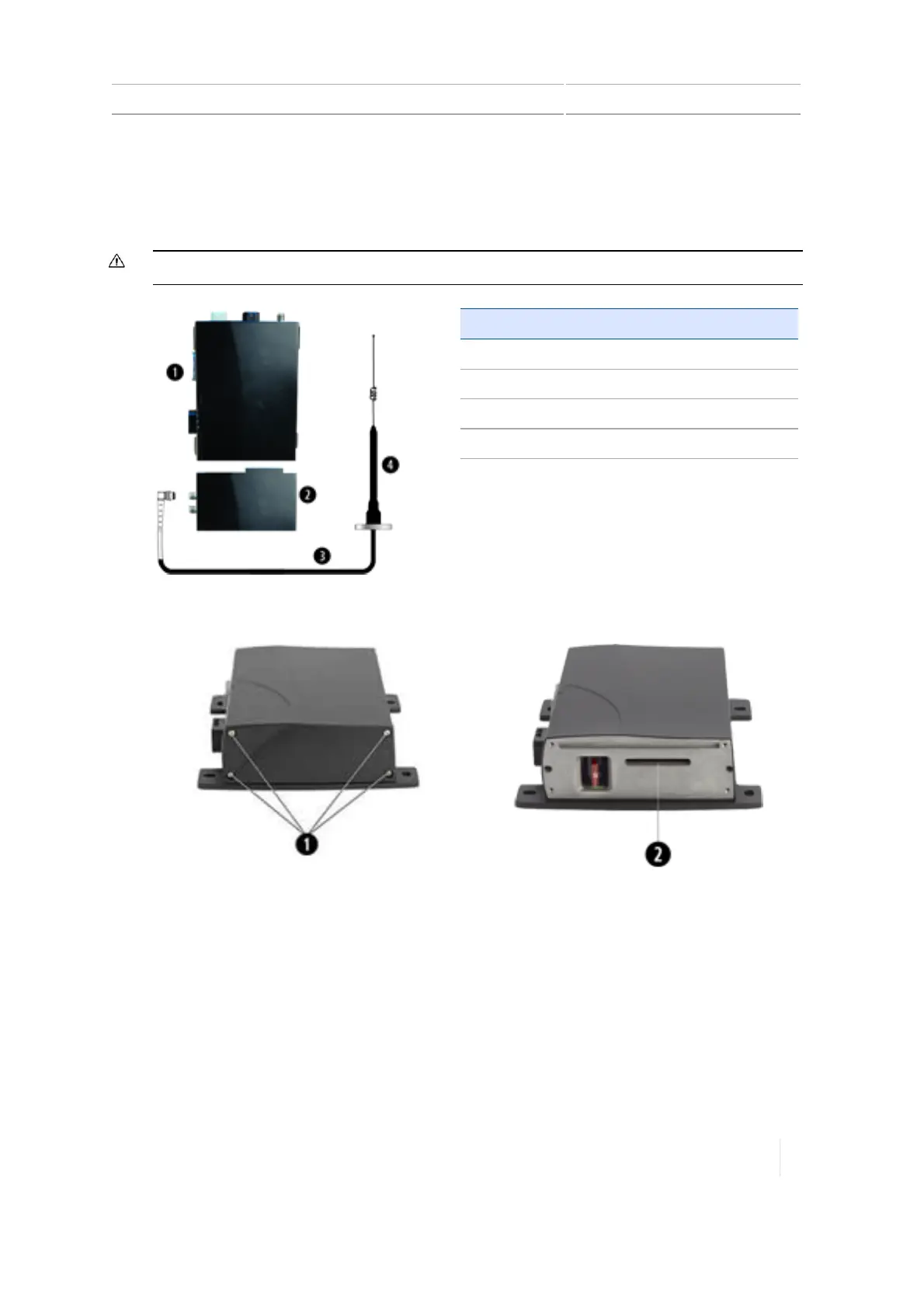
Connect the AG-815 radio to the TM-200 Module
The AG-815 integrated radio connects directly to the TM-200 Module.
CAUTION – Make sure the vehicle power is off when you are connecting system components.
Item Description
1 TM-200 Module
2 AG-815 integrated radio
3 Radio antenna cable
4 Radio antenna
1.
Use a T10 Torx screwdriver to remove the screws (1) and face plate from the TM-200 Module.
2. Insert the AG-815 radio's blade connector (2) into the radio expansion slot of the TM-200
Module.
3.
Use the long screws provided with the AG-815 radio to fasten the radio to the TM-200 Module.
Version 1.075, Revision C TMX-2050 Display User Guide 103



 To Next Page