10 Operations ISOBUS
For information on: See:
Prescriptions Manager
Prescriptions Manager, 66
Import prescriptions
Importing prescriptions, 223
Export prescriptions
Exporting prescriptions, 223
Assign a prescription
Assign a prescription, 280
ISOBUS
To control ISO-certified implements, you can use:
l Task Controller:An optional feature that enables the TMX-2050 display to control the
implement and log data. See Task Controller operation, 282.
l Virtual Terminal:A means of controlling the implement through the Virtual Terminal. No data is
logged. See Virtual Terminal operation, 284.
Task Controller operation
Note – To use Task Controller, you must have unlocked the feature with a valid password, turned
on the feature in the display settings, and be connected to an ISO-certified implement that is set
up. (See Feature unlocks, 81 and ISOBUS settings, 87.)
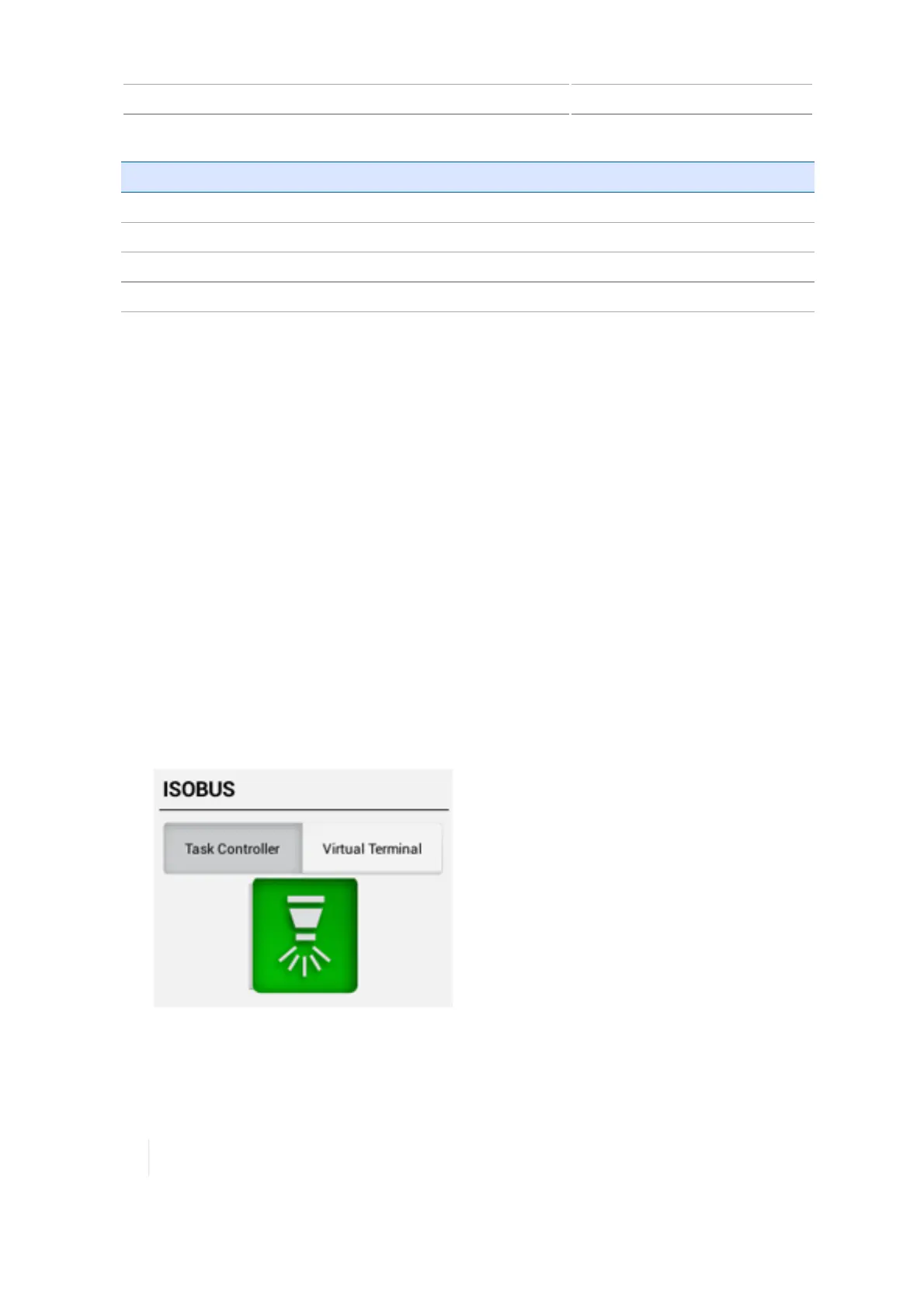
At the Run screen, the ISOBUSwidget displays when the following steps are completed:
1. Task Controller is turned on in the display settings (see ISOBUS settings, 87).
2.
The ISO-certified implement is connected and you have set it up with an application channel
that is controlled by Task Controller (see ISOBUS for implements, 191).
You can use the ISOBUS widget to switch between usingTask Controller and Virtual Terminal.
282 TMX-2050 Display User Guide Version 1.075, Revision C



 To Next Page