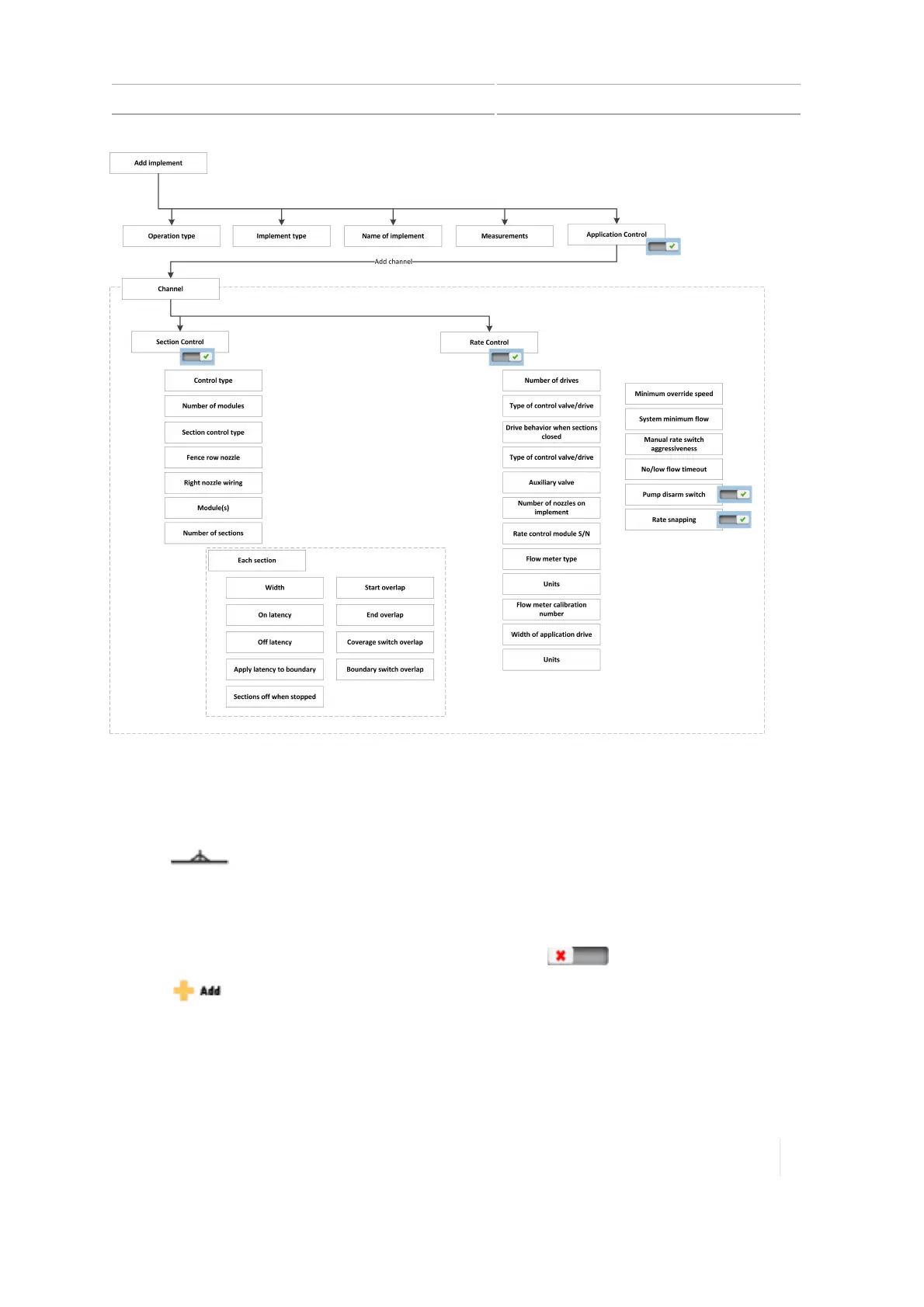
Application control 8 Implements
Add a control channel
To add an application control channel (such as Field-IQ):
1.
Tap on the Home screen.The Implement setup panel displays.
2. Tap the implement you want to work with.
3. Tap APPLICATIONCONTROL.
4.
At APPLICATIONCONTROL, turn the feature on by tapping .
5.
Tap .
6. Tap Next.
7.
The display takes you to a set of screens to set up the channel, beginning with the TYPE section.
Version 1.075, Revision C TMX-2050 Display User Guide 197



 To Next Page