6 Vehicles Delete a vehicle
l EZ-Steer
l Manual Guidance
7. Tap the type of guidance system the vehicle uses.
8. Continueentering settings for the vehicle and guidance system. For instructions, see the
section that applies to your guidance system:
ll Autopilot system setup, 146
l EZ-Pilot system setup, 167
l EZ-Steer system setup, 173
l Manual guidance setup, 145
WARNING – Auto guidance systems cannot avoid items in the field such as obstacles. Make sure you are
adequately trained to operate the auto guidance system.
For instructions on saving the vehicle, see Save a vehicle, 143.
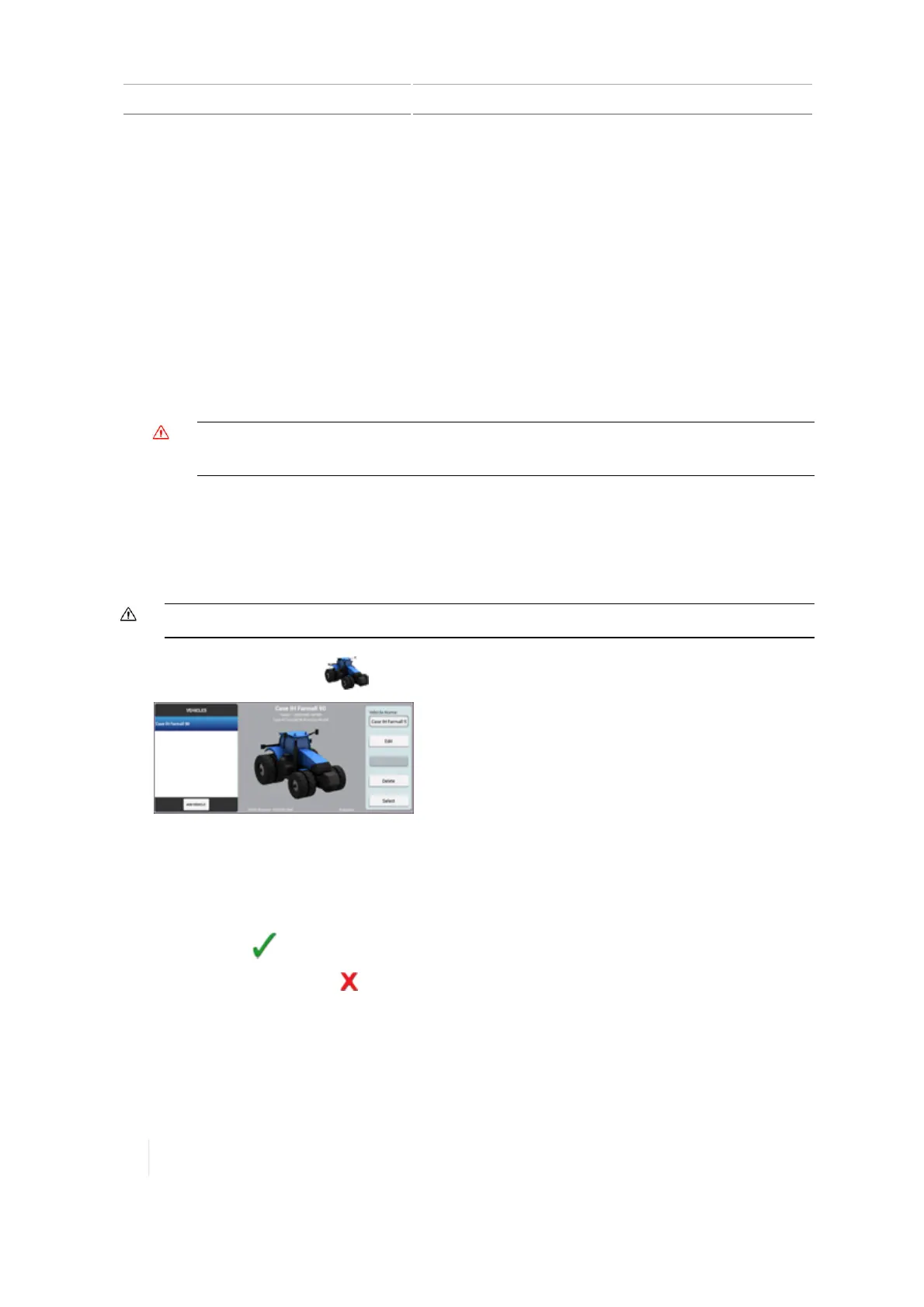
Delete a vehicle
CAUTION – If you delete a vehicle, all information about the vehicle will be erased.
1.
At the Home screen, tap . The Vehiclesetup panel displays.
2.
On the left-hand side in the list, tap the name of the vehicle you want to delete.
3. On the right-hand side, tap Delete . A confirmation message displays asking you to confirm
removal of the vehicle.
4.
To delete, tap . You return to the Vehicle setup panel at the Home screen.
5.
To cancel the deletion, tap .
142 TMX-2050 Display User Guide Version 1.075, Revision C



 To Next Page