On-screen widgets 10 Operations
Button Explanation
(Green)
If you have Field-IQ Section Control for spraying, Task Controller will control
the application of the material (see Field-IQ system operations, 270).
Position status
The following status widgets on the Run screen indicate your position.
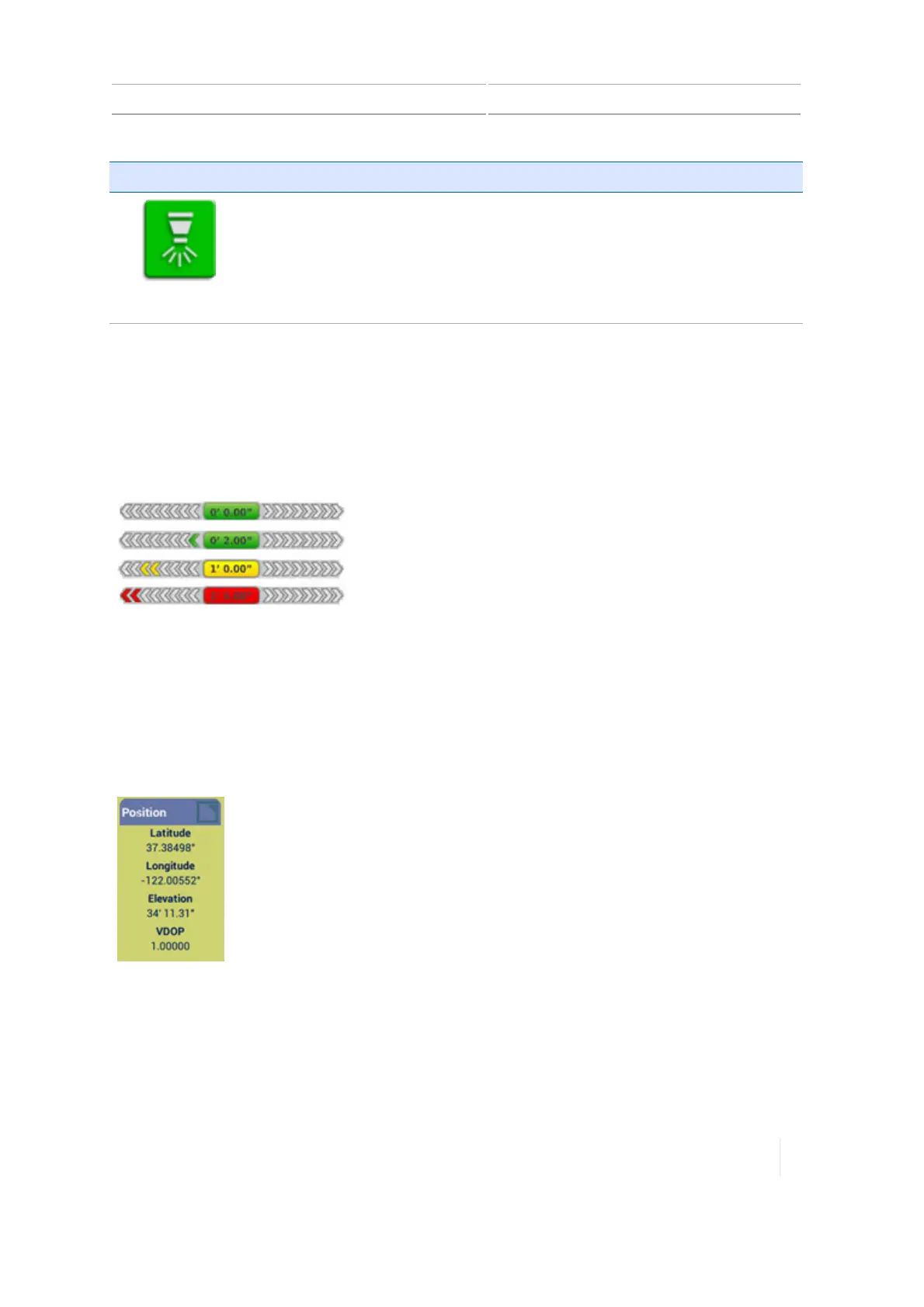
On-screen lightbar for auto guidance
The on-screen lightbar provides the status of where the vehicle
is in relation to the guidance line. When the vehicle is perfectly
on the guidance line, the value in the center is 0 and the
background color is green.
The center of the lightbar represents your position. As your
vehicle's position moves farther from the line, the farther the
highlighted arrows will be from the center of the light bar.
As the vehicle moves farther from the guidance line, the
numerical indicator shows the distance from the guidance line
and the highlight color changes from green, to yellow, to red.
Position
Your current position's:
l Latitude
l Longitude
l Elevation
l VDOP
Version 1.075, Revision C TMX-2050 Display User Guide 289



 To Next Page