2 Display basics GNSSnotification button
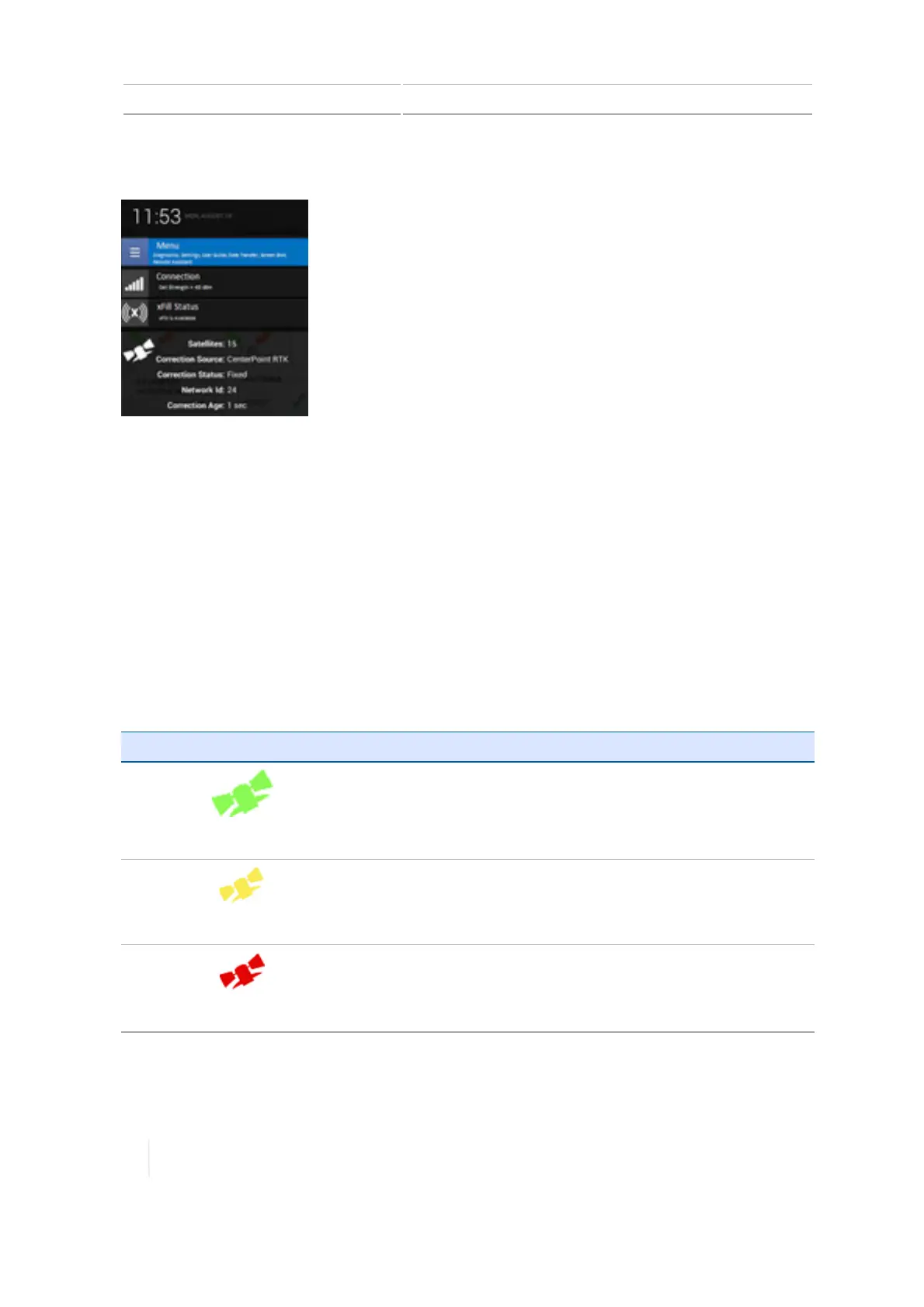
Tap on the right side of the bar to access a list that slides up containing notifications. To close this
list, tap anywhere on the screen other than the list.
Tap specific buttons in the notification list to immediately access:
l The main menu
l Details about the status of GNSS, xFill technology, satellites and cellular connection
l Other status items
Also see GNSSnotification button, 52.
GNSSnotification button
A GNSS notification button displays on the display bar to indicate the status of your GNSS
connection. When you tap the button, the system takes you to the Diagnostics screen for any
troubleshooting you want to do.
Notification Button Indicates...
Green
GNSSconnection is normal.
Yellow
GNSSconnection is converging.
Red
No GNSS connection is available.
52 TMX-2050 Display User Guide Version 1.075, Revision C



 To Next Page