GNSS diagnostics 11 Diagnostics / troubleshooting
GNSS diagnostics
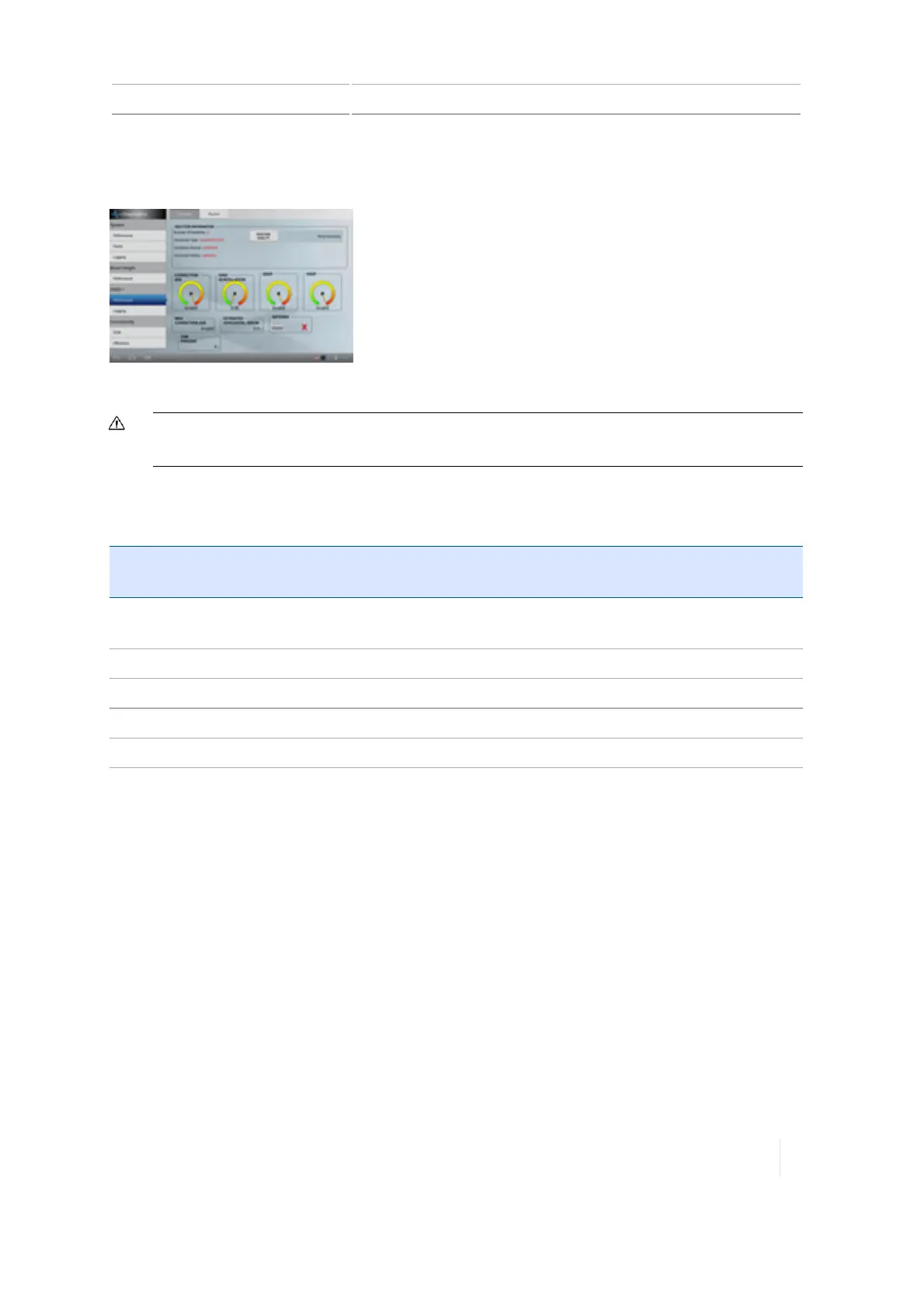
At the Diagnostics panel, tap Performance under GNSS.
For information on GNSSsettings, see GNSS receiver settings, 116.
CAUTION – The GNSS antenna may experience interference if you operate the vehicle within 100 m (300 ft) of
any power line, radar dish, or cell phone tower.
Solution Information
Solution
Information
Explanation
Number of
Satellites
Indicates number of satellites currently being used.
Correction Type The correction service indicated at setup.
Correction Source Modem, satellite / fast, satellite /SBAS, OmniStar HP/G2
Correction Status Fixed, Float or x-Fill
Position Quality Tap to change. Favor accuracy, balance quality or favor availability.
Skyplot
At the Skyplot screen, you can view the number of satellites nearest to your position.
Version 1.075, Revision C TMX-2050 Display User Guide 317



 To Next Page