4 Installation Installation and GNSS set up
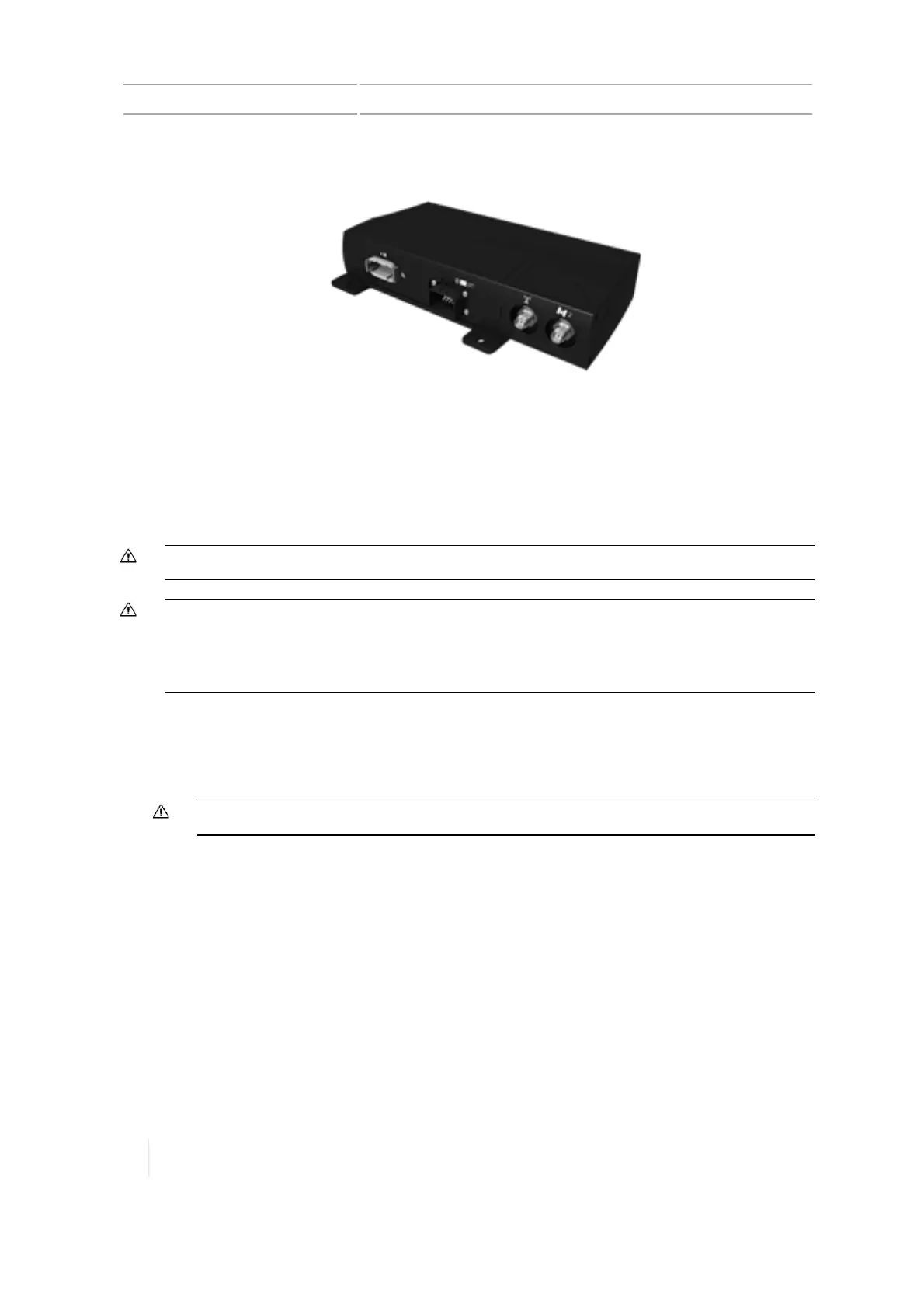
The following image shows the AG-815 radio attached to the TM-200 Module.
Connect the display and TM-200 Module
The TM-200 Module connects to the antenna, auto-steering and other systems, such as the Field-IQ
system's Rate and Section Control. Before installation, make sure the TM-200 Module is out of the
way but accessible, and close enough to connect to the display with the supplied display cable.
CAUTION – Make sure the vehicle power is off when you are connecting system components.
CAUTION – If the vehicle has a master electrical disconnect, make sure the power cable ground connections are
not directly attached to the battery terminal. Attach the ground connections of the power cable to the chassis
side of the main disconnect so that it is as close as possible to the battery, but still gets disconnected when the
master disconnect is turned off. Failure to connect the power cable ground will cause damage to the display.
1. Mae sure you have connected the AG-815 integrated radio to the TM-200 Module. See Connect
the AG-815 radio to the TM-200 Module, 103.
2. Use the display cable to connect the TM-200 Module to the TMX-2050 display.
CAUTION – Do not attempt to power the display without the TM-200 Module.
104 TMX-2050 Display User Guide Version 1.075, Revision C



 To Next Page