GNSS and xFill technology status 11 Diagnostics / troubleshooting
GNSS and xFill technology status
GNSSstatus is available on the Display bar, 51 and the popup notification menu accessed by tapping
the right side of the display bar.
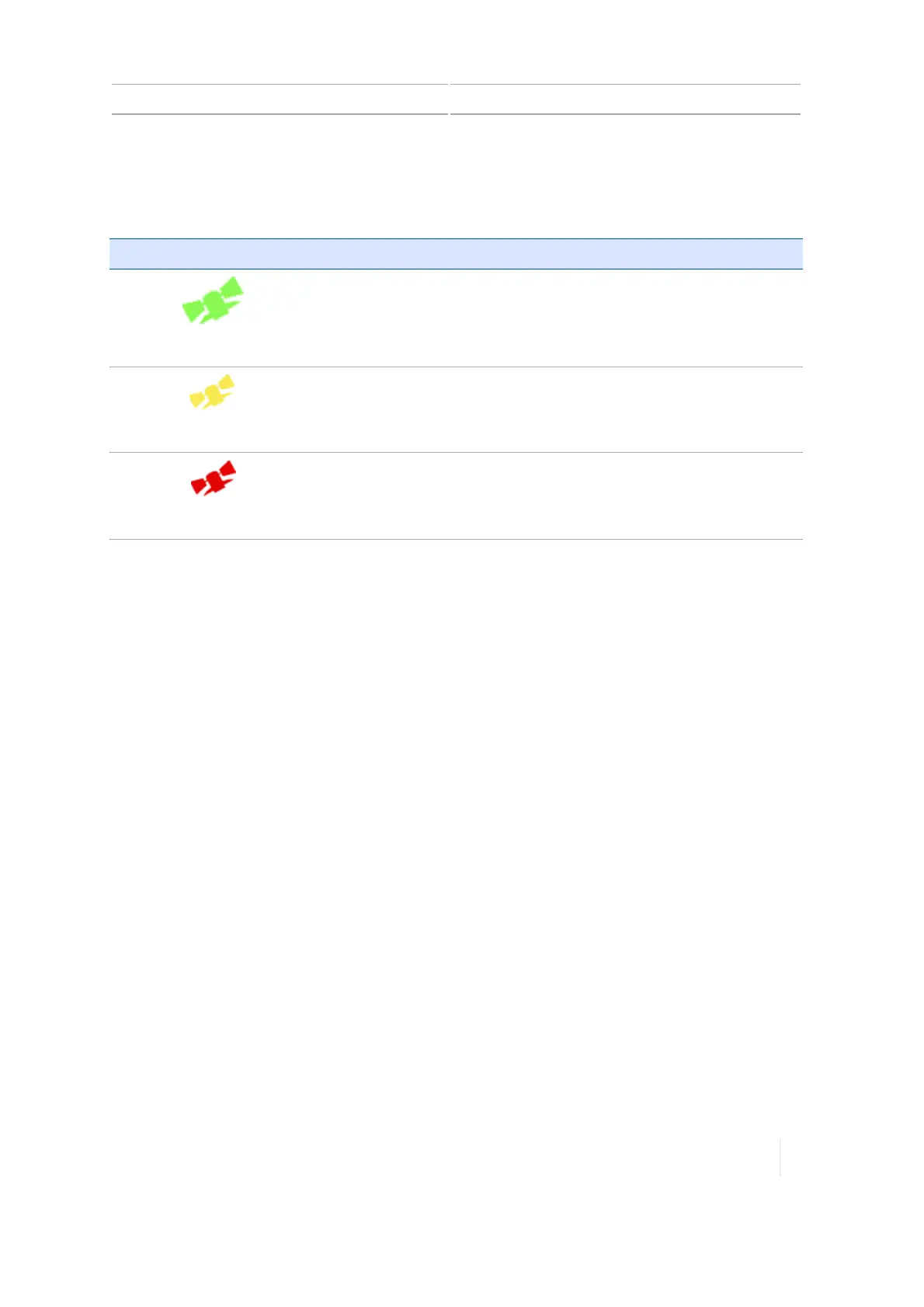
Notification Button Indicates...
Green
GNSSconnection is converged (green).
Yellow
GNSSconnection is converging (yellow).
Red
No GNSS connection is available (red).
For more information on GNSS, see:
l DCM-300 modem initial setup, 130
l GNSS receiver settings, 116
l GNSS diagnostics, 317
l DCM-300 modem diagnostics, 305
xFill technology status
In the event of an RTK or VRS signal interruption, the display switches to xFill mode, and the xFill
icon changes to a blue color.
When 5 minutes of xFill technology time remains (15 minutes have elapsed), the xFill icon changes to
a red color and a warning appears on the display.
if you lose corrections from the satellite, you will go into DGPS corrections. Even if you regain
exposure to the satellites, the xFill technology will not resume. Anytime xFill degrades to DGPS, the
receiver must receive RTK corrections before xFill can be ready in the background again.
Additionally, if you lose any of your satellites during xFill, they will not be able to be used for the
entire xFill duration of 20 minutes.
Safety feature
xFill technology estimates the drift in position. If the distance back to the original path is too large,
xFill technology discontinues Fixed position, which disengages auto-steering.In this case, you can
Version 1.075, Revision C TMX-2050 Display User Guide 315



 To Next Page