10 Operations Vehicle operation
Steering adjustments
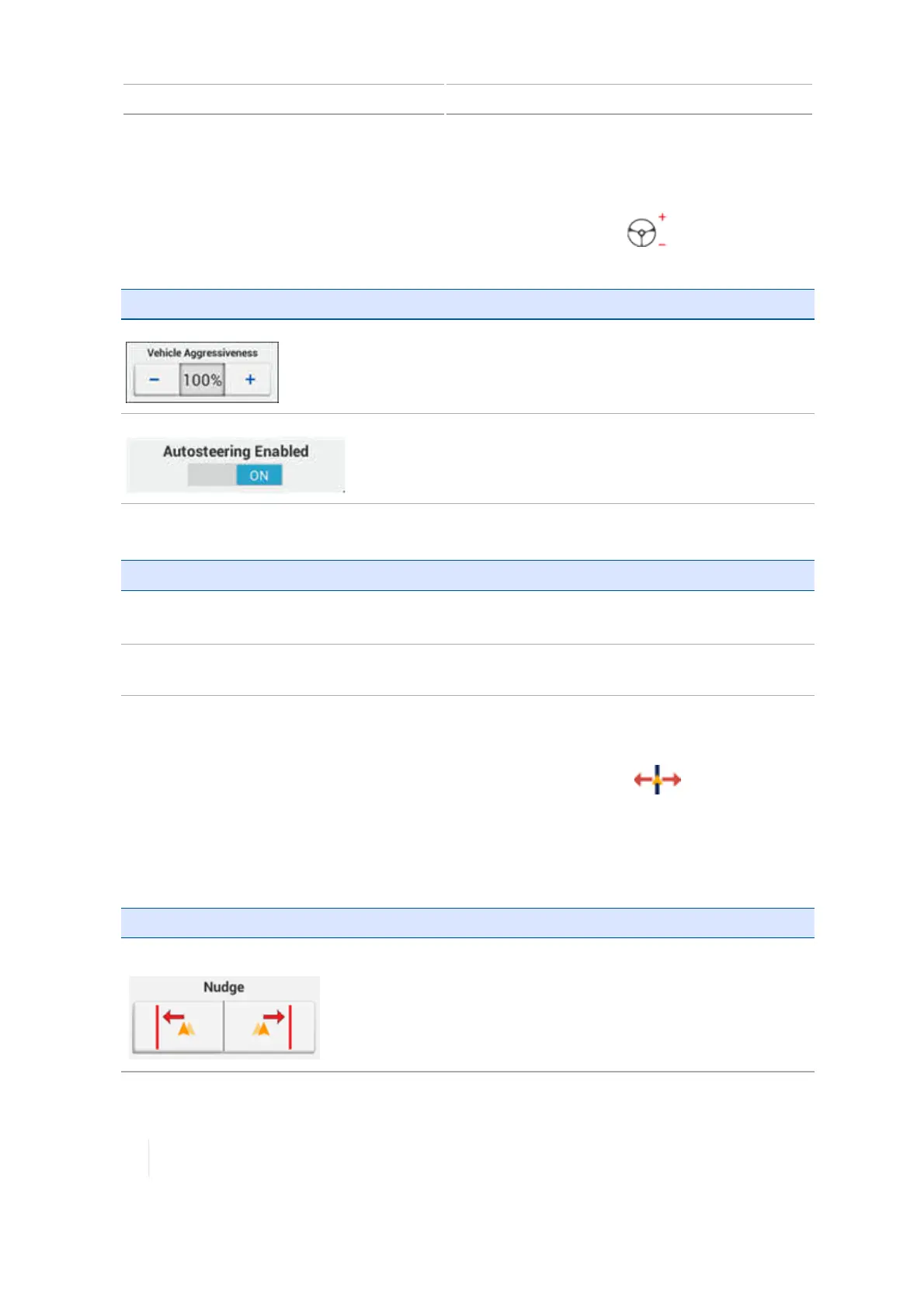
To adjust steering while performing field activities, at the Run screen, tap . The system displays
the steering adjustment buttons.
Button Use to...
Vehicle Aggressiveness
Adjust the vehicle aggressiveness.
Autosteering Enabled
Enable or disable auto steering.
For information on: See:
Vehicle
aggressiveness
l For Autopilot: Engage aggressiveness, 166
l For EZ-Pilot: Online aggressiveness calibration for EZ-Pilot system, 171
Diagnostics
Autopilot system diagnostics, 296
,
EZ-Pilot system diagnostics, 303
,
EZ-Steer
system diagnostics, 307
Guidance adjustments
To adjust guidance while performing field activities, at the Run screen, tap . The guidance
adjustment buttons display.
Note – These adjustments are removed if you enter a new task. Your system may also be set up to
remove these adjustments with a power cycle. See Steering and guidance, page 1 for these
settings.
Buttons Use to...
Nudge Temporarily move the vehicle left or right depending on the
direction you chose. .
To set the increment that nudge moves, see Steering and guidance
settings, 85.
244 TMX-2050 Display User Guide Version 1.075, Revision C



 To Next Page