Vehicle operation 10 Operations
Buttons Use to...
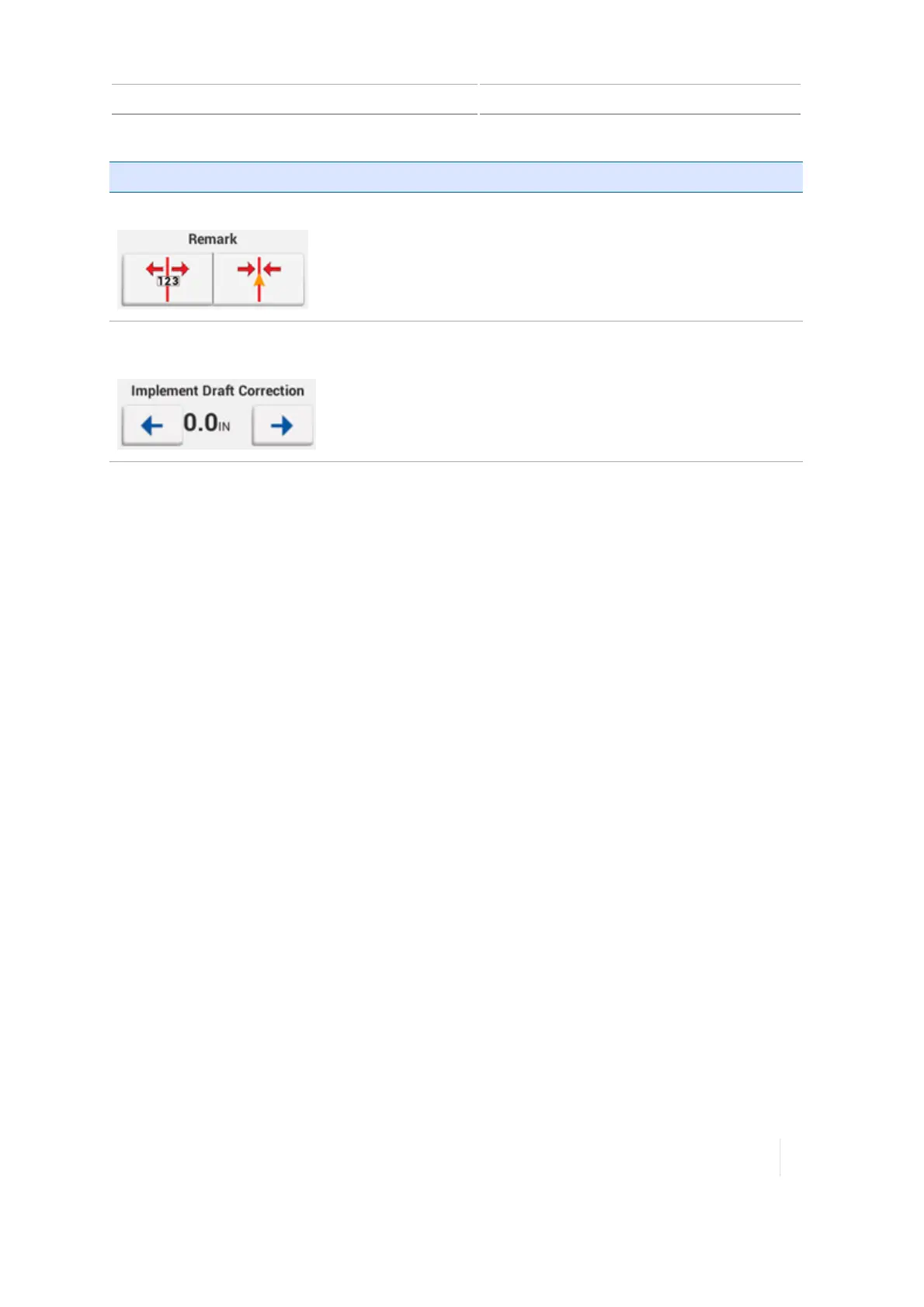
Remark Temporarily move the pattern to the vehicle's current location.
For information on re-mark settings, see Steering adjustments, 244.
Implement Draft
Correction
Move the implement back on the guidance line if the implement is
physically drifting offline in the field. The value between the arrow
buttons indicates the amount of distance for the correction.
To set the increment that implement draft correction moves, see
Steering and guidance settings, 85.
Version 1.075, Revision C TMX-2050 Display User Guide 245



 To Next Page