Run screen 2 Display basics
Button Tap to...
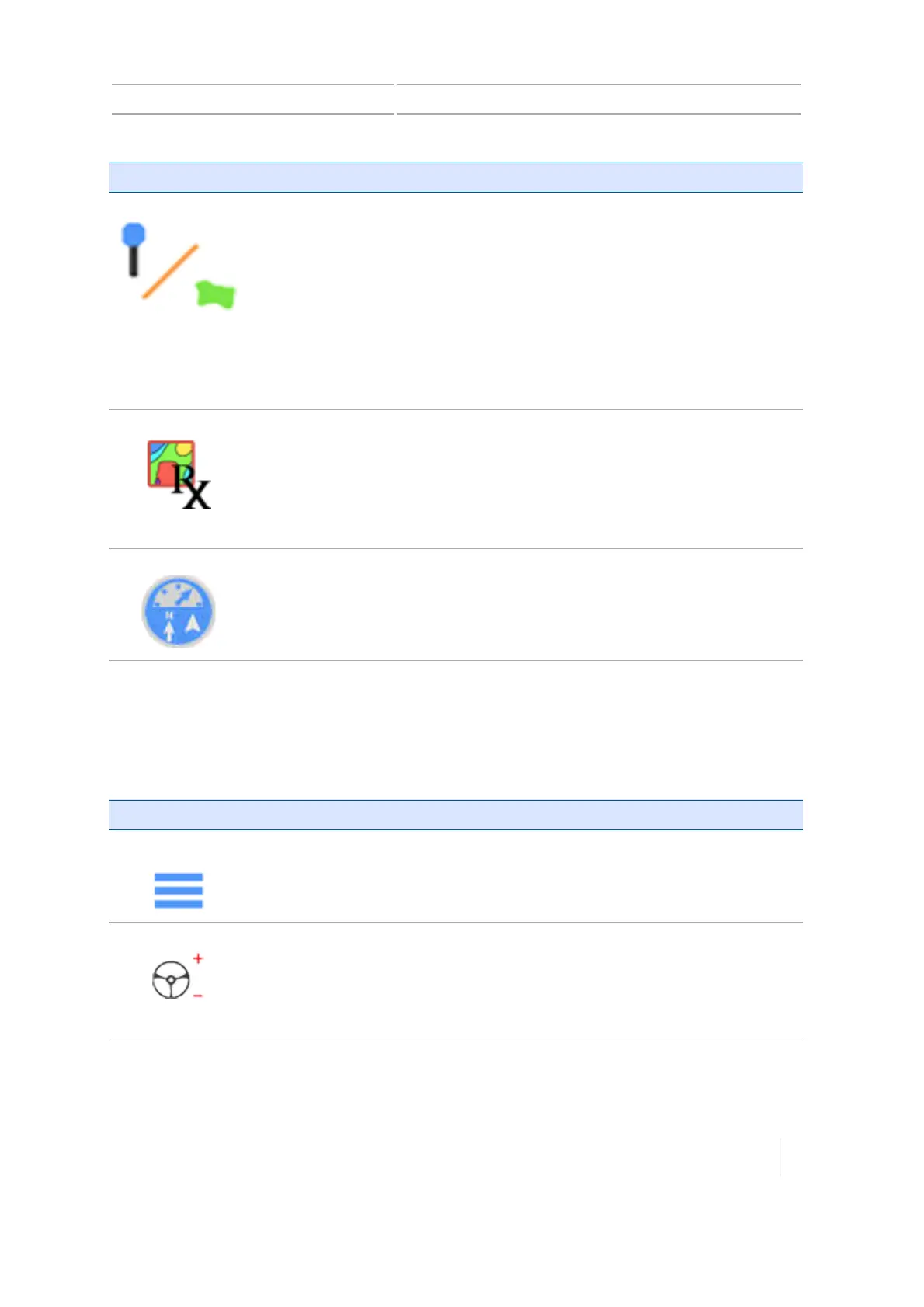
Landmarks
View options to create:
l
Line
See Landmark line creation (Run screen), 264.
l
Areas
See Landmark area creation (Run screen), 265.
l
Points
See Landmark point creation (Run screen), 264.
Prescriptions
Open the Prescriptions Manager.
See:
l Prescriptions Manager, 66
l Prescriptions, 223
l Assign a prescription, 280
Widgets
Open the widget menu to add individual widgets, add all widgets or remove
all widgets.
See On-screen widgets, 286.
Feature operation buttons - right side
Using feature operation buttons, you can make adjustments to various features while performing
field activities. With the exception of the Menu button, these buttons are specific to applications
and depend on which features you are using.
Button Tap to...
Menu
Access the main menu.
See Main menu, 53.
Adjust Steering
View options:
l Adjust vehicle aggressiveness
l Enable or disable autosteering
See Steering and guidance settings, 85.
Version 1.075, Revision C TMX-2050 Display User Guide 59



 To Next Page