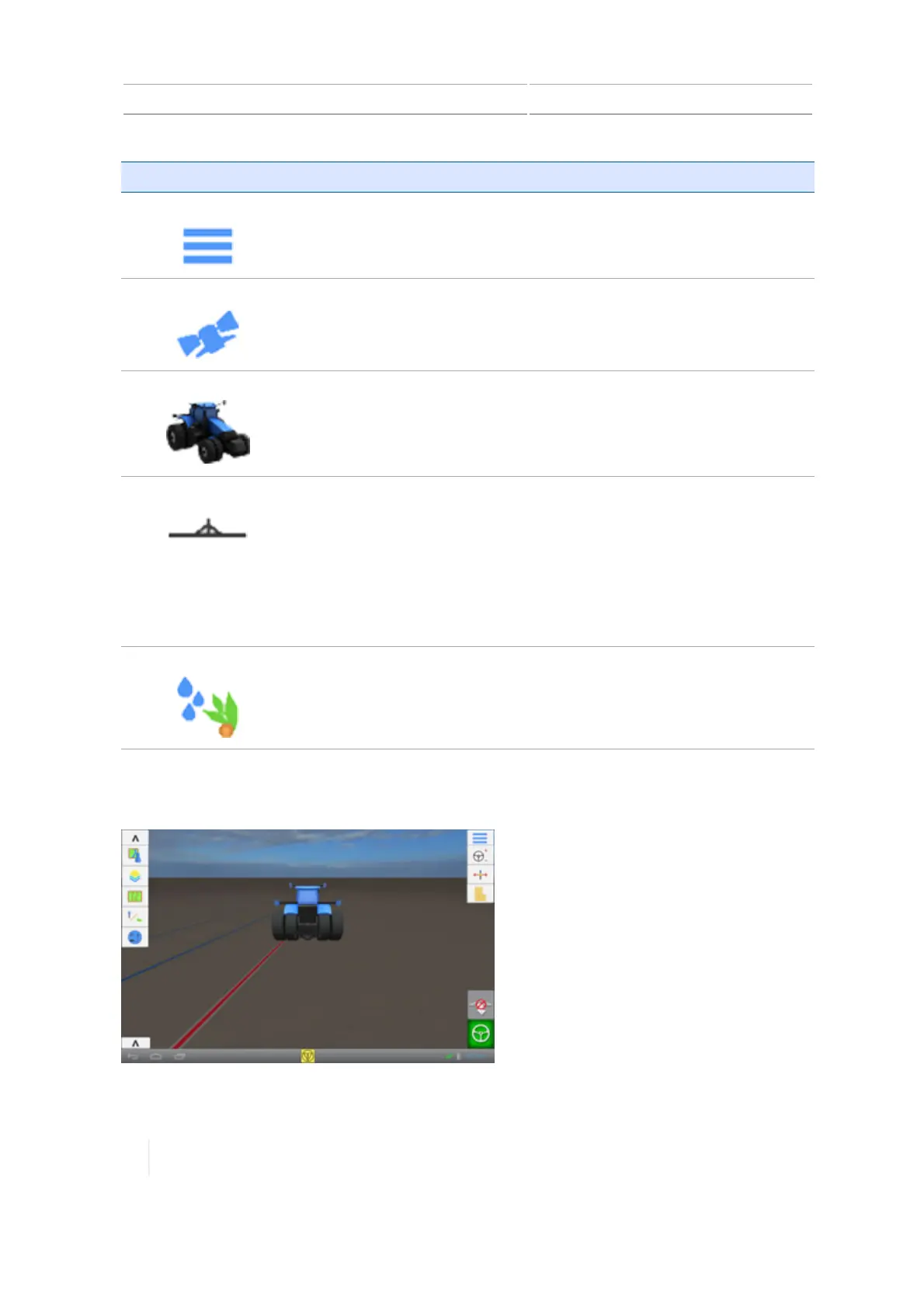
2 Display basics Run screen
Button Tap to...
Menu
Access the main menu.
See Main menu, 53.
GNSS
Set up GNSS.
See GNSS receiver settings, 116.
Vehicle
Add, edit or select a vehicle, as well as set up and calibrate an assisted
guidance system such as the Autopilot, EZ-Pilot, or EZ-Steer system.
See Add a vehicle, 140.
Implement
Add, edit or select an implement.
Set up and calibrate features for implements such as:
l The Field-IQ system Rate and Section Control
l The Field-IQ systemBoom Height Control
l Implement lift switches and sensors
See Implement setup, 188.
Material
Add, edit, and select materials.
See Managing materials, 226.
Run screen
56 TMX-2050 Display User Guide Version 1.075, Revision C



 To Next Page