On-screen widgets 10 Operations
To move a status widget around on the screen:
1. Touch the widget and keep your finger on the screen.
2. Drag the widget with your finger. A grid displays on the screen.
3. After you have moved the widget where you want it, remove your finger.
Remove a widget
To remove a widget from the Run screen:
1. Touch the widget and keep your finger on the screen. A grid displays on the screen.
2.
Drag the widget with your finger to the upper right corner. A trash can icon with the word
"Remove" will display.
3. Drag the widget onto the trash can. You will no longer see the widget on the screen.
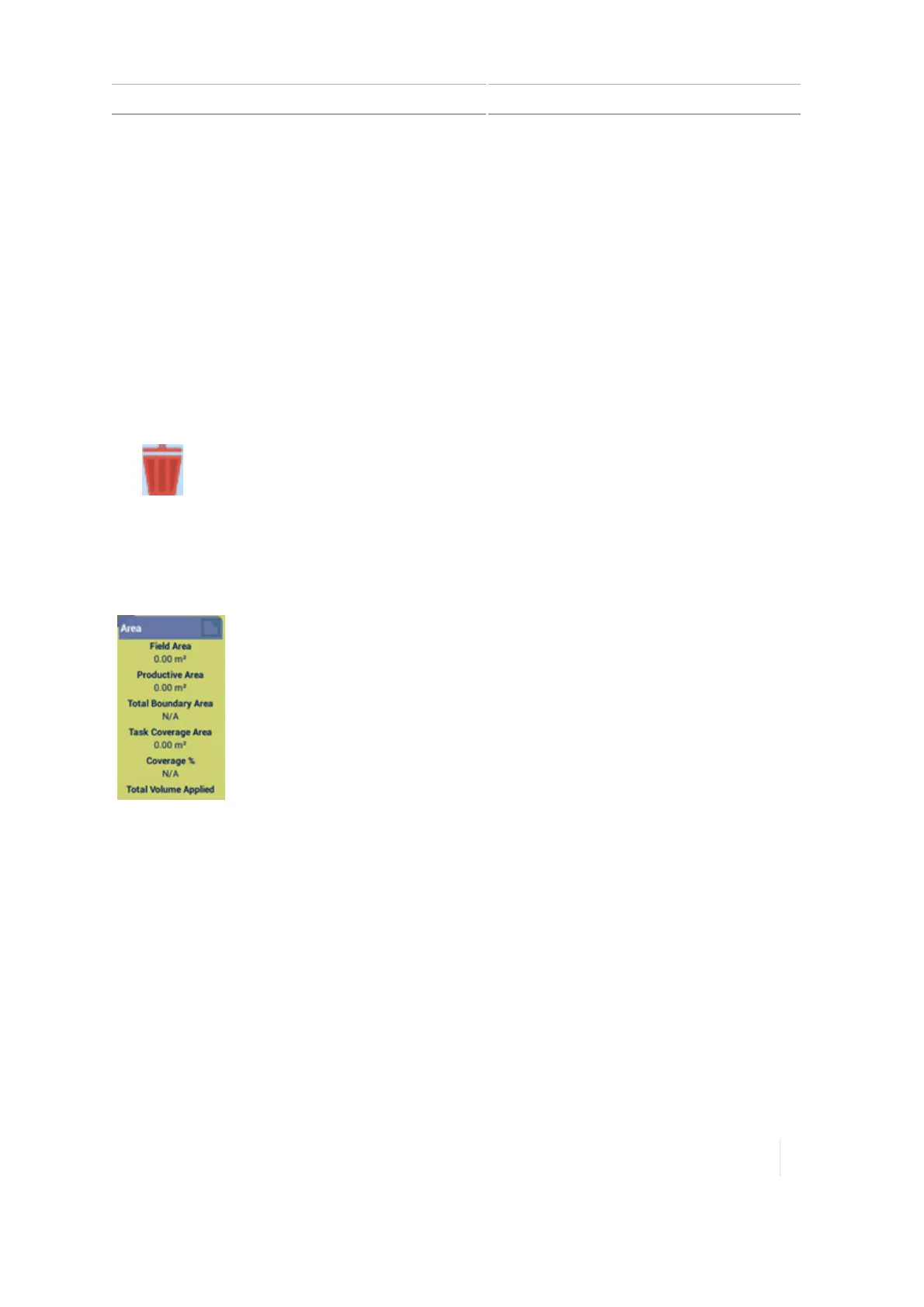
Area status
Area status:
l Area of the field
l Productive area: Total field area minus the unproductive
areas
l Total boundary area: Total of the area within the active
boundaries of the field
l Task coverage area: The amount of coverage in the field
l Percent of coverage: The amount of coverage over the
productive area multiplied by 100
l Total volume applied
Version 1.075, Revision C TMX-2050 Display User Guide 287



 To Next Page