Components 4 Installation
Item Name Explanation
9 Speakers For use if you have sound activated on the TMX-2050
display. See
Display settings, 82
.
10 Port: USB (side) with cover Socket for USB drive to transferring data to and from the
TMX-2050 display. See
Data transfer, 67
and
USB socket,
74
.
11 Interior bolts in mounting
plateplate
Receives screws for Zirkona display mount
12 Ambient light sensor
Senses lower ambient light and activates the backlight on
the display.
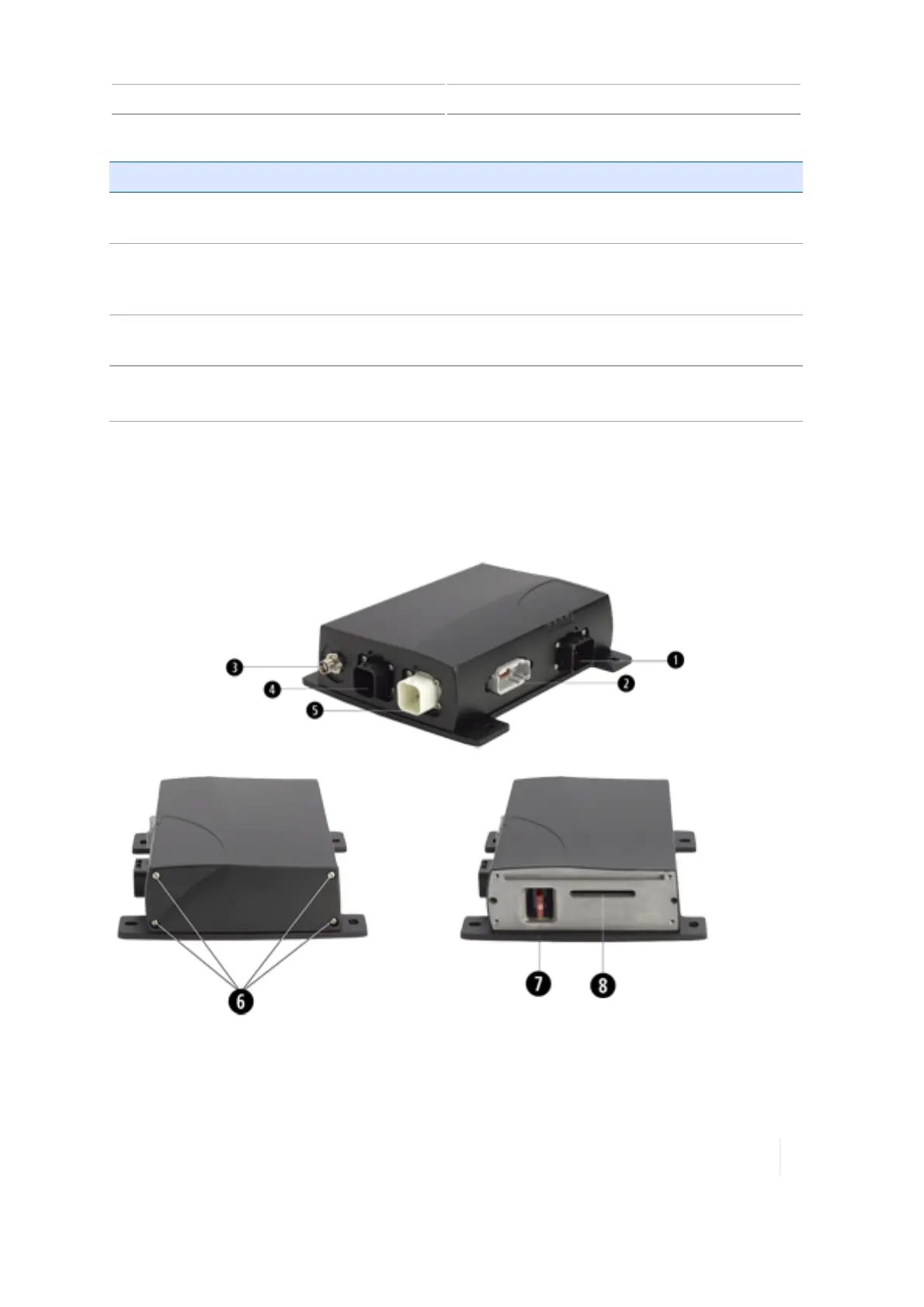
TM-200 Module
The TM-200 Module is a hub for connectivity and high-performance GNSS positioning. It connects to
the TMX-2050 display with a single cable. All remaining components connect to the TM-200 Module.
This enables you to quickly disconnect and reconnect the TMX-2050 display as needed.
Version 1.075, Revision C TMX-2050 Display User Guide 97



 To Next Page