11 Diagnostics / troubleshooting Autopilot system diagnostics
Autopilot system diagnostics
You can use diagnostics for AutoPilot to:
l View the degree of the steering angle being given by the navigation controller and the actual
degree of angle.
l Calibrate:
l
l Manual override sensitivity
l Vehicle system aggressiveness
l Line approach aggressiveness
l Engage aggressiveness
l Proportional steering gain (Pgain)
l Roll calibration
l Make incremental adjustments to a pattern using the nudge increment tool
l View:
l
l Vehicle roll and yaw
l Navigation controller orientation
l IMU parameters
l Sensor settings
l Set the NavController IIto output NMEAmessages.
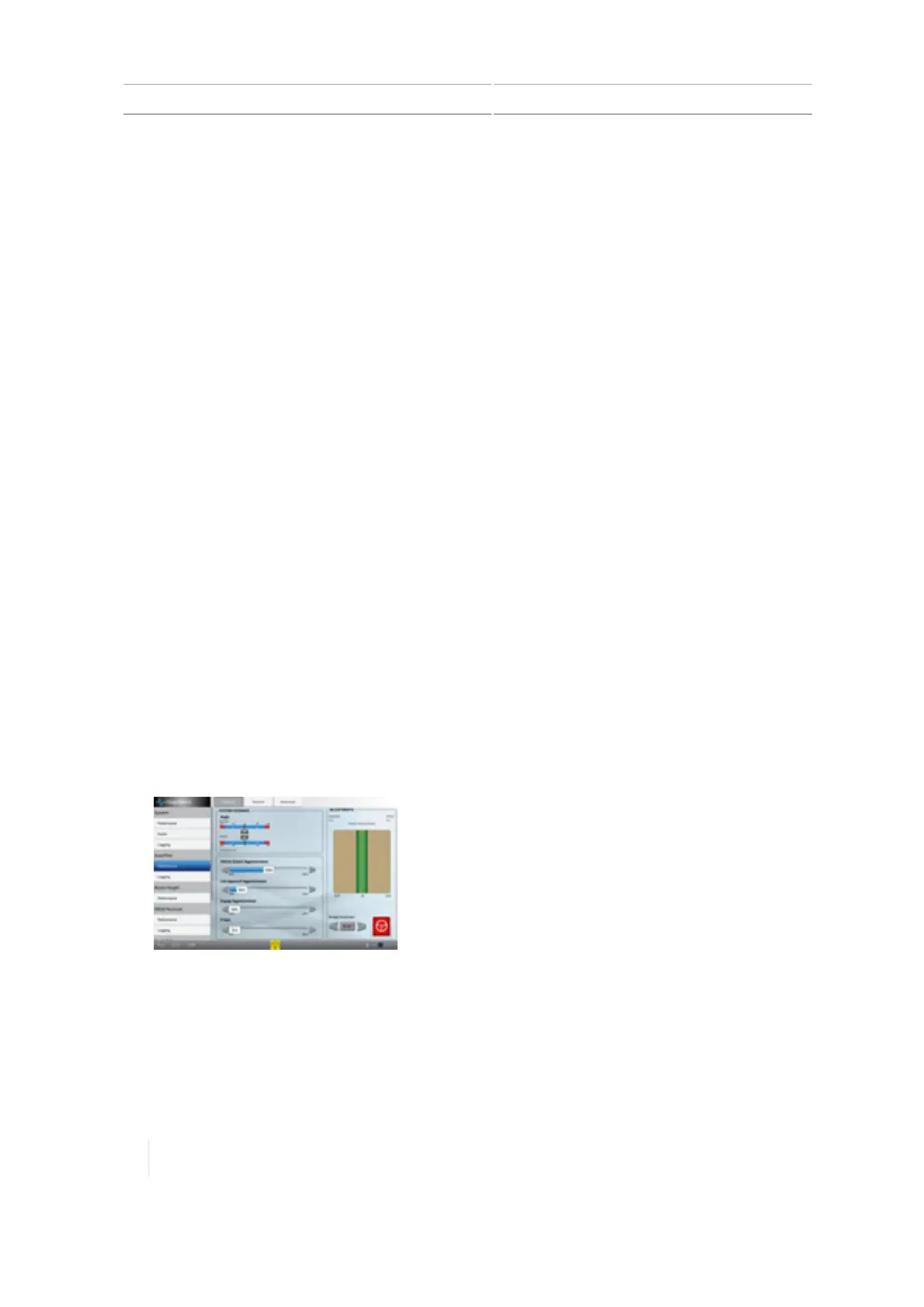
Steering performance for Autopilot system
1. At the Diagnostics panel, tap Performance under Autopilot.
2.
Tap Steering.
296 TMX-2050 Display User Guide Version 1.075, Revision C



 To Next Page