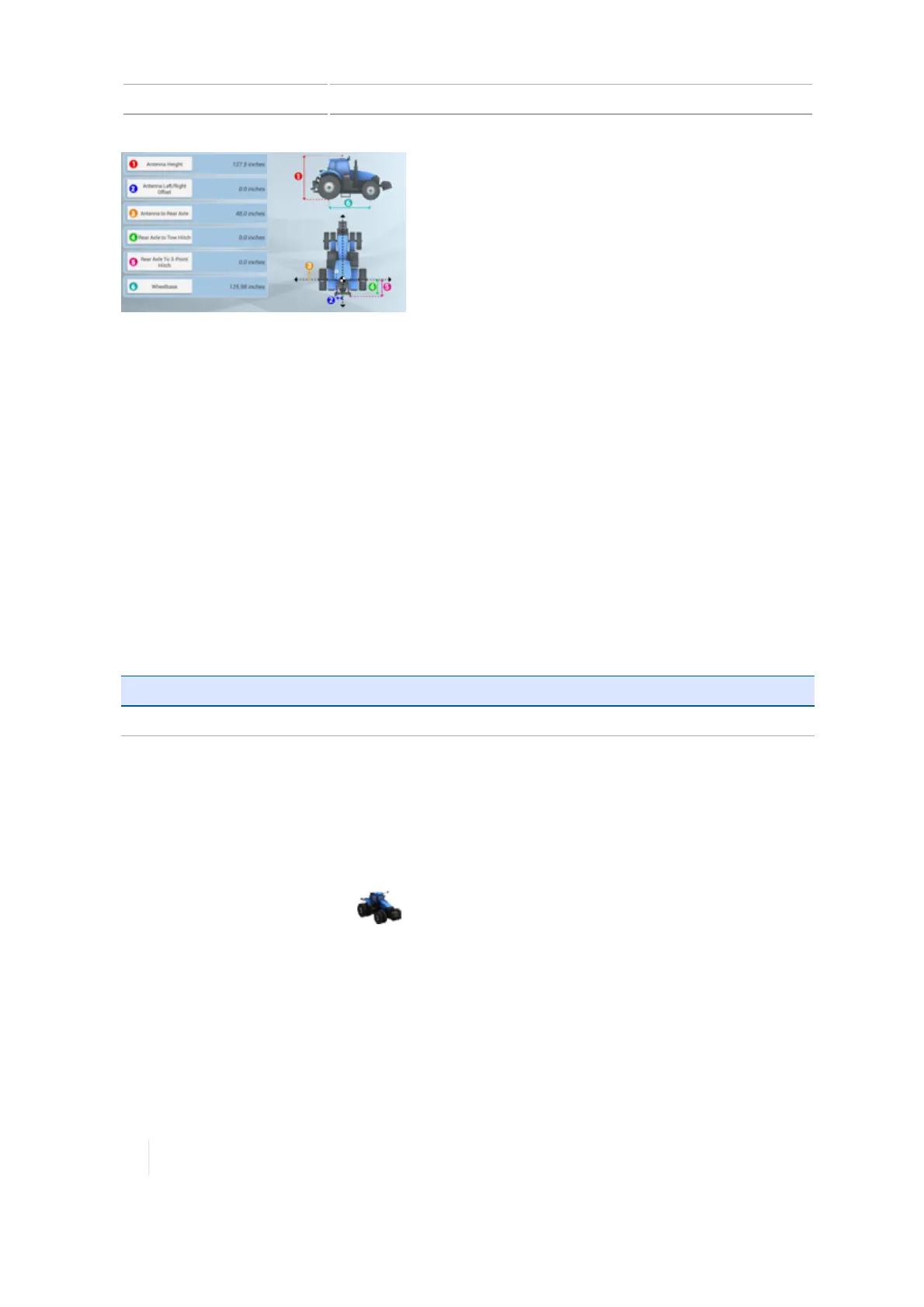
6 Vehicles EZ-Pilot system calibrations
To edit measurements, tap each measurement button and enter the appropriate number.
Before you take measurements:
l Park the vehicle on level ground.
l
Make sure the vehicle is straight, with the center line of the body parallel to the wheels.
EZ-Pilot system calibrations
Calibrations for the EZ-Pilot guidance system are:
l Angle per turn calibration for EZ-Pilot system, 171
l Roll correction for EZ-Pilot system, 170
l Online aggressiveness calibration for EZ-Pilot system, 171
l Line acquisition calibration for EZ-Pilot system, 172
For information on: See:
Diagnostics
EZ-Pilot system diagnostics, 303
Roll correction for EZ-Pilot system
1. Park the vehicle and mark the center lines of both the front and rear wheelbases on the
ground.
2. Navigate to the GUIDANCE section of the vehicle setup panel:
a.
At the Home screen, tap . The Vehicle setup panel displays.
b. At the list on the left-hand side of the setup panel, tap the name of the vehicle you want to
calibrate. The display changes the list item to a blue background with white text.
3. Tap Calibrate.
4. Tap Roll Calibration. The calibration tool displays.
5. Follow the instructions on the calibration tool.
170 TMX-2050 Display User Guide Version 1.075, Revision C



 To Next Page