Common controls 2 Display basics
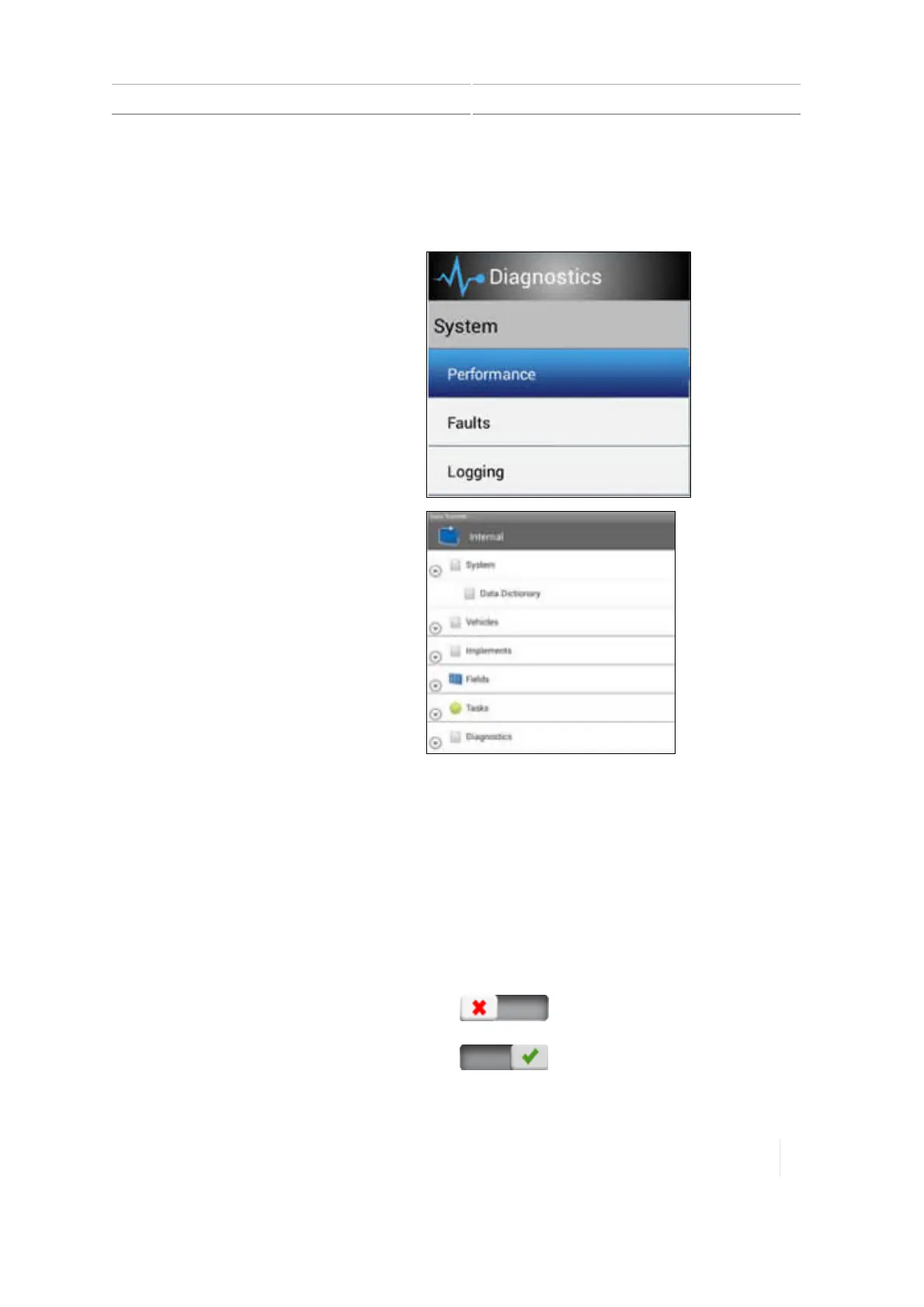
l Tap a list item to reveal additional information or choices to the right of the menu.
l Some lists have expand/collapse capabilities. Tap the up or down arrow to expand and collapse
sections.
Tap a list item to reveal additional
information or choices to the right of the
menu.
Some lists have expand/collapse
capabilities. Tap the up or down arrow to
expand and collapse sections.
Selection lists
Some lists contain items for you to select. If the list is longer than what is in your view, a scroll bar
displays to the right of list items. You can use this to scroll up and down the list. After you tap your
selection on the list, the list closes.
On / Off buttons
On/off buttons enable you to turn items on and off.
The red X indicates this item is turned off. Tap to
turn the item on.
The green check mark indicates this item is
turned on. Tap to turn the item off.
Version 1.075, Revision C TMX-2050 Display User Guide 45



 To Next Page