4 Installation Installation overview
Installation overview
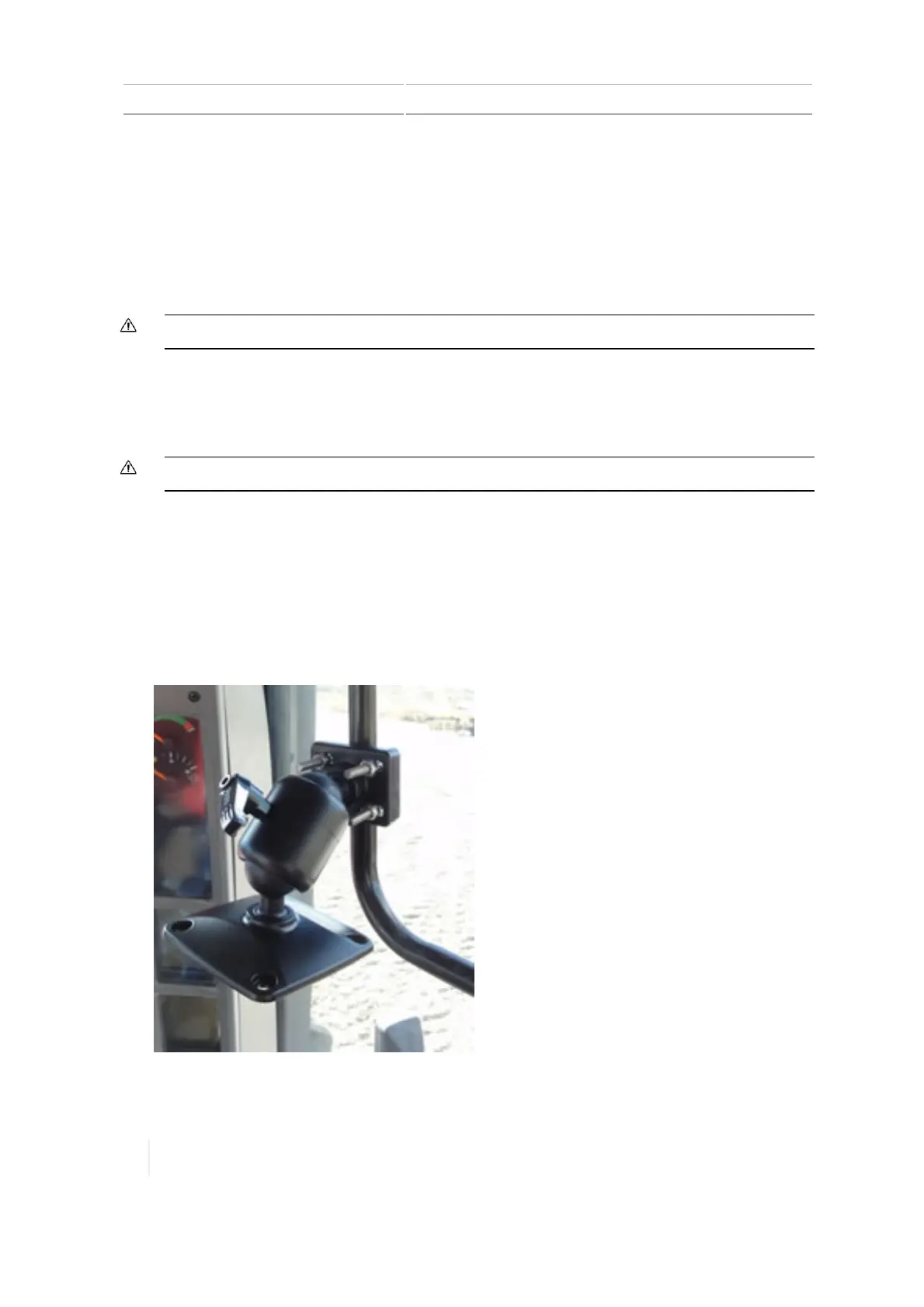
The display mount attaches to a rail in the cab of the vehicle. The TMX-2050 display connects to the
display mount.
The TM-200 Module connects to the display with a single cable.
Additional components to install depend on your connection and correction services, and the
features you are using.
CAUTION – Make sure the vehicle power is off when you are connecting system components.
Install the display and mount
Use the mounting hardware supplied in the display kit to mount the display in the vehicle cab.
CAUTION – Make sure the vehicle power is off when you are connecting system components.
Before completing installation steps, select a position in the cab where the bar mount (4) can be
attached to a rail. Hold the display in the selected location and make sure that it is:
l Easy to see, but does not block the driver’s view
l Within the driver’s reach so that the USB drive is easy to remove and replace
l Does not interfere with the driver getting in or out of the cab, or any other activities
1.
Use the provided bolts to attach the bar mount (4) to a rail in the cab.
100 TMX-2050 Display User Guide Version 1.075, Revision C



 To Next Page