2 Display basics Home screen
Home screen
CAUTION – Do not press on the screen with a sharp item, such as a pencil. You may damage the surface of the
screen.
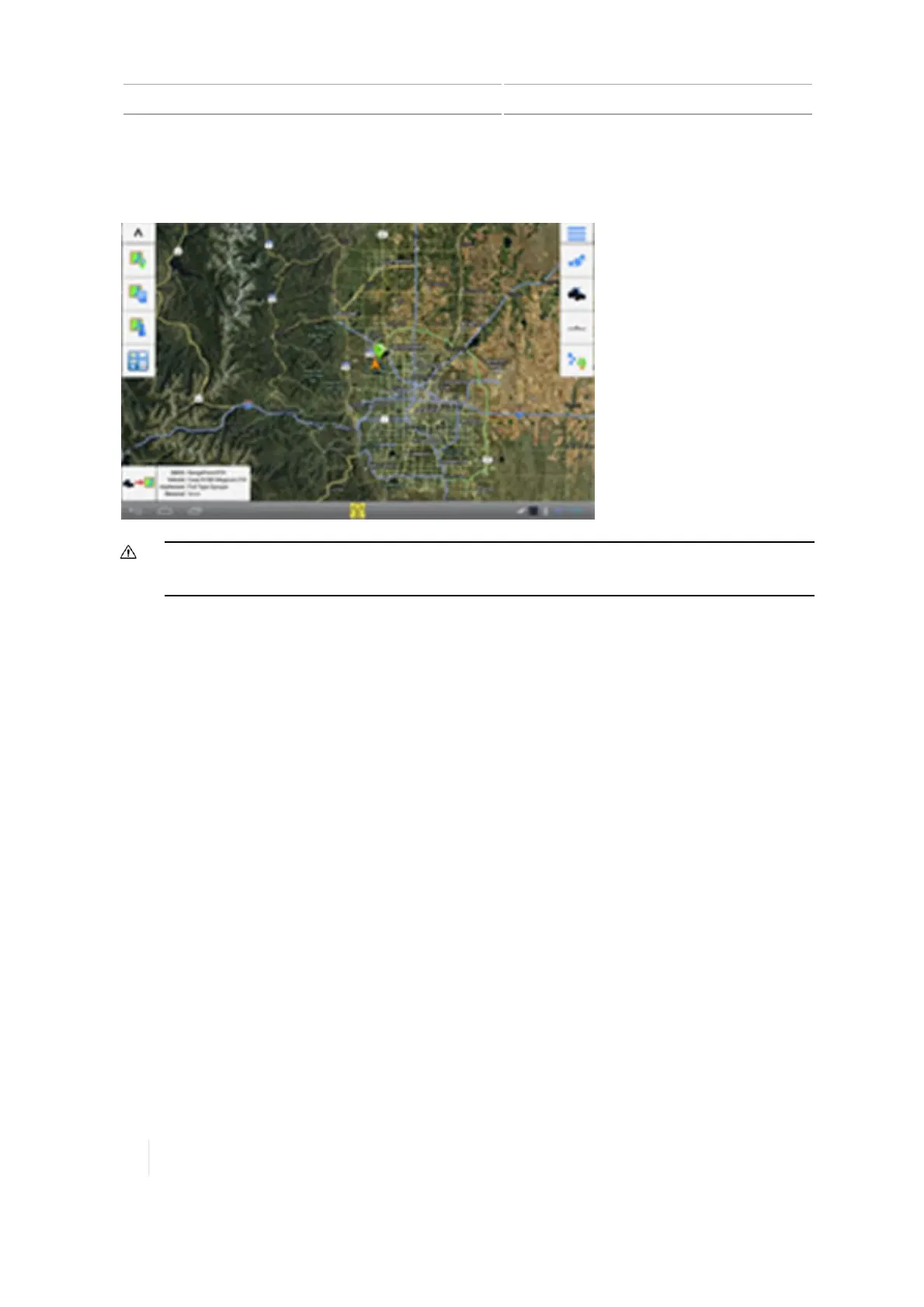
When you turn on the TMX-2050 display, the Home screen displays, showing a background of one
of the following:
l With a functioning DCM-300 modem and a GNSS/GPS fix:A satellite image of the area.
l Without a functioning DCM-300 modem: A blank screen.
At the Home screen, you can complete tasks for setup and for managing fields, including:
l Set up and select vehicles, implements and materials
l Set up GNSS
l View the Connected Farm dashboard
l Create fields
l Enter the Field Manager to edit and refine fields and guidance boundaries and patterns
l Enter the Run screen to perform field activities
Buttons on the Home screen include:
l Field management buttons - left side, 54 on the left side of the screen
l Setup buttons - right side, 55 on the right side of the screen
Field management buttons - left side
Buttons on the left side of the Home screen are for field management.
54 TMX-2050 Display User Guide Version 1.075, Revision C



 To Next Page