ISOBUS 10 Operations
l When you tap Task Controller:
l
l The TMX-2050 display can receive Task Controller information from the implement's ECU.
This enables you to control the implement's operation with the TMX-2050 display.
l You can use the Rate Control and Section Control feature on the TMX-2050 display (see
Field-IQ system operations, 270).
l
acts as an on-screen master switch button.
l When you tap Virtual Terminal, Task Controller signals are not sent to the TMX-2050 display.
To access Virtual Terminal, access the Virtual Terminal window. See Virtual Terminal operation,
284.
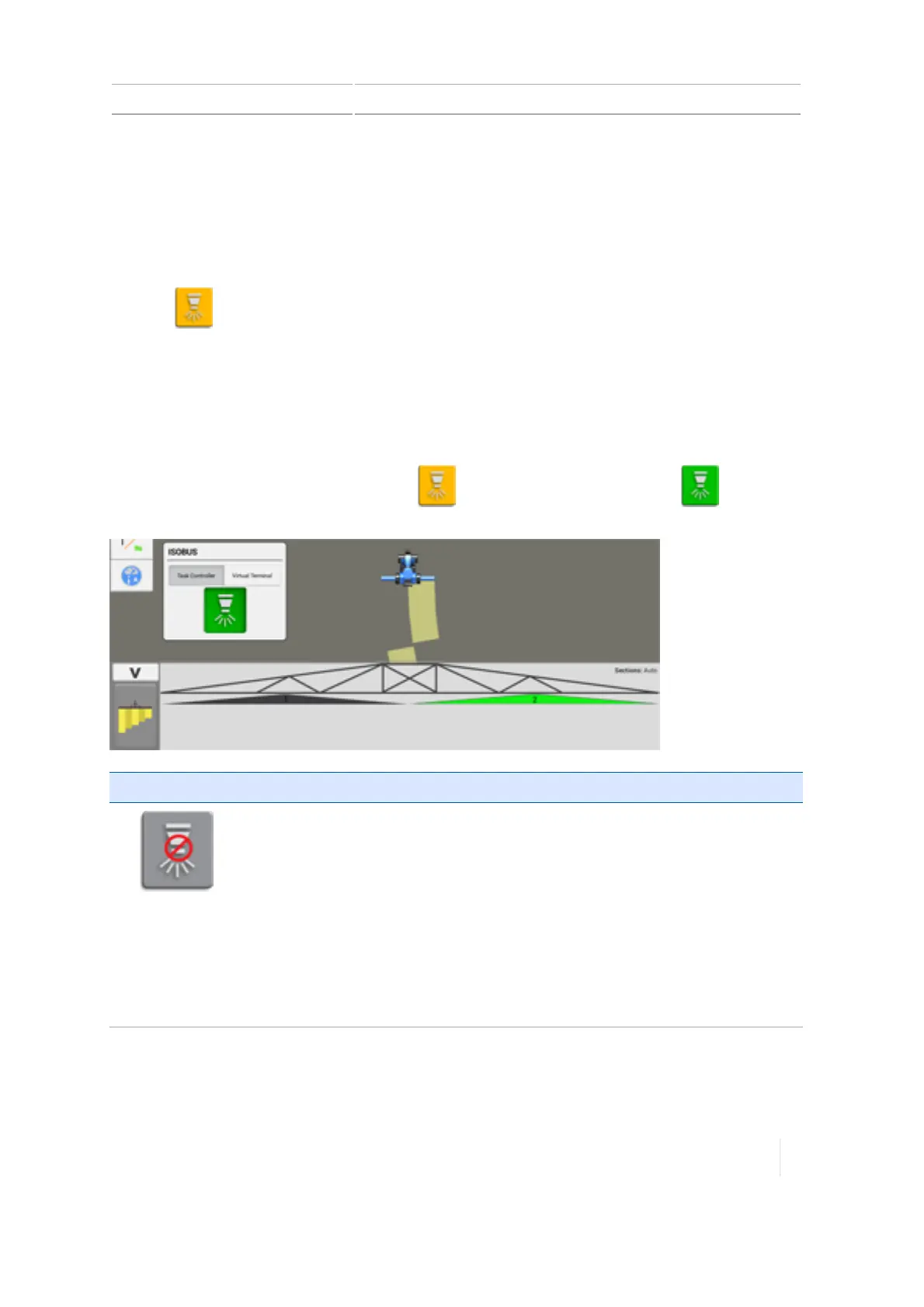
On-screen Task Controller switch
To begin operation with Task Controller, tap (yellow). The button changes to (green),
indicating the TMX-2050 display is controlling the application.
Button status Explanation
(Gray)
The TMX-2050 display is not able to start application control with theTask
Controller because of an issue with the setup. You cannot tap this button. It
is a status indicator only.
To troubleshoot, verify:
l Task Controller is on in the display settings (See ISOBUS settings, 87).
l The implement setup includes the correct ECU which has been assigned to
the channel (see ISOBUS for implements, 191).
l The implement is selected (see Select an implement, 189).
l Task Controller is selected in the ISOBUS widget.
Version 1.075, Revision C TMX-2050 Display User Guide 283



 To Next Page