Field Manager 2 Display basics
Button or Entry Box Tap to...
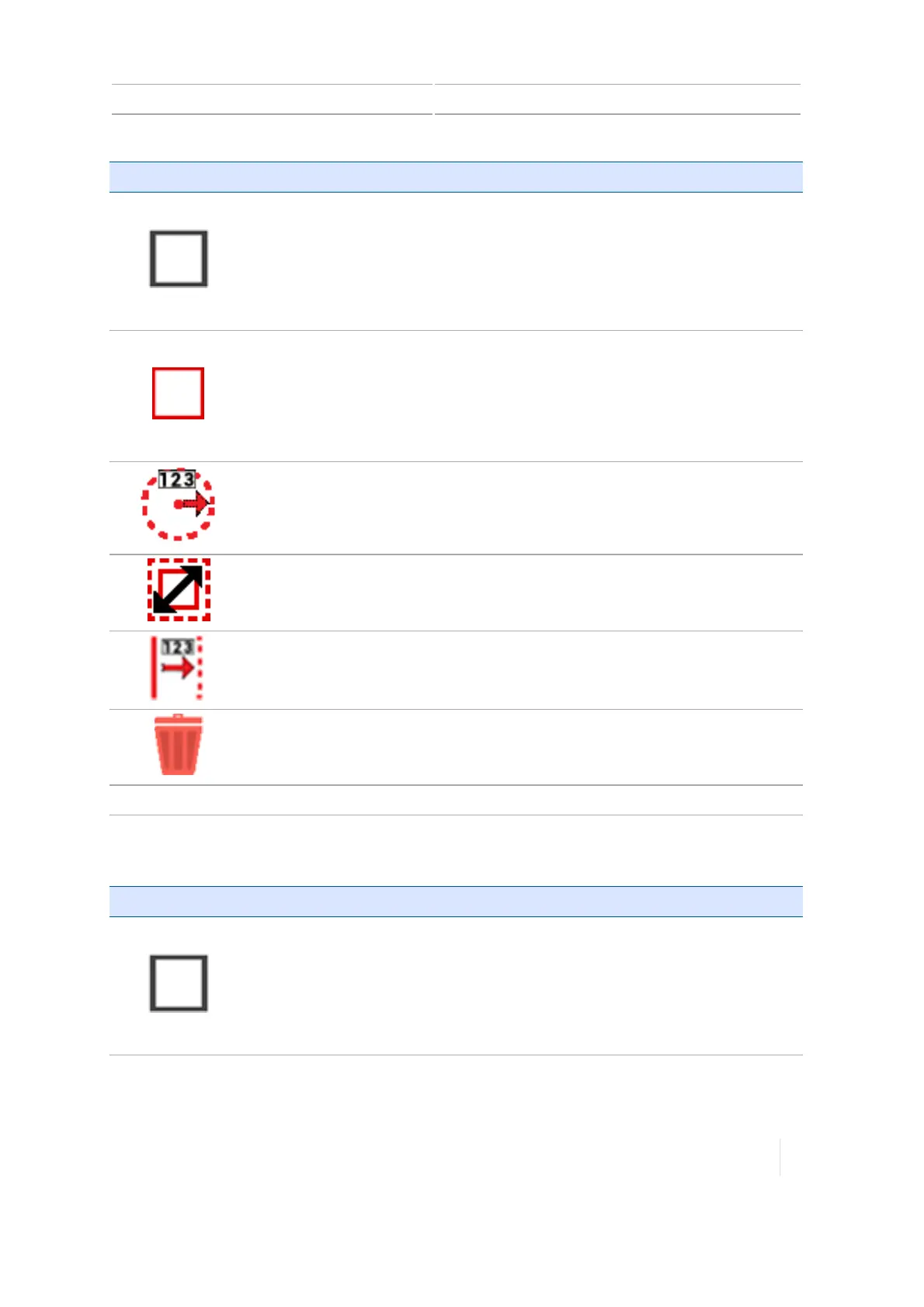
Deactivate Shape
(Black)
Deactivate a pattern (headland, boundary, pivot).
SeePattern activation/deactivation (Field Manager), 259.
Activate Shape
(Red)
Activate a pattern (headland, boundary, pivot).
For more information, seePattern activation/deactivation (Field Manager),
259.
Adjust the radius of a pivot shape.
For more information, see Guidance pattern editing (Field Manager), 259.
Resize a shape other than a pivot shape.
See Guidance pattern editing (Field Manager), 259.
Shift a line.
See Guidance pattern editing (Field Manager), 259.
Delete a selected line or pattern.
Name of Pattern Change the name of the line or pattern.
Boundary buttons
Button or Entry Box Tap to...
Deactivate Shape
(Black)
Deactivate a pattern (headland, boundary, pivot).
SeePattern activation/deactivation (Field Manager), 259.
Version 1.075, Revision C TMX-2050 Display User Guide 63



 To Next Page