Data transfer 2 Display basics
Feature Description Requirements and
Restrictions
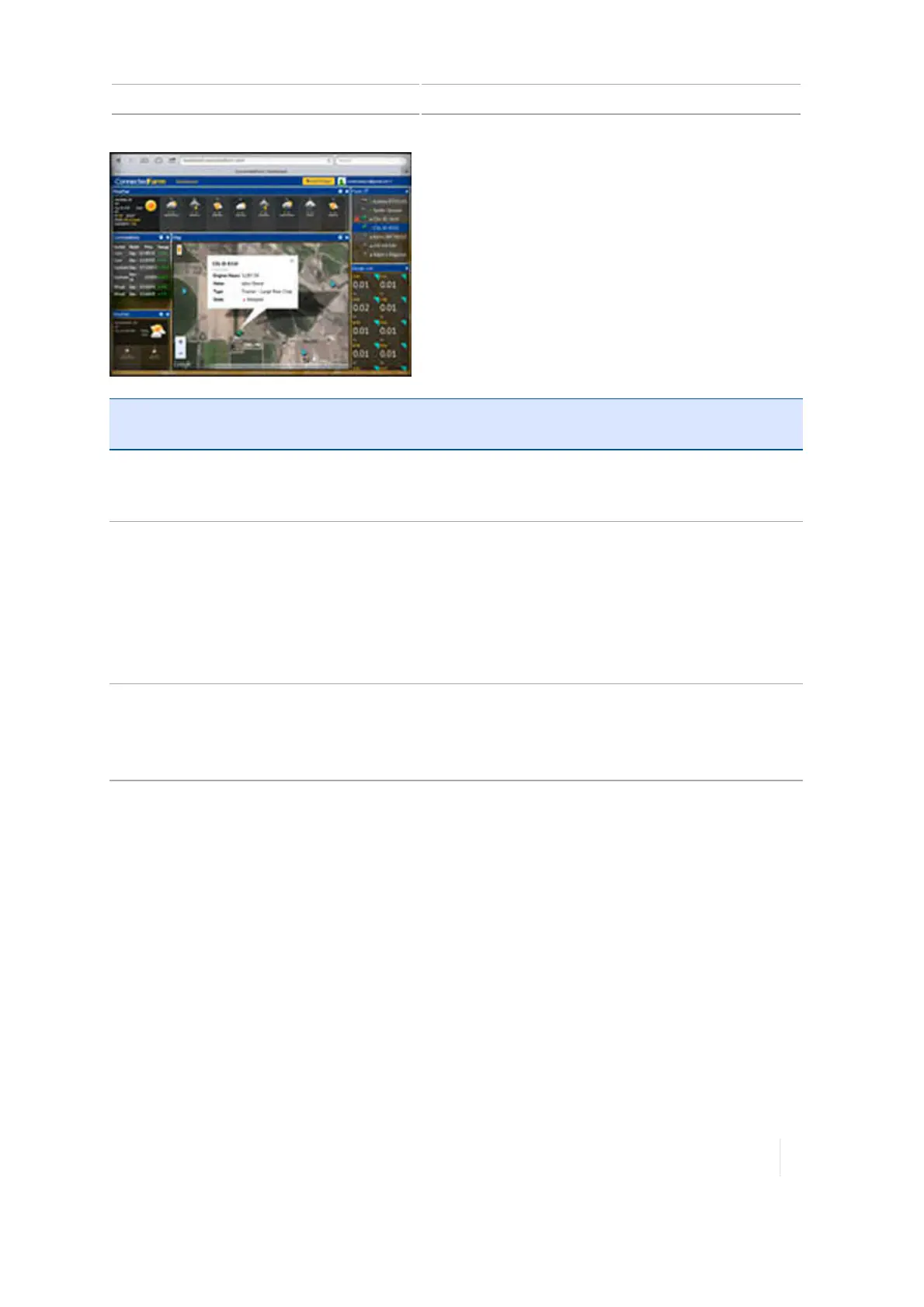
Rainfall Check rainfall totals for a location for the past 24
hours without the use of physical rain gauges.
Updates every 10 minutes.
Requires subscription to
RainWave.
Weather
l Add a single or multiple locations to view
current temperature, wind speed, wind
direction, humidity, and chance of
precipitation.
l View the weather forecast for each location.
l Set up a Doppler radar map to show
upcoming weather patterns.
Doppler radar map available
in the United States and
Canada only
Commodities
l Create your own commodity list and
rearrange it to your preference.
l View the previous day’s closing price for
each commodity.
US only
Data transfer
You can transfer data:
l Using a USBdrive
l Wirelessly with Office Sync
l To another display
USBupgrades
To upgrade firmware with a USBdrive, follow the next steps.
Version 1.075, Revision C TMX-2050 Display User Guide 67



 To Next Page