Main menu 2 Display basics
Main menu
Tap on the Home and Run screens and on the notification list to access the main menu. A
panel of buttons displays that you can tap to access the following areas.
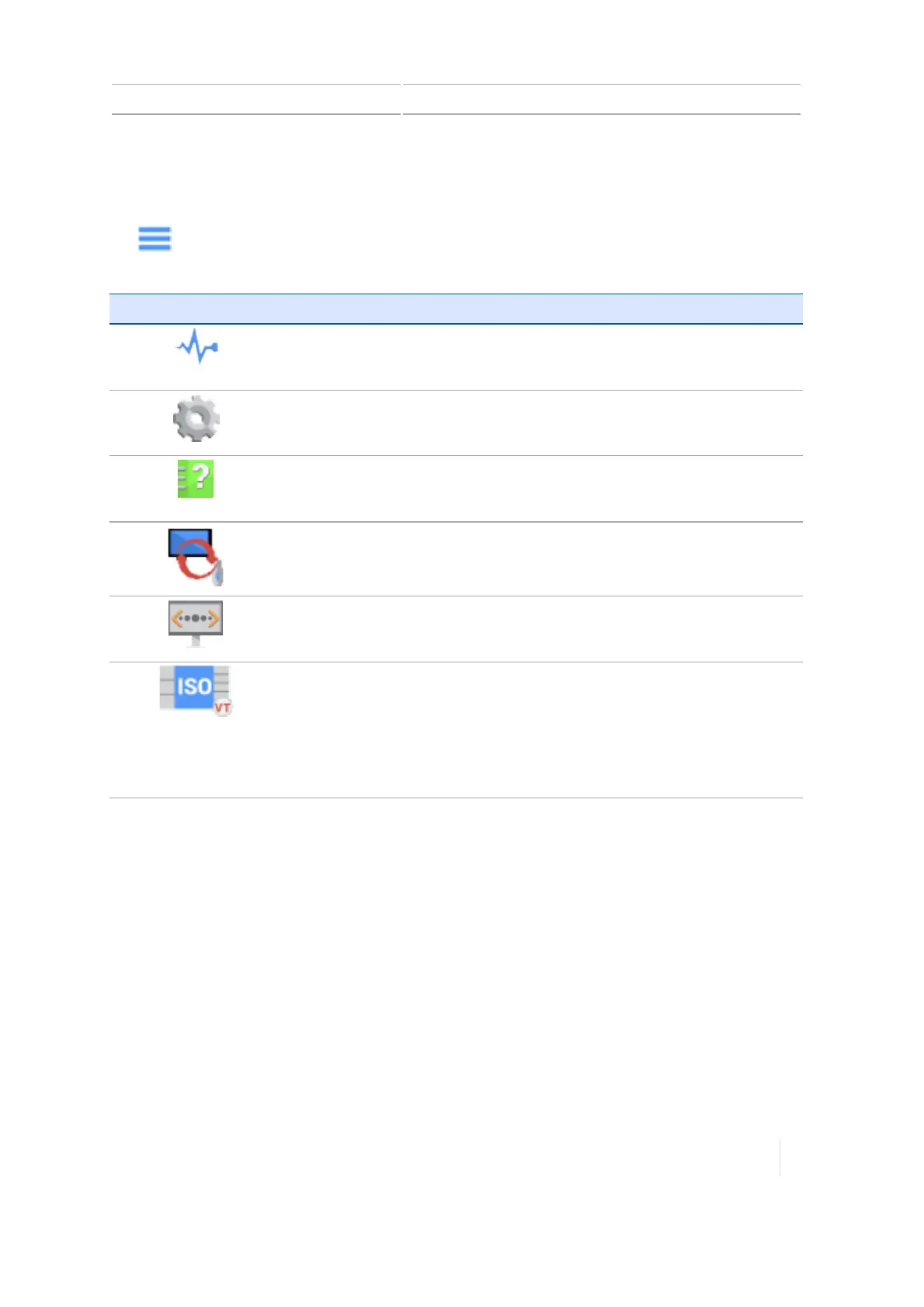
Button Tap to...
Display the Diagnostics screen.
See Diagnostics, 294.
Open the display settings screen.
See System information, 92.
Display the User Guide.
See Getting help, 41.
Display the Data Transfer panel.
See Data transfer, 67.
Open the Remote Assistant.
See Remote Assistant, 325.
Open the Virtual Terminal to set up ISO-certified equipment for Task
Controller.
This button does not display on the main menu unless you have turned
on Virtual Terminal in Settings (see ISOBUS settings, 87).
See Equipment setup, 195.
Version 1.075, Revision C TMX-2050 Display User Guide 53



 To Next Page