2 Display basics Common controls
Adjusters
With adjusters, you can select a value from an available range.
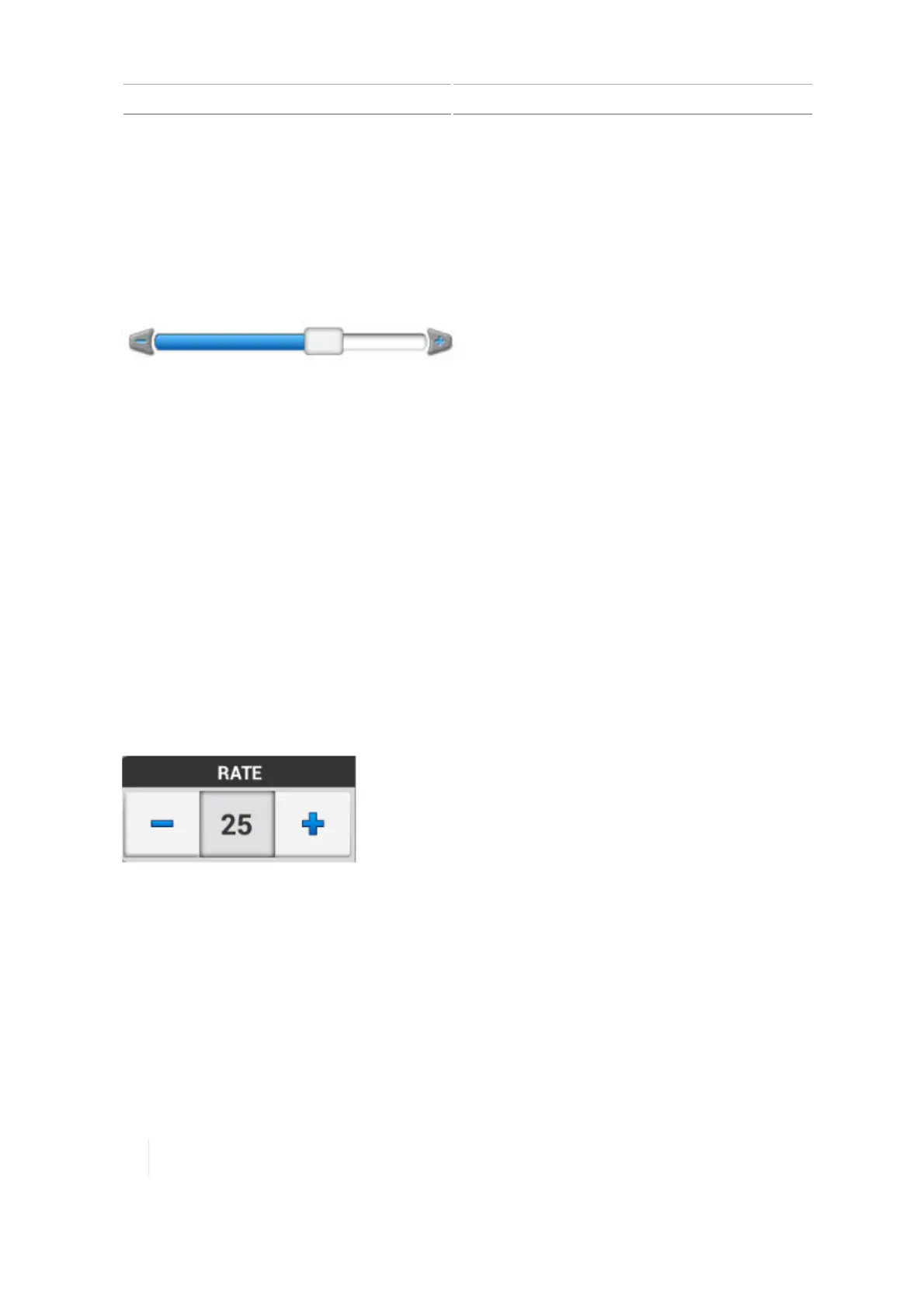
Example: Slider bars
The pointer (rectangular button on the slider bar) indicates the value.
To use the slider bar, you can:
l Change the value by increments - Tap on the plus/minus signs at each end of the slider bar, in
the direction that you want to move the pointer.
l Move to a value:
a. Touch the pointer on the slider bar.
b. Move the pointer toward the minus or plus sign.
c. Remove your finger when you are satisfied with the position of the pointer.
l Enter an exact number - If the screen also has a button showing the value, tap it. Then use the
on-screen number pad to enter the number.
Example: Increase/decrease adjusters
Adjusters with plus and minus buttons enable you to increase or decrease the number by tapping
the plus/minus buttons. You can also tap on the number and enter the number using the on-screen
keyboard/number pad.
Setup panels
Panels display so that you can setup or configure items. Panels include a set of controls specifically
for that setup or configuration.
46 TMX-2050 Display User Guide Version 1.075, Revision C



 To Next Page