10 Operations Layers
4.
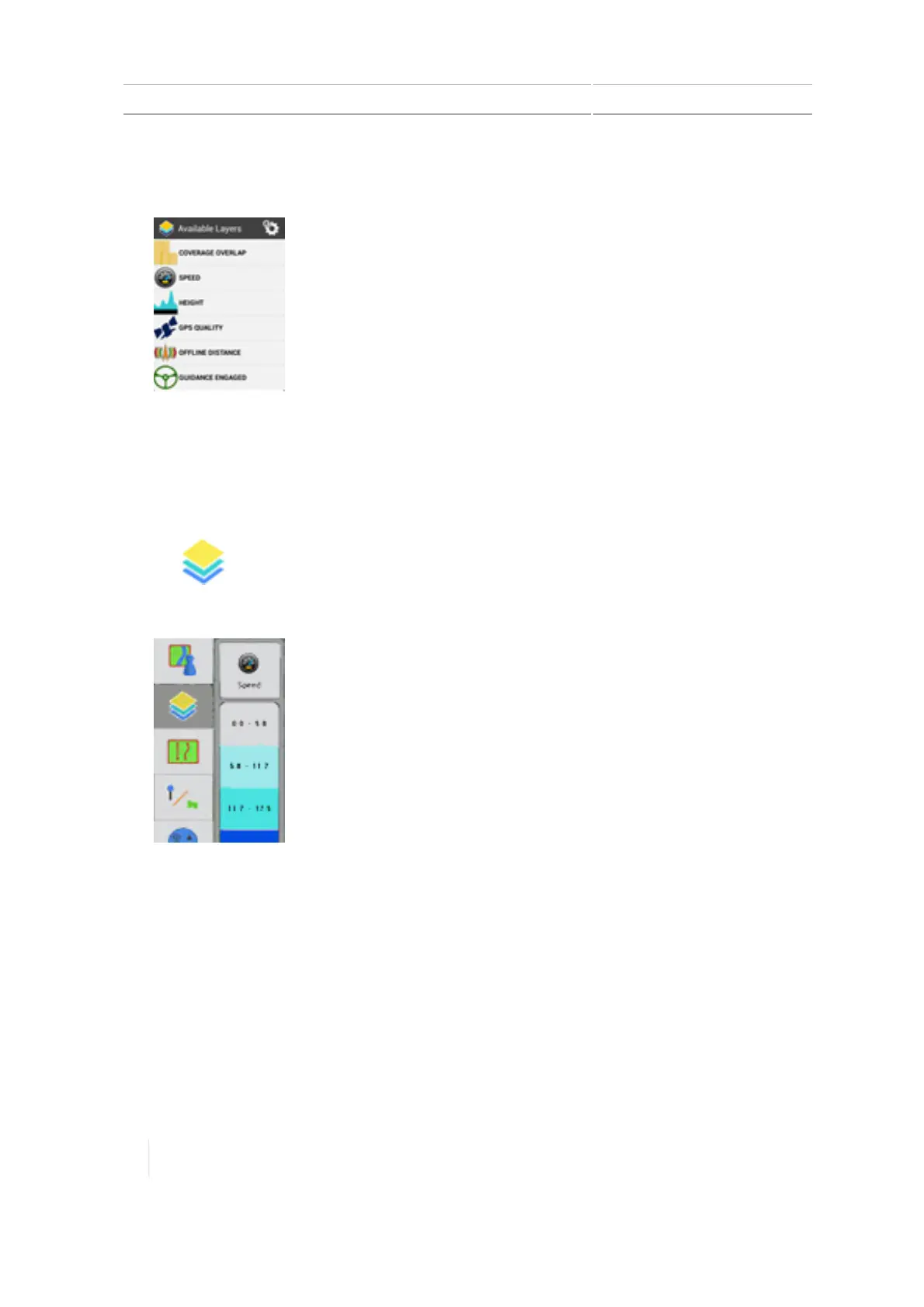
To change the type of layer, tap the current layer button (at the top). The list of Available Layers
displays.
5. Tap the layer you want to see on screen.
Edit a coverage layer
To edit a coverage layer:
1.
Tap .
2.
The current layer being shown slides out to the right.
3.
Tap the current layer button (at the top). The list of Available Layers displays.
268 TMX-2050 Display User Guide Version 1.075, Revision C



 To Next Page